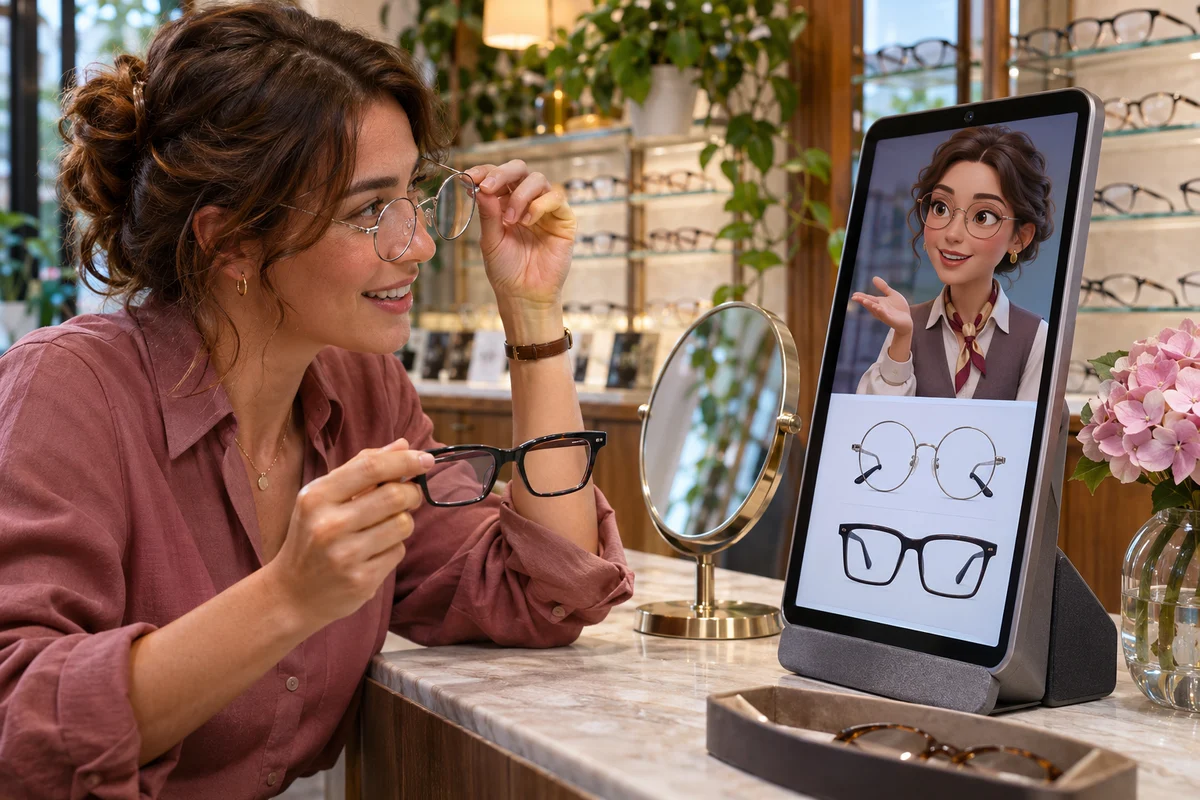
Optical shop
“What’s the difference between these frames?”
The digital adviser shows details of each model and compares their features using the shop’s catalogue.

ANIVATAR / APPLICATIONS
Advises customers. Supports employees. Draws people into a story. Discover what an AI avatar could do in your field.
Find your application Or start with a goalFrom information to action, within the knowledge, integrations and permissions we define together.
YOU DO NOT HAVE TO START WITH AN INDUSTRY
Choose a goal. Explore specific situations where an avatar could help, and what it takes to make the idea work.
Go beyond ordinary questions and answers. Explore roles in which a character, conversation and action create a real experience.
05 / IDEAS TO EXPLOREHelp us prioritise applications in a short questionnaire for organisations, without contact details.
Explore the questionnaires01 / Guests and customers
From a question at reception to choosing a product, AI helps people take the next step and hands matters that need a person to the team.
“What’s the difference between these frames?”
The digital adviser shows details of each model and compares their features using the shop’s catalogue.
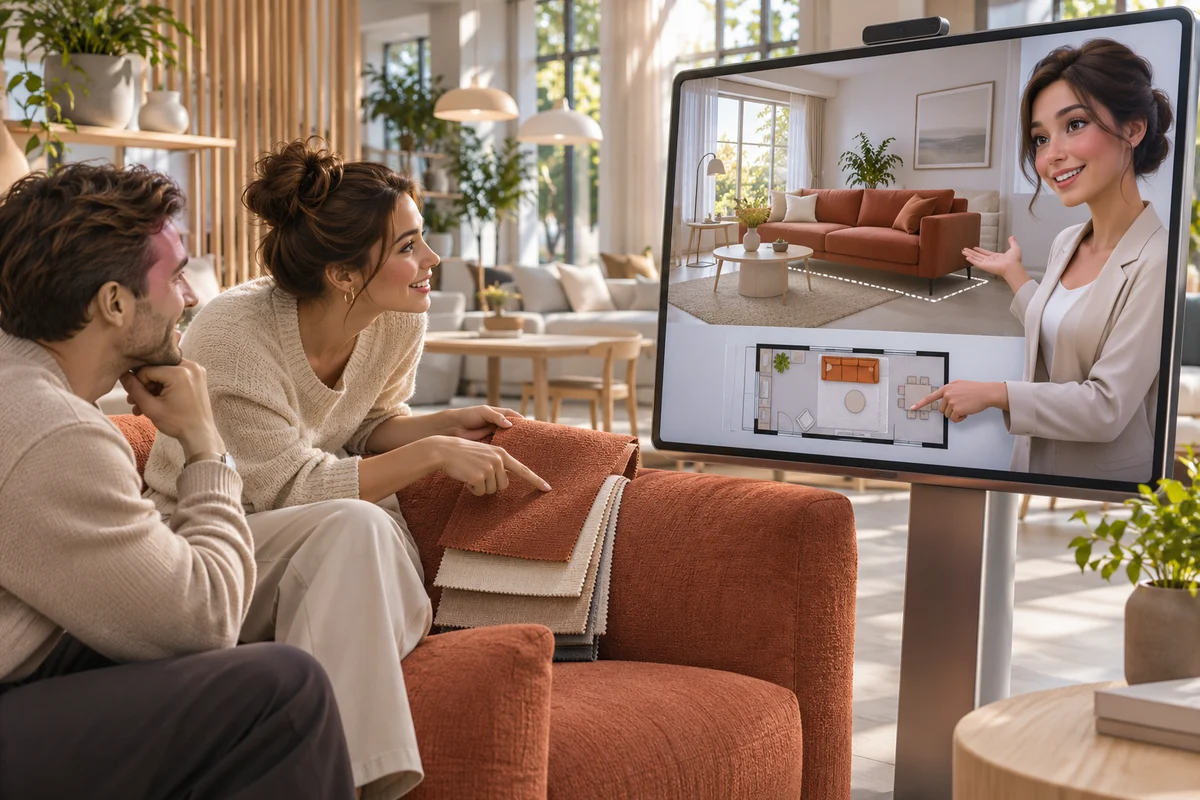
“How would this sofa look in our living room?”
The character switches fabric colours in the room preview and shows the chosen model’s dimensions on the floor plan.
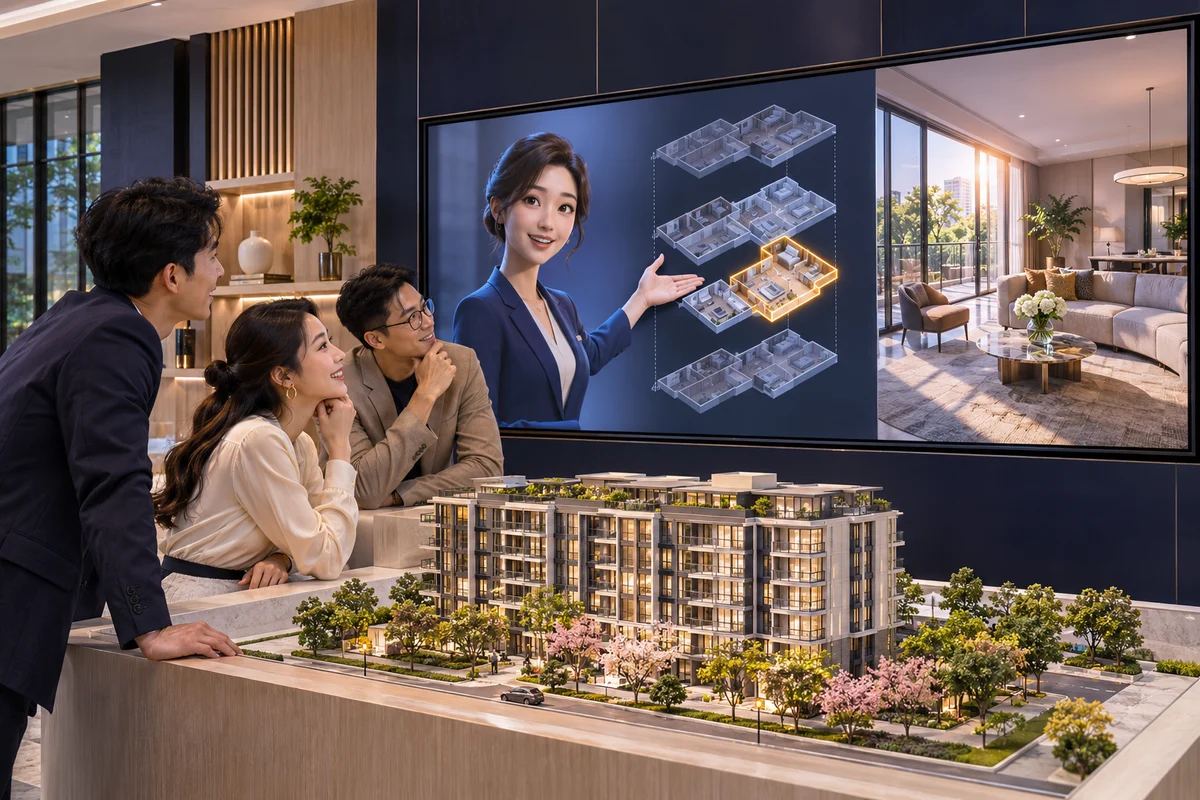
“Which rooms face west?”
The guide finds the unit on the plan and shows how the rooms are arranged and which way their windows face.
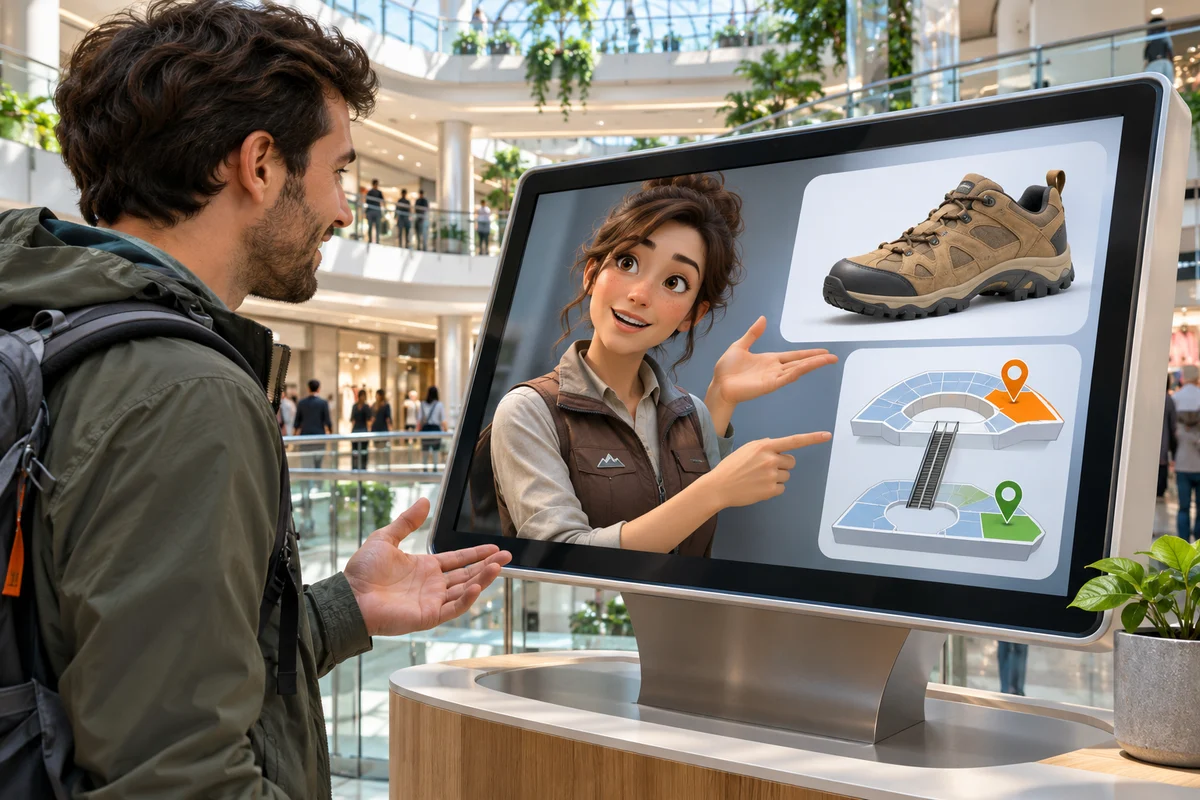
“Which shop has these shoes in my size?”
If shops share stock data, the avatar shows matching options and pinpoints them on the shopping centre map.
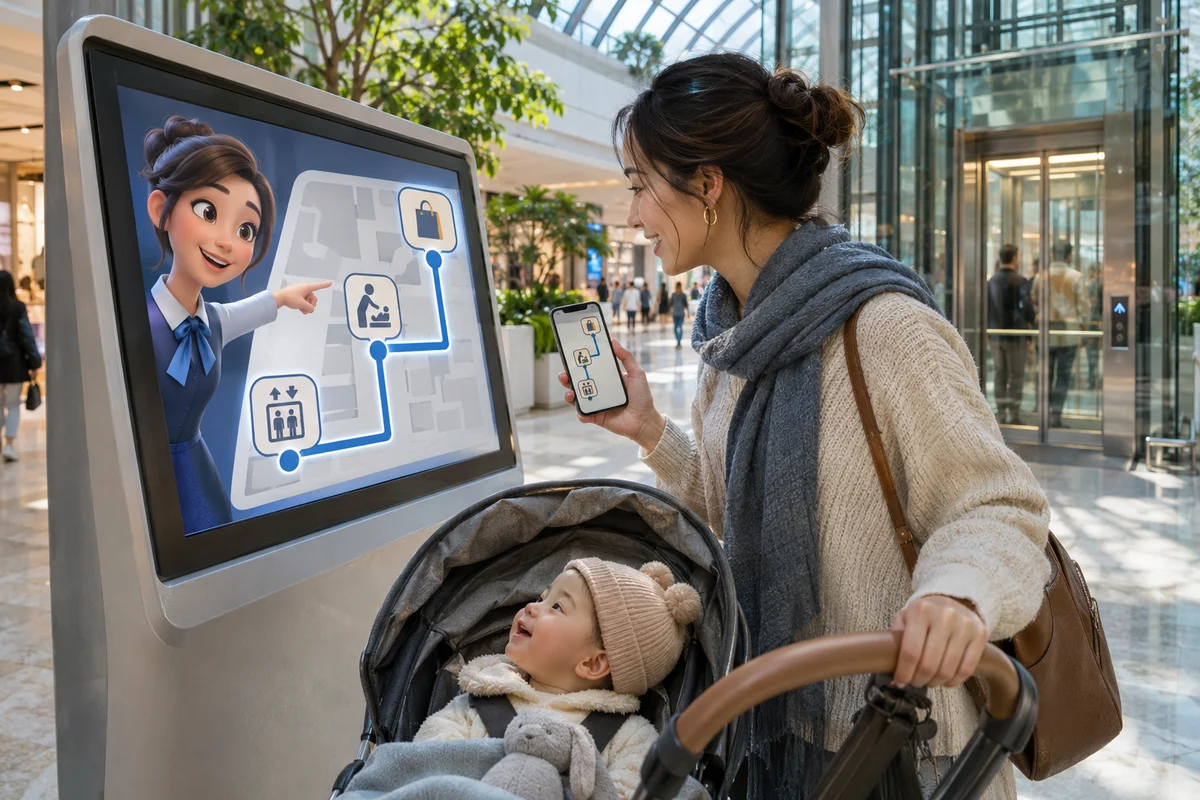
“Can you show a route for a pushchair via the family room?”
The character maps a route through the lift and family room. The visitor can open the same route on a phone.
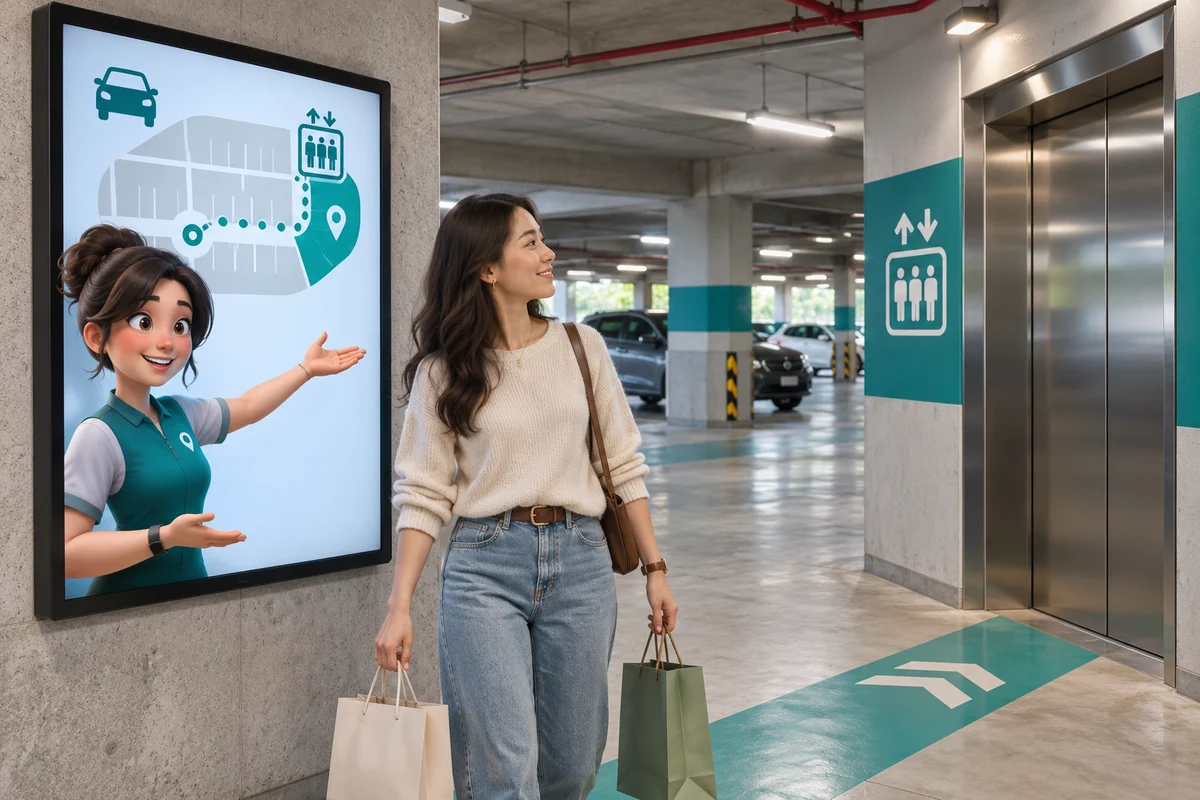
“How do I get back to sector C in the car park?”
After the visitor enters a sector, the avatar uses the car park map to show the right level and route to the lift.
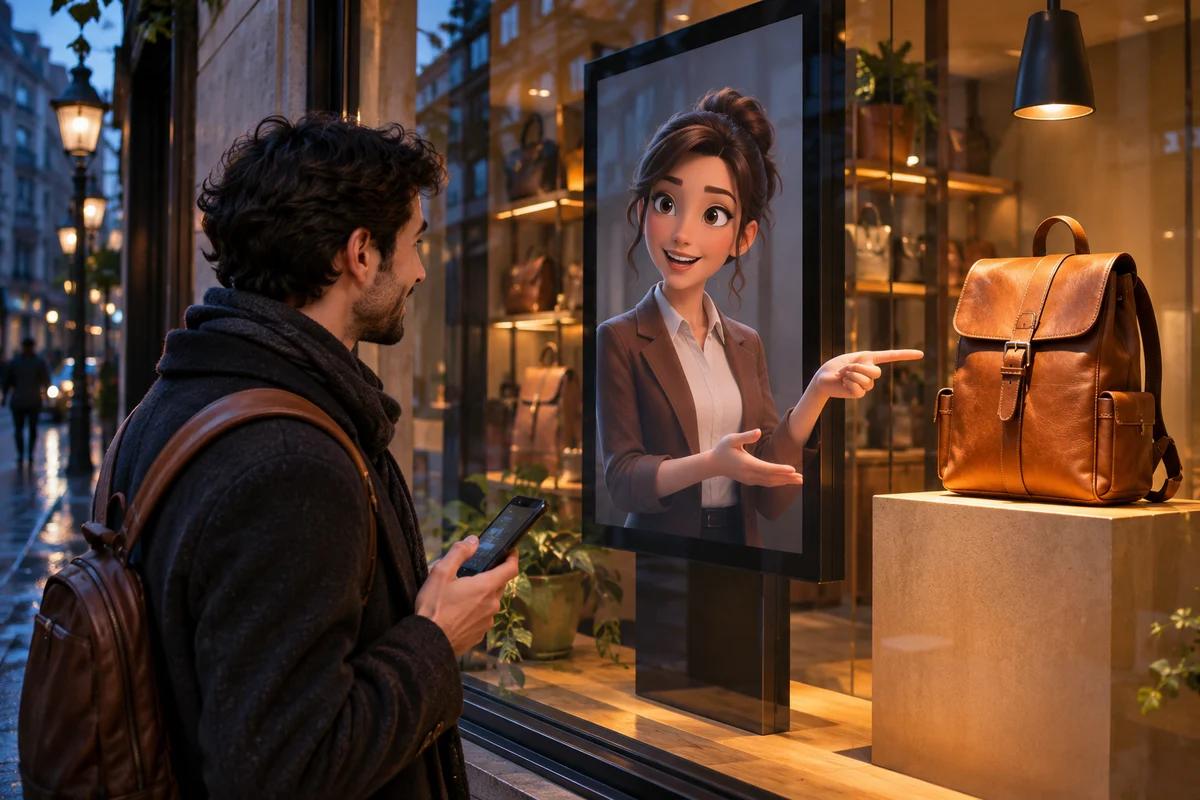
“Can I see the other versions of that backpack?”
The passer-by starts from a phone. The window character points to the product, shows catalogue variants and shares opening hours.
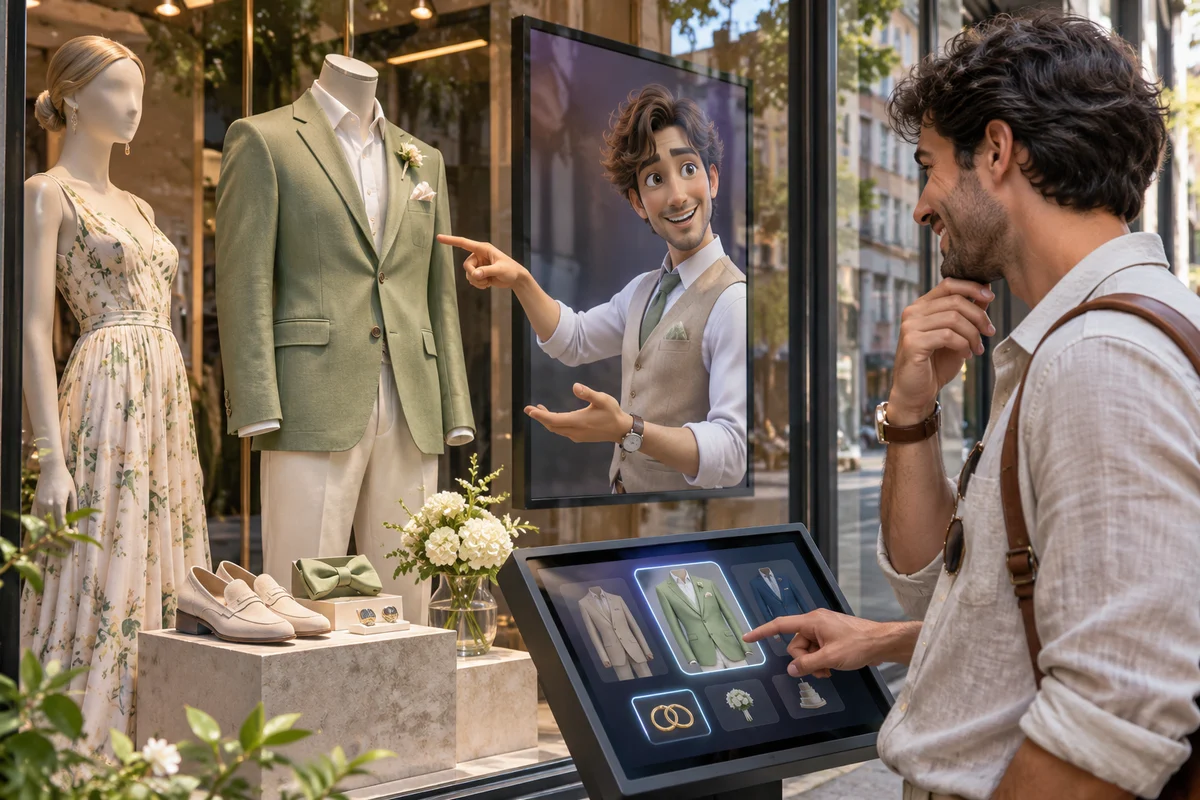
“Which outfit in the window works for a summer wedding?”
The avatar shows a combination from the collection, while the display lighting highlights the selected clothes on a mannequin.
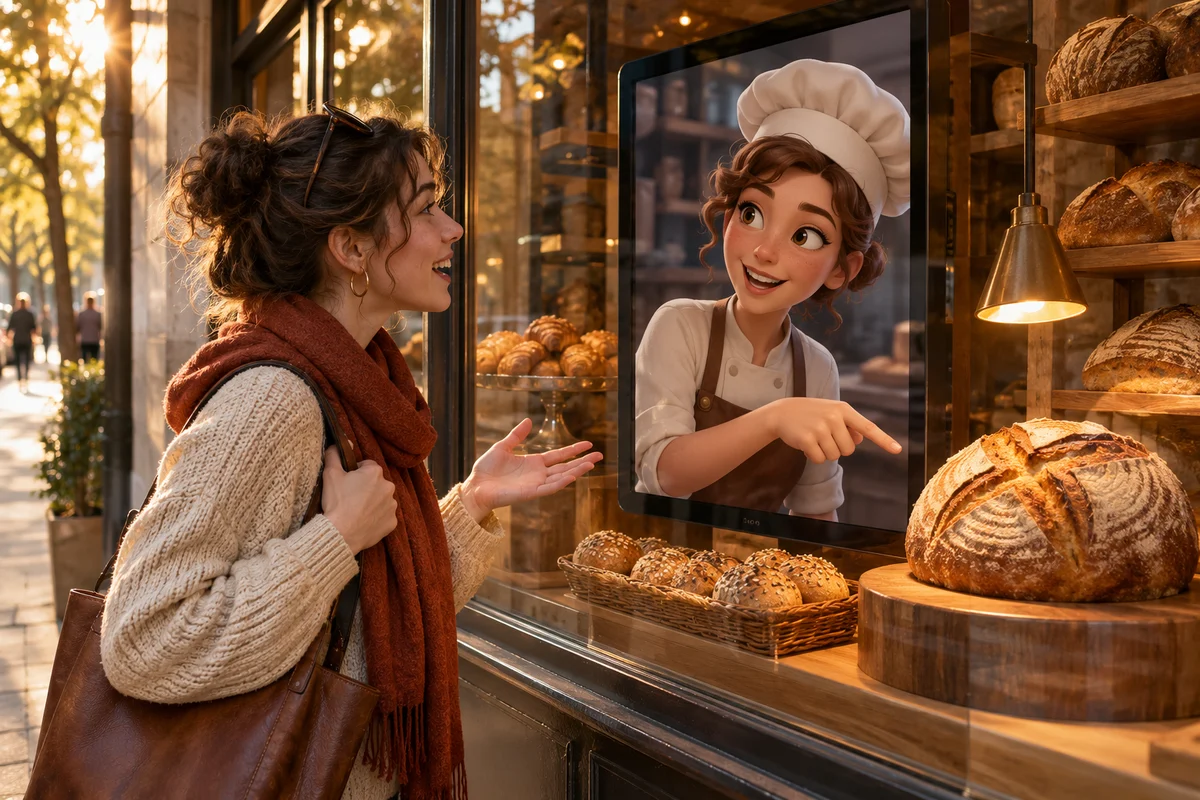
“Which loaf is from the latest batch?”
The digital baker uses the staff’s current list to point out the requested loaf in the display.
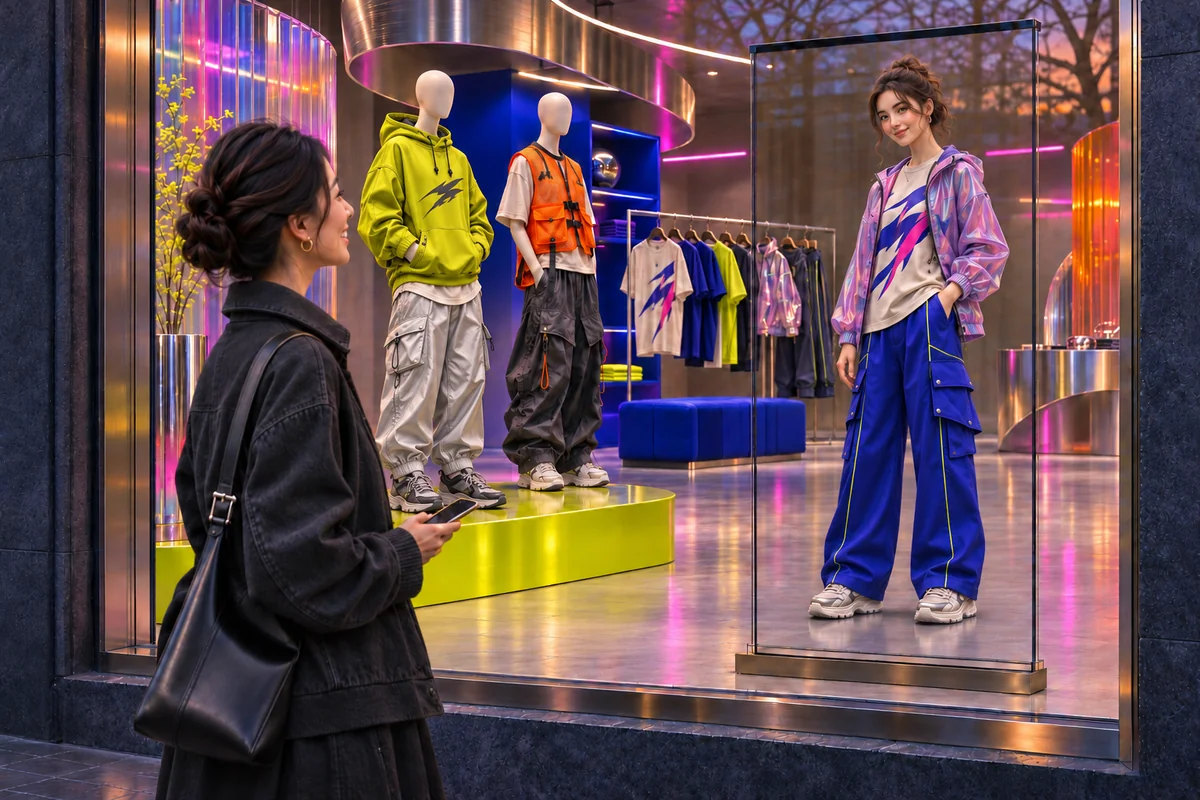
“How would that jacket look with wider trousers?”
On a transparent display in the shop window, an avatar models clothes from the collection. It talks to passers-by in real time and changes outfits or shows another colour on request. It can explain the cut and fabric and, when connected to the shop’s catalogue, check which sizes are available.
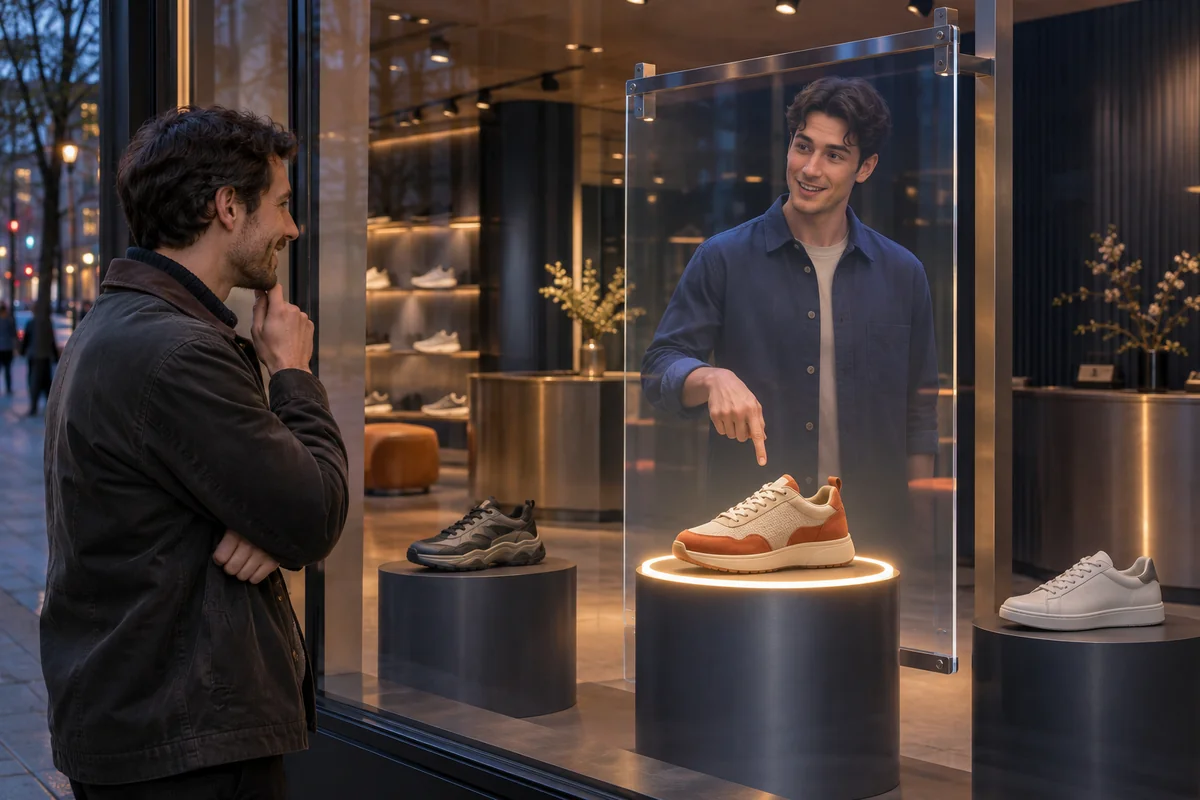
“Which of these shoes has more room for my toes?”
The avatar compares the models in the shop’s catalogue and explains which one has a wider toe box. As it points to the shoe, a light built into the physical display stand switches on.
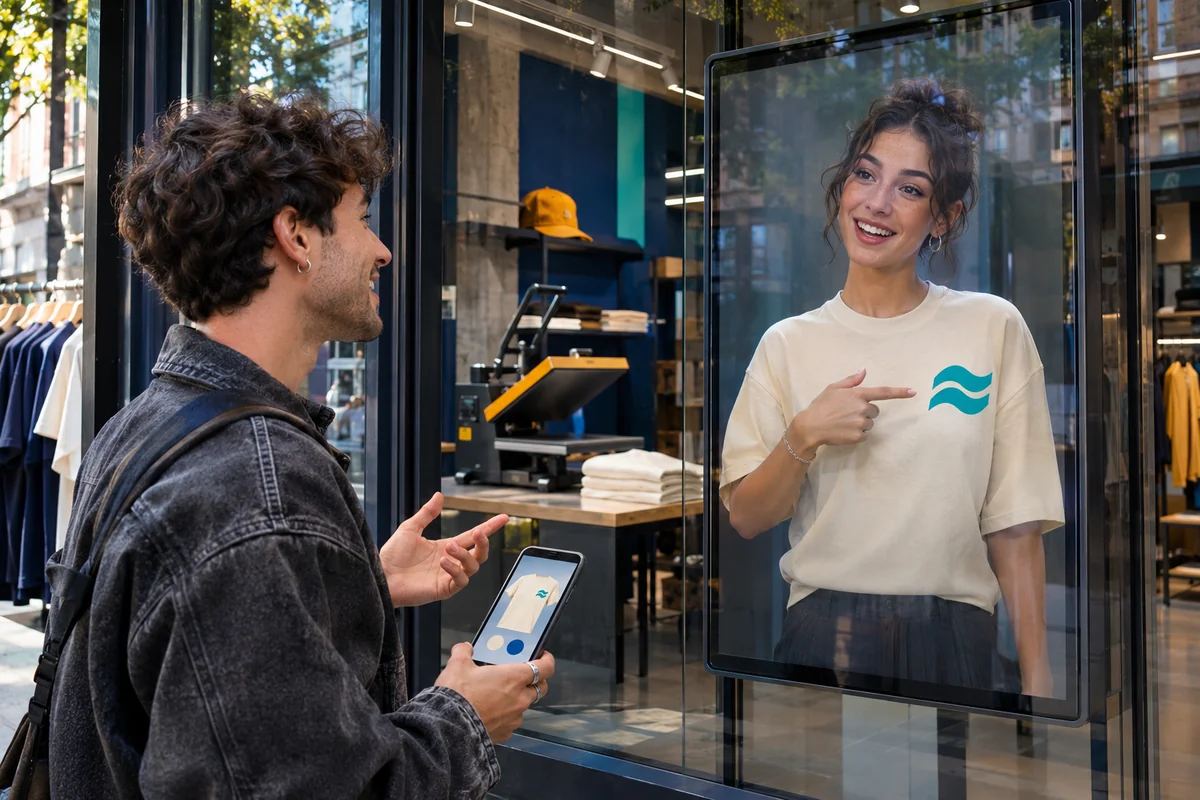
“Could you make that print smaller, in turquoise, on the left?”
The customer chooses a design from the brand’s collection and tells the avatar what to change. The avatar shows the result on its own T-shirt. The customer can open the design on their phone and approve it for printing at the shop’s customisation station.
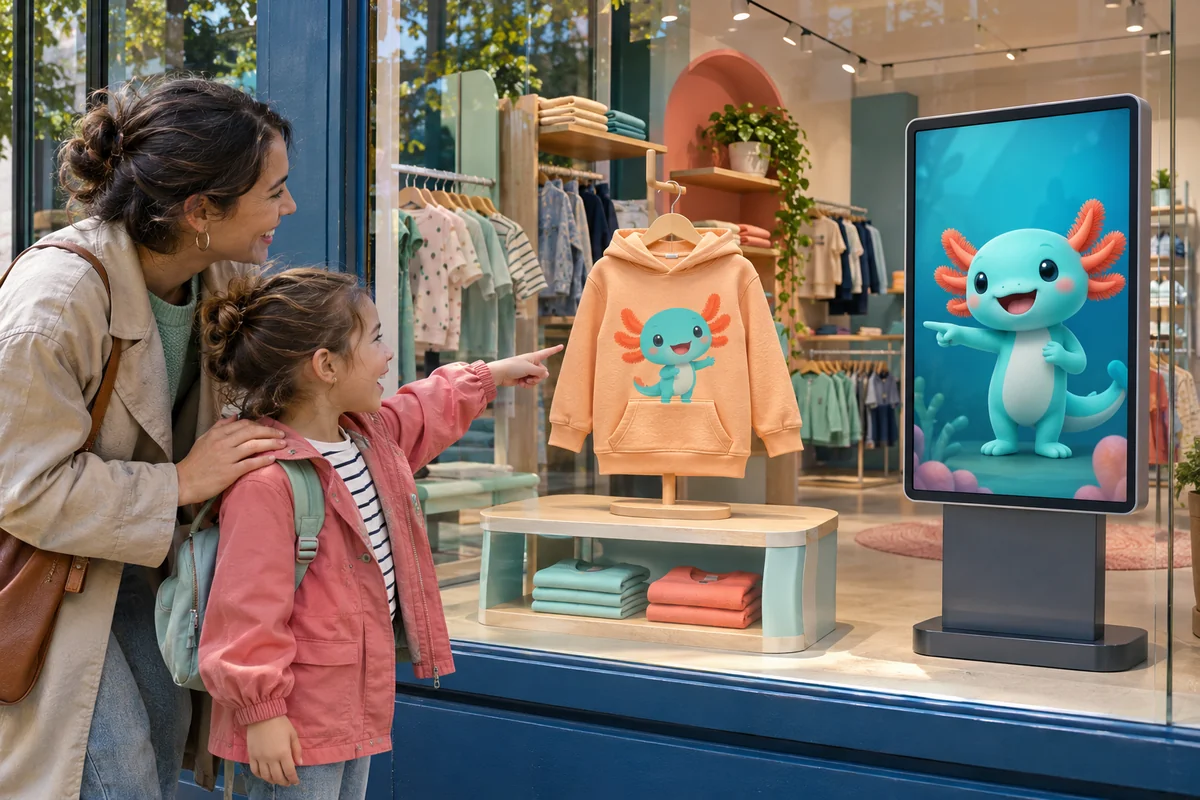
“Where’s the hoodie with you on it?”
The axolotl from the print appears on the shop-window display. It starts a quick spot-the-detail game and responds to the child’s answers. When asked about the hoodie, the mascot points to the real garment next to the screen.
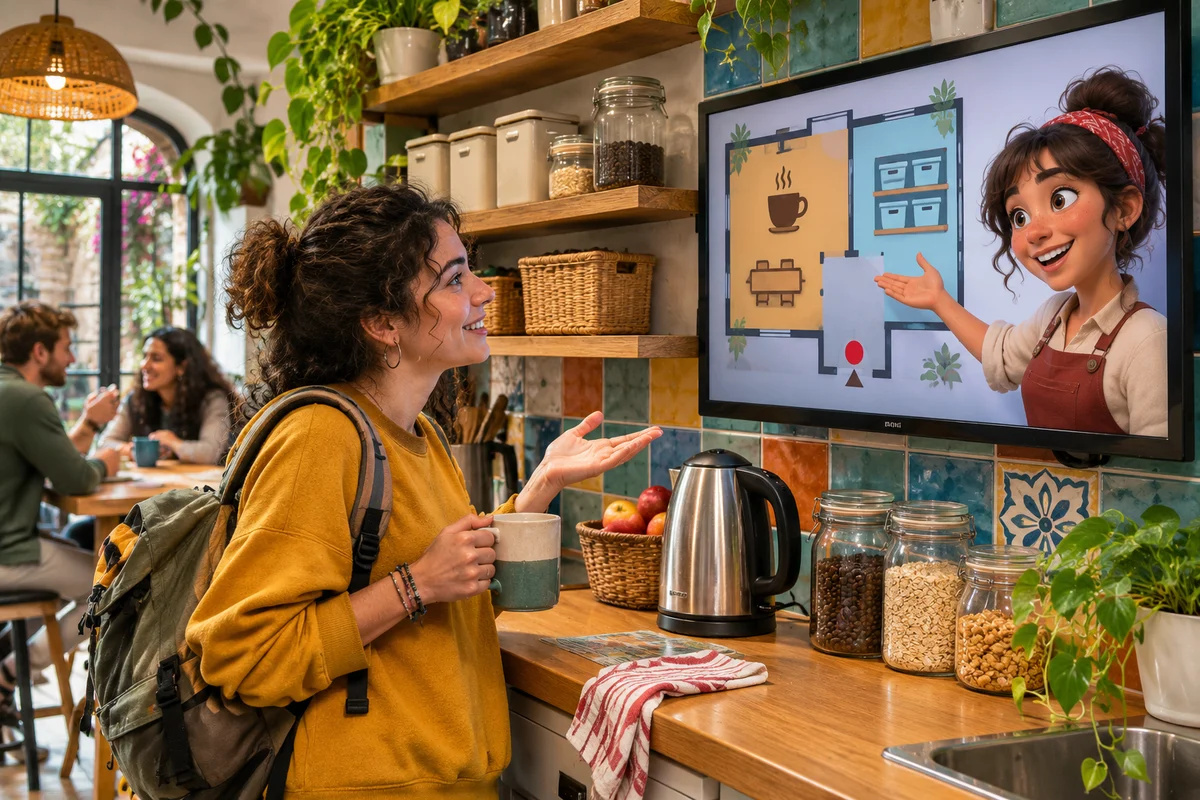
“Where can I make coffee and store my food?”
The avatar points out the shared kitchen zones and explains how to label food in the guest’s language.
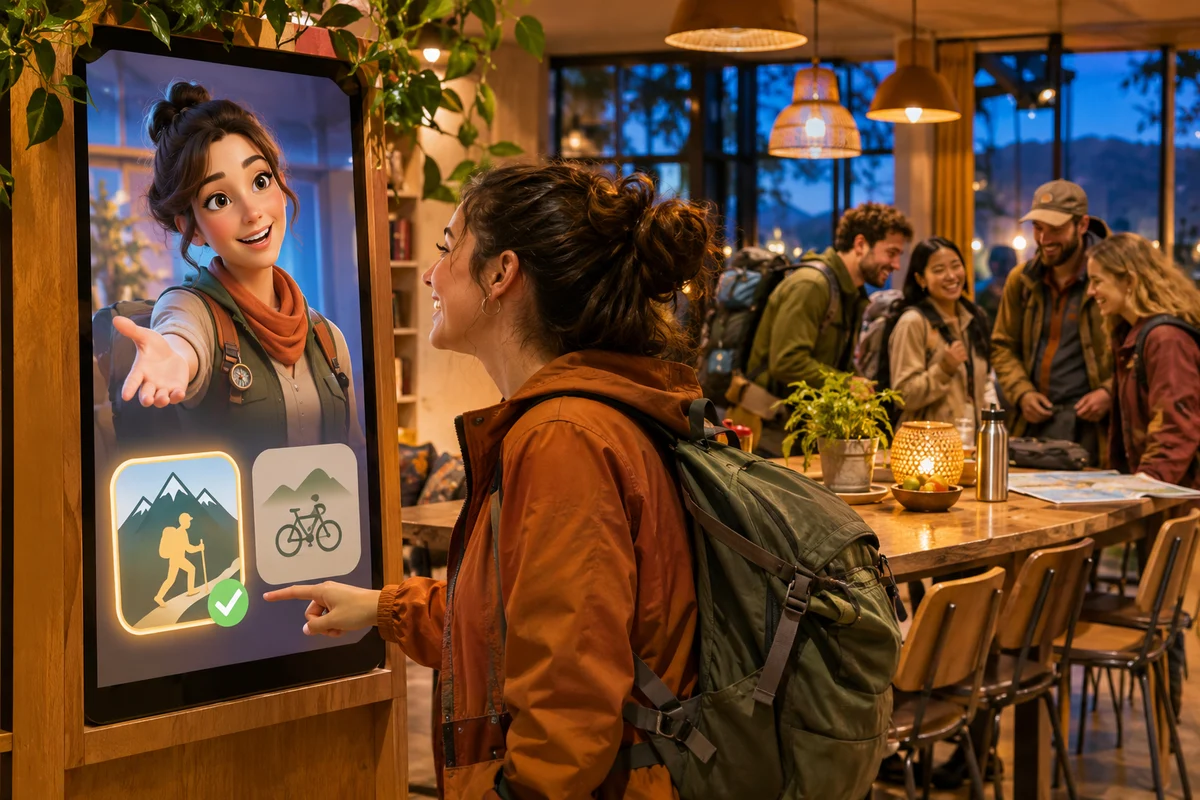
“Is the hostel organising a group outing tonight?”
The character shows events from the hostel calendar and helps guests join when the organiser has enabled sign-ups.
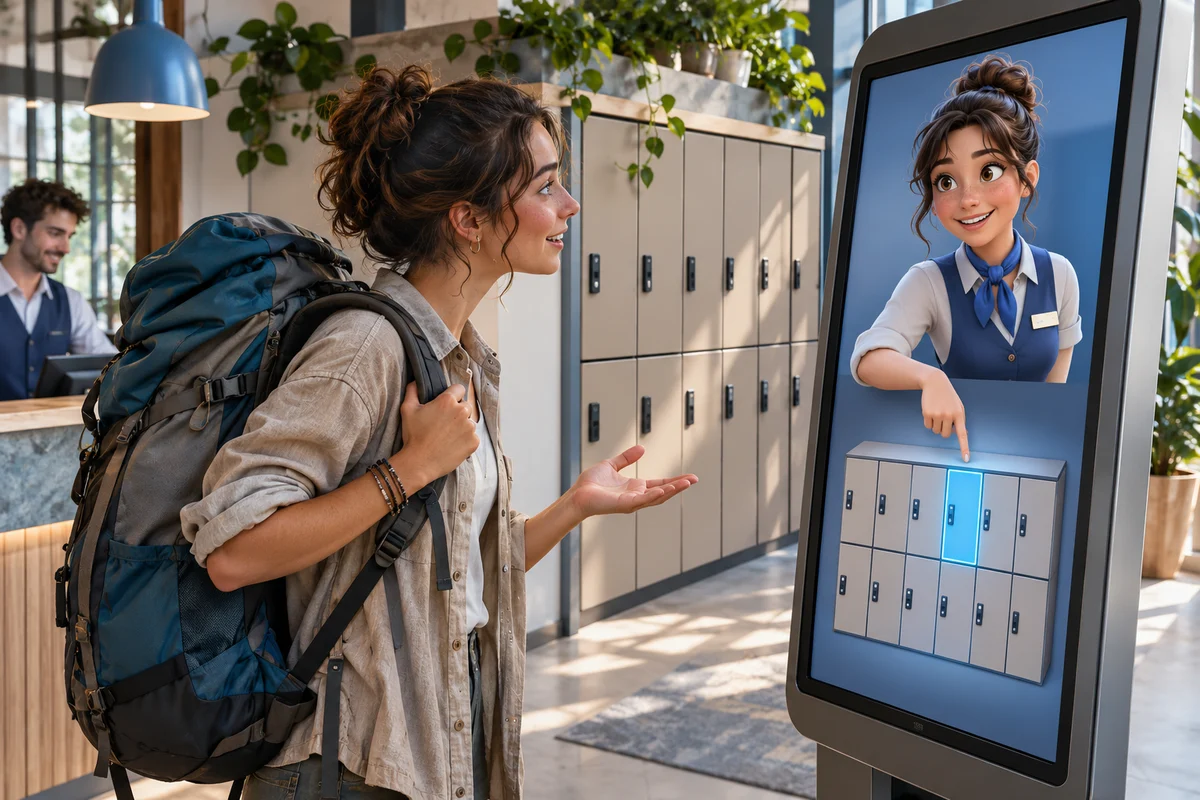
“Where can I leave my backpack after checking out?”
The avatar explains the hostel’s storage rules and collection hours, then points the guest to the lockers.
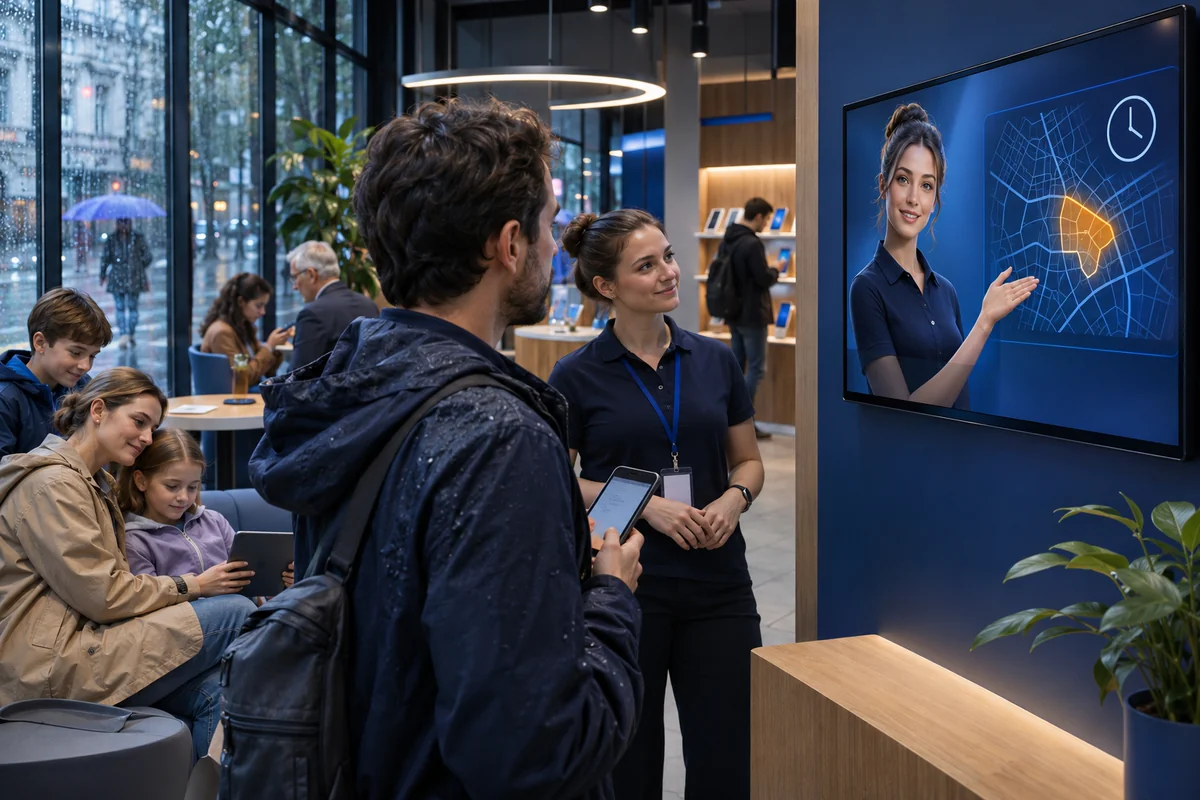
“Could my internet problem be linked to an outage in the area?”
When the operator confirms an outage, the avatar shows the area and the time of the last update. Customers elsewhere are directed to individual diagnostics.
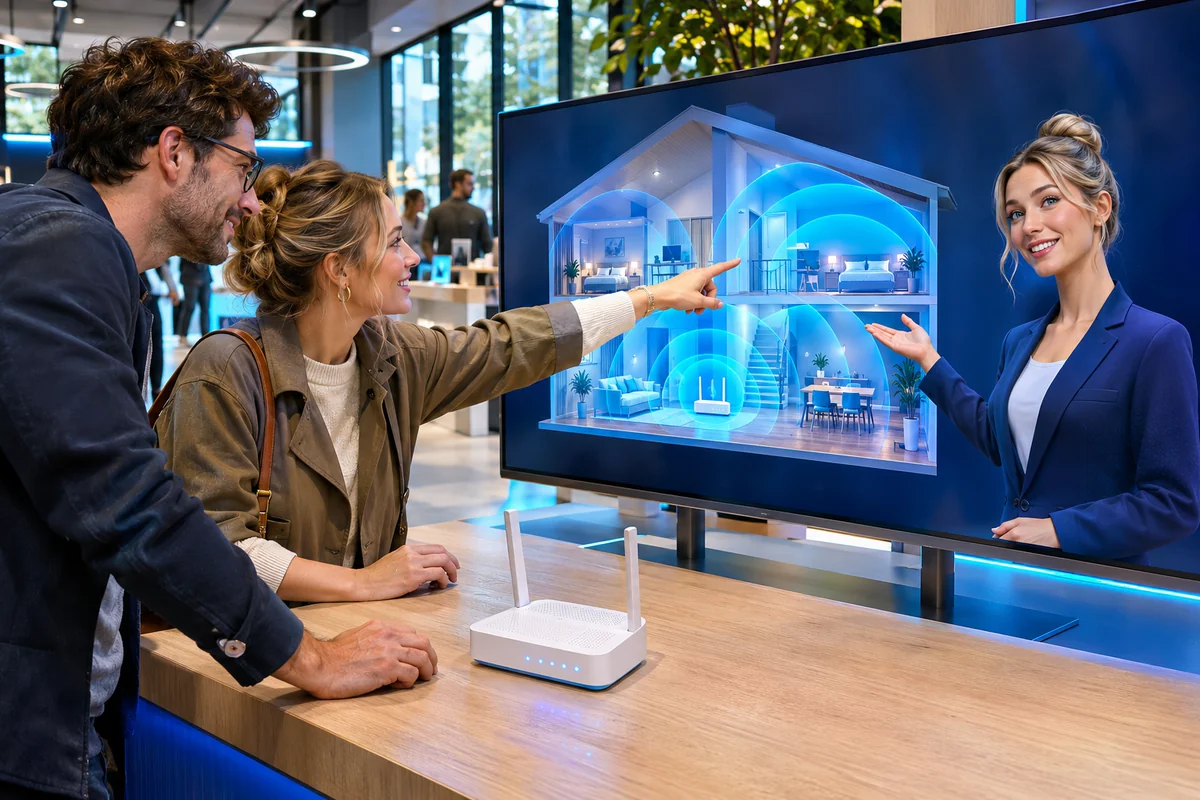
“Why does Wi-Fi work downstairs but not reach the bedroom?”
On a model home, the avatar shows how walls and floors can affect the signal. The customer compares two placements and a staff member helps them choose.
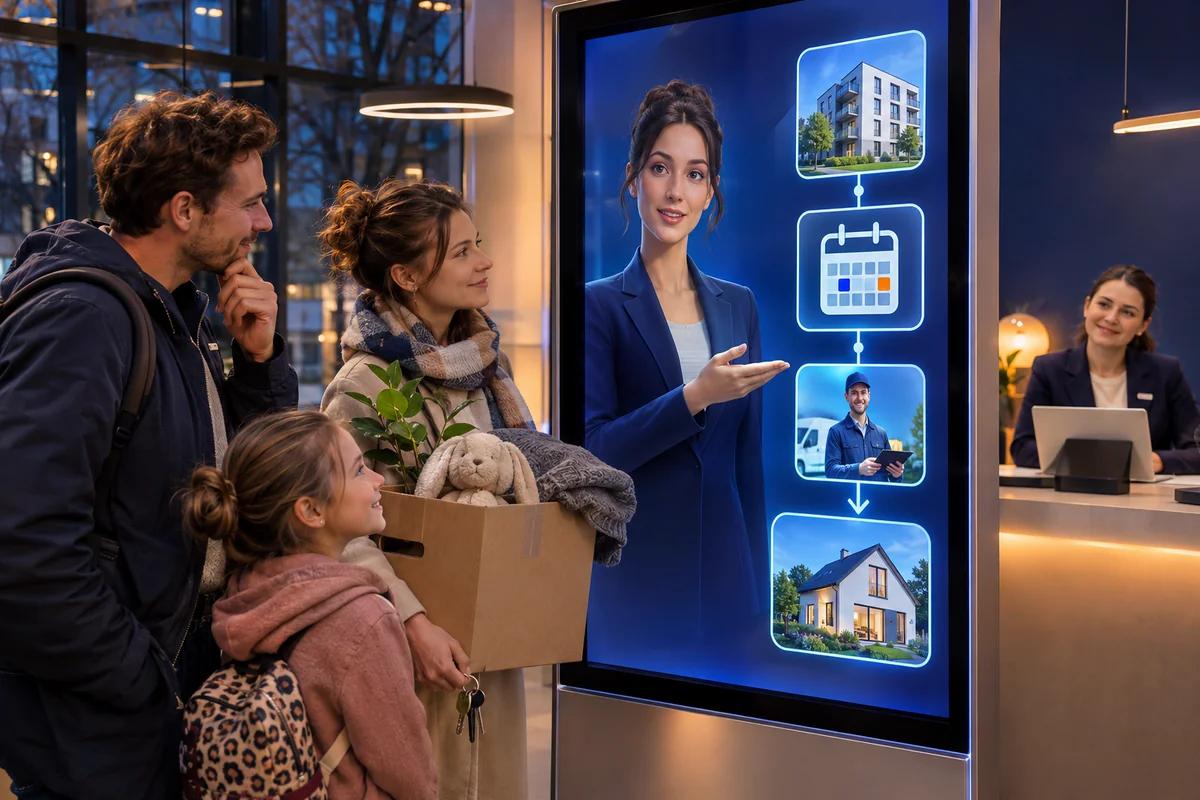
“How can I move my internet service with the shortest possible gap?”
The avatar draws up a schedule for both addresses in a private channel. Once the operator’s system confirms availability, the customer can confirm an installation date.
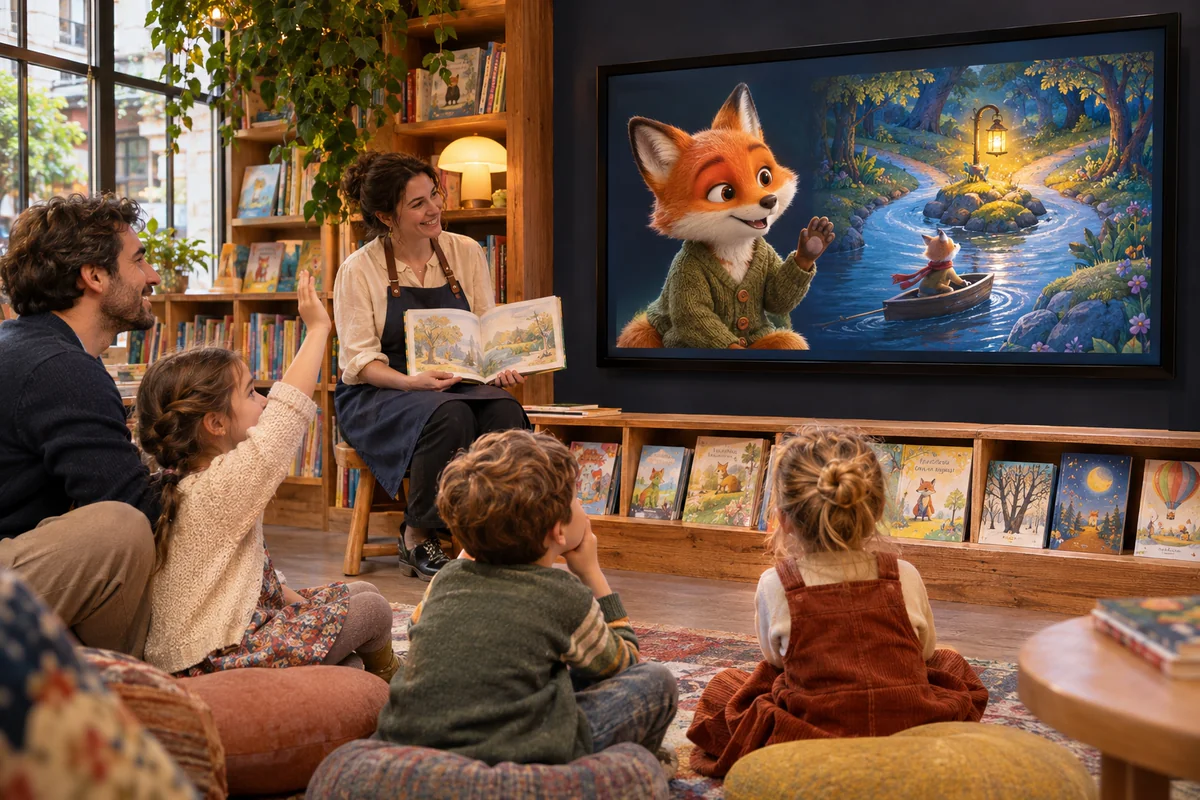
“Why did the little fox sail towards the lantern?”
An avatar reads a story in the bookshop’s reading corner. When a child asks a question, the character pauses, answers in the context of the scene and continues the story. The bookseller can show the children the book afterwards.
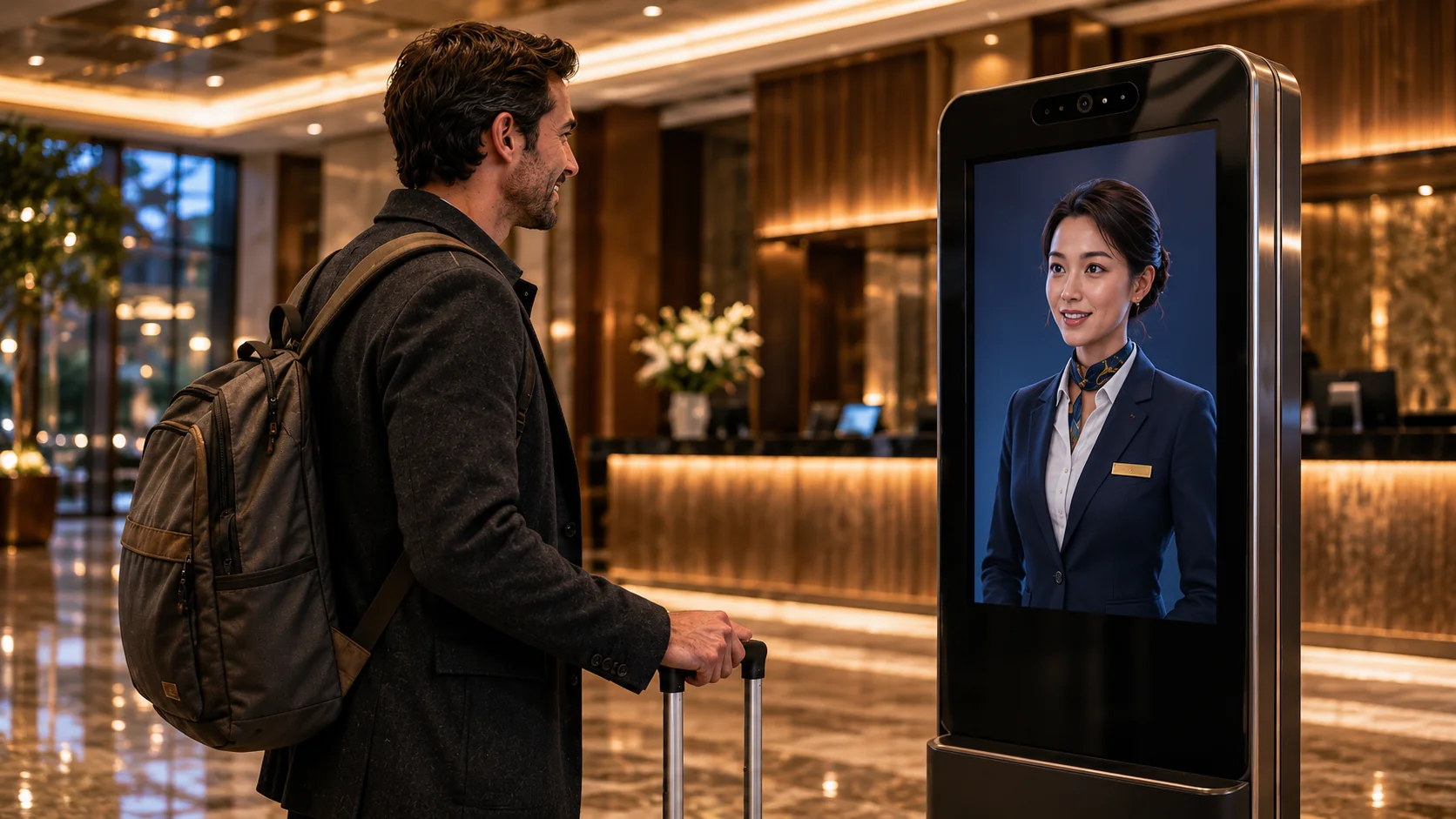
Hotels / Digital concierge
From the first booking to the final request before departure, the concierge helps guests and passes matters that need a person to the reception team.
Guests know what to do next. Reception receives a specific request instead of another general question.
“We will arrive late. Can we order dinner to our room?”
ONE INDUSTRY. MORE POSSIBILITIES.
“The room looks different from the photos. What are you going to do about it?”
The avatar plays an unhappy guest. A receptionist practises explaining the situation, offering available options and escalating the issue to a manager. Afterward, the employee receives feedback based on hotel criteria.
Training simulation. The result alone must not determine personnel decisions.
Talk about this scenario“Can you explain the late-checkout rules in English?”
The character leads short dialogues about reservations, charges and services. Employees practise language relevant to their own hotel and can repeat the harder parts.
We check pronunciation and feedback quality for every selected language.
Talk about this scenario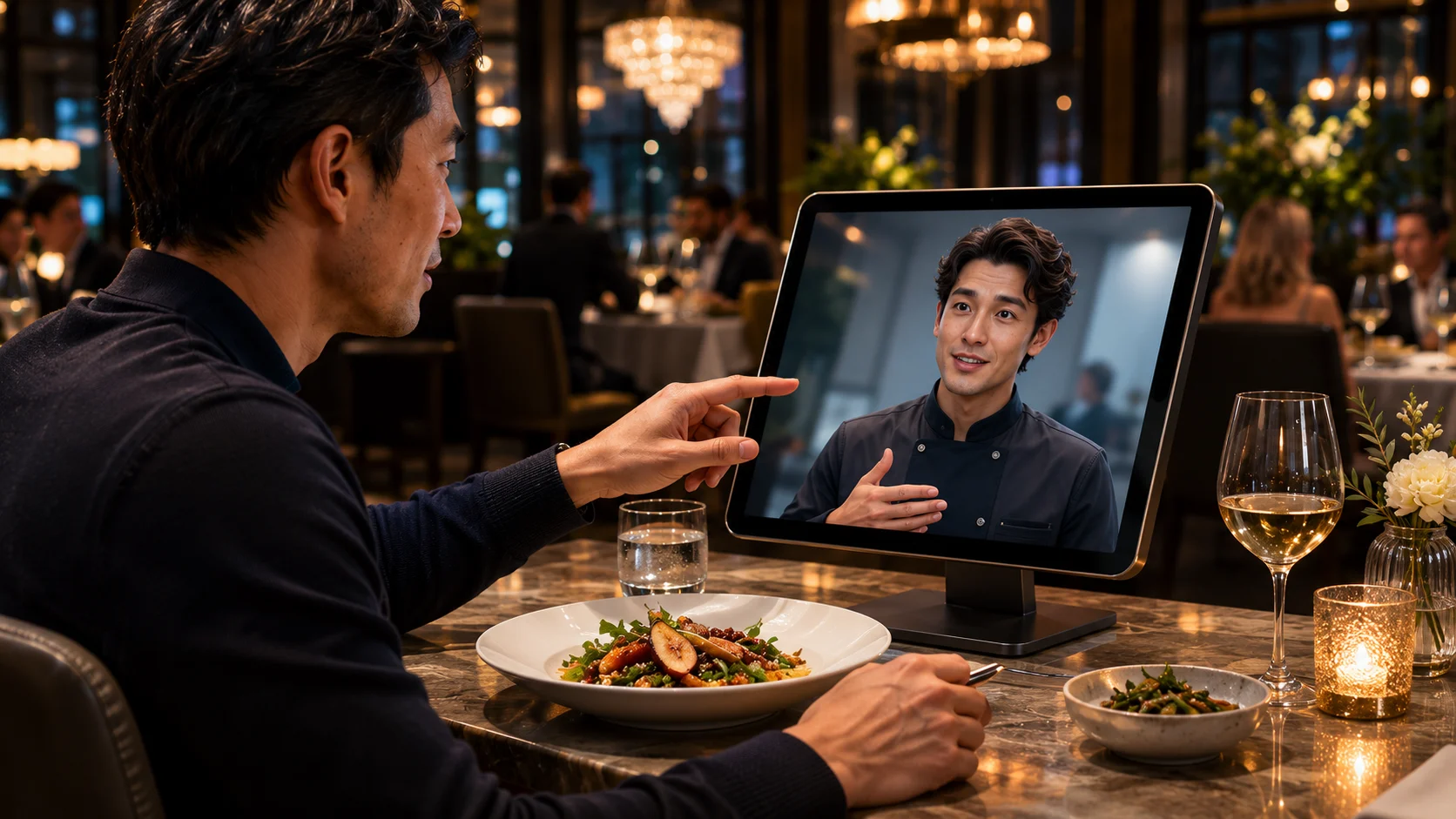
Restaurants / Virtual host
The host asks about preferences, presents dishes and helps with reservations. It can also answer questions about catering, outdoor seating or a table for a larger group.
Less time spent studying the menu. More room for hospitality.
“We have an hour before the show. What would you recommend for a quick dinner?”
Allergen information comes only from an approved menu; staff resolve any uncertainty.
ONE INDUSTRY. MORE POSSIBILITIES.
“We have been waiting too long and will be late for the theatre.”
A virtual guest complains about service time or an order. A waiter practises listening, gathering facts and offering a solution that follows restaurant rules.
The avatar does not invent a refund policy or allergen information.
Talk about this scenario“Where can I check the ingredients, and whom should I tell about an order change?”
A new employee learns the layout, team roles and approved procedures. The character shows the right instruction and the person to contact.
It does not replace on-the-job instruction or required training.
Talk about this scenario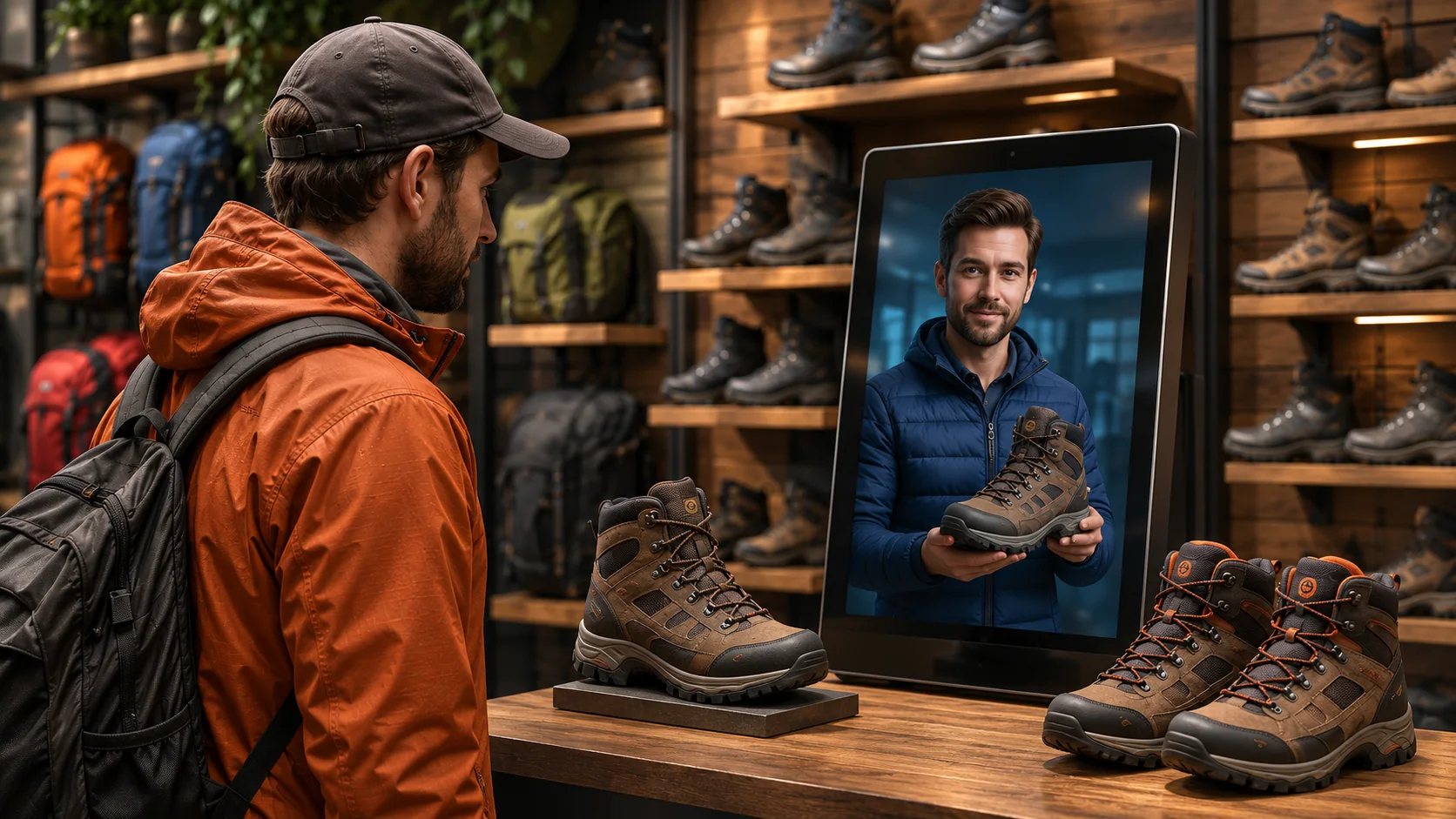
Shops / Product adviser
The adviser explains differences, helps find a size and checks stock. In-store or online, it guides a customer from a question to an informed choice.
Customers understand the differences before deciding.
“I am looking for shoes for my first mountain trip. What should I compare?”
ONE INDUSTRY. MORE POSSIBILITIES.
“I have unpacked the coffee machine. Where do I start?”
After scanning a code, the customer selects the model. The character guides initial setup, points out parts in an illustration and helps find the relevant section of the manual.
It does not bypass safeguards or suggest repairs that require a professional.
Talk about this scenario“I want to collect an order. What should I do at this terminal?”
The avatar explains the steps for collection or returns and points out the right controls. If something goes wrong, it sends the customer to staff with a description of where the process stopped.
We show order details only after the required verification.
Talk about this scenario
Showrooms / Digital product adviser
The avatar turns browsing into a conversation about needs. In a car, furniture or electronics showroom, it explains differences, presents options and prepares a handover to a salesperson.
Customers understand the differences. Advisers begin with a focused conversation rather than starting from scratch.
“How do these two models differ, and can we book a test drive?”
Prices and availability come from a connected source; the salesperson confirms the final offer terms.
ONE INDUSTRY. MORE POSSIBILITIES.
“Show me how these two modules differ and when I need the larger one.”
The character guides visitors through a 3D model of a product or machine. Their choices open the right view, a comparison of versions and questions for a sales engineer.
An authorised specialist confirms technical selection and final offer specifications.
Talk about this scenario“How do I prepare the car for its first charge?”
The guide revisits information provided when the car was handed over: the app, settings and charging materials for the specific model.
No repair advice or work on electrical systems; contact service if anything is unclear.
Talk about this scenario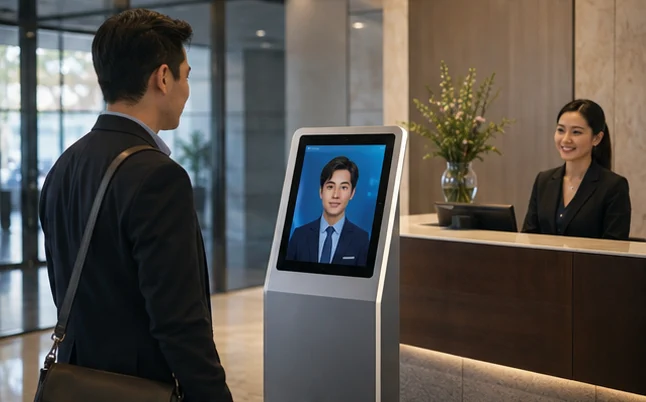
Offices and reception areas / Digital receptionist
An AI receptionist helps welcome visitors, suppliers and candidates. It lets the host know that a guest has arrived.
A consistent welcome, even across multiple offices and showrooms.
“I have a meeting at ten. Whom should I report to?”
Visitor passes and door access follow the organisation’s access policy.
ONE INDUSTRY. MORE POSSIBILITIES.
“Where should I leave a parcel for the team?”
The avatar shows the approved drop-off point. If the office has a delivery system, the courier can confirm the drop-off and trigger a notification to the right team.
Visitor passes and door access follow the organisation’s access policy.
Talk about this scenario“How do I get from the lobby to the room on my invitation?”
The character reads the room number from a confirmed invitation and maps a route along areas open to visitors.
Visitor passes and door access follow the organisation’s access policy.
Talk about this scenario
Real estate / Property adviser
The avatar explains floor plans, compares properties and guides visitors through a development presentation. It helps prepare a meeting with an adviser.
The meeting starts with the customer’s needs instead of repeating the basics.
“We are looking for a three-room home with space to work. What can we view?”
ONE INDUSTRY. MORE POSSIBILITIES.
“Can I see the selected apartment on Saturday?”
The avatar shows available appointments. After the visitor confirms, it books a slot in the connected calendar and shares their questions with the adviser.
02 / Learning and experiences
Tutor, coach, attraction character or digital curator: knowledge and stories respond to the audience’s questions.
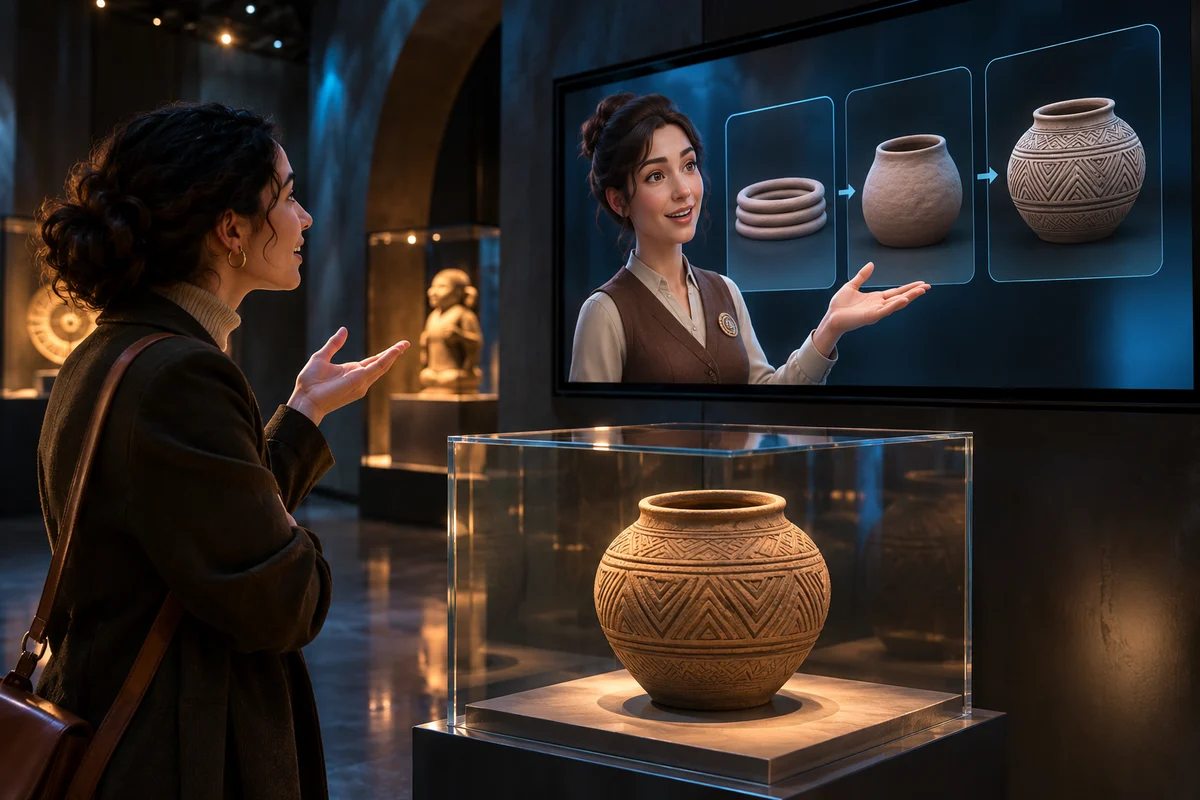
“How did the maker add that pattern?”
The digital curator reveals the stages of making the object and uses the museum’s notes to answer the visitor.
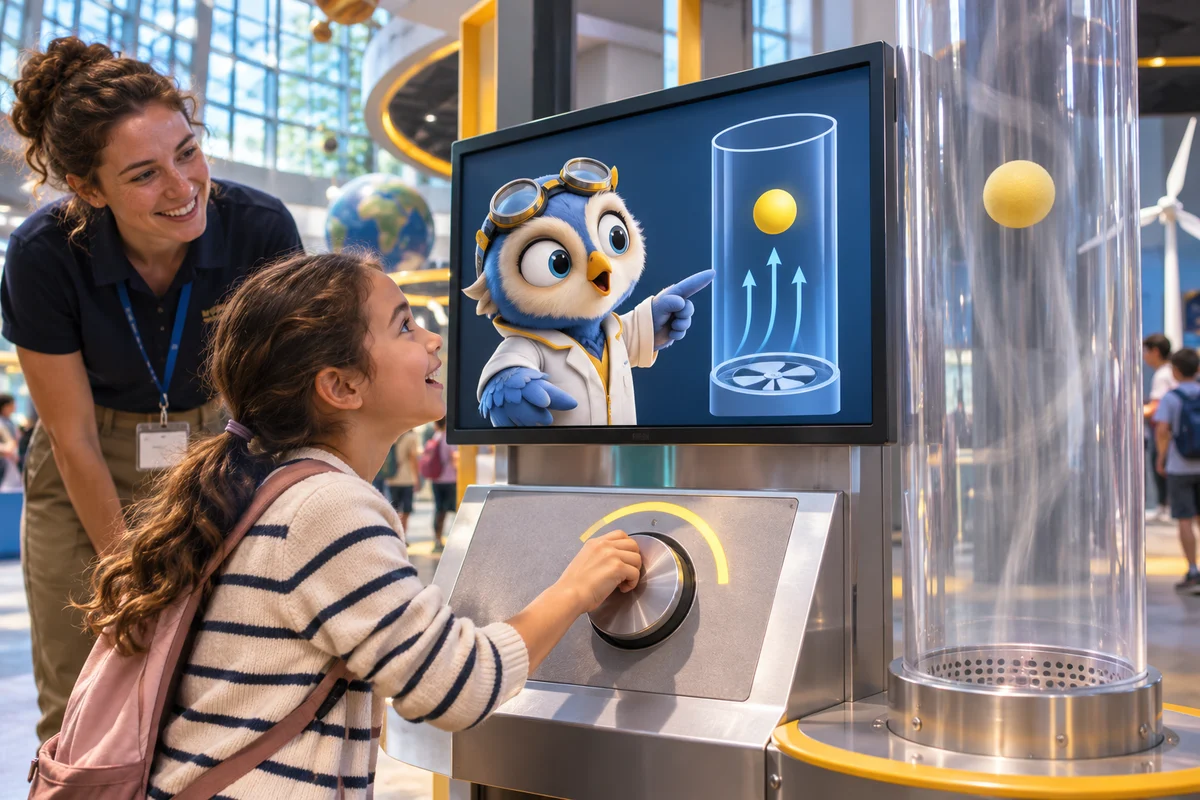
“What happens if I turn the airflow down?”
As the exhibit reading changes, the mascot comments on the result and invites the visitor to test another idea.
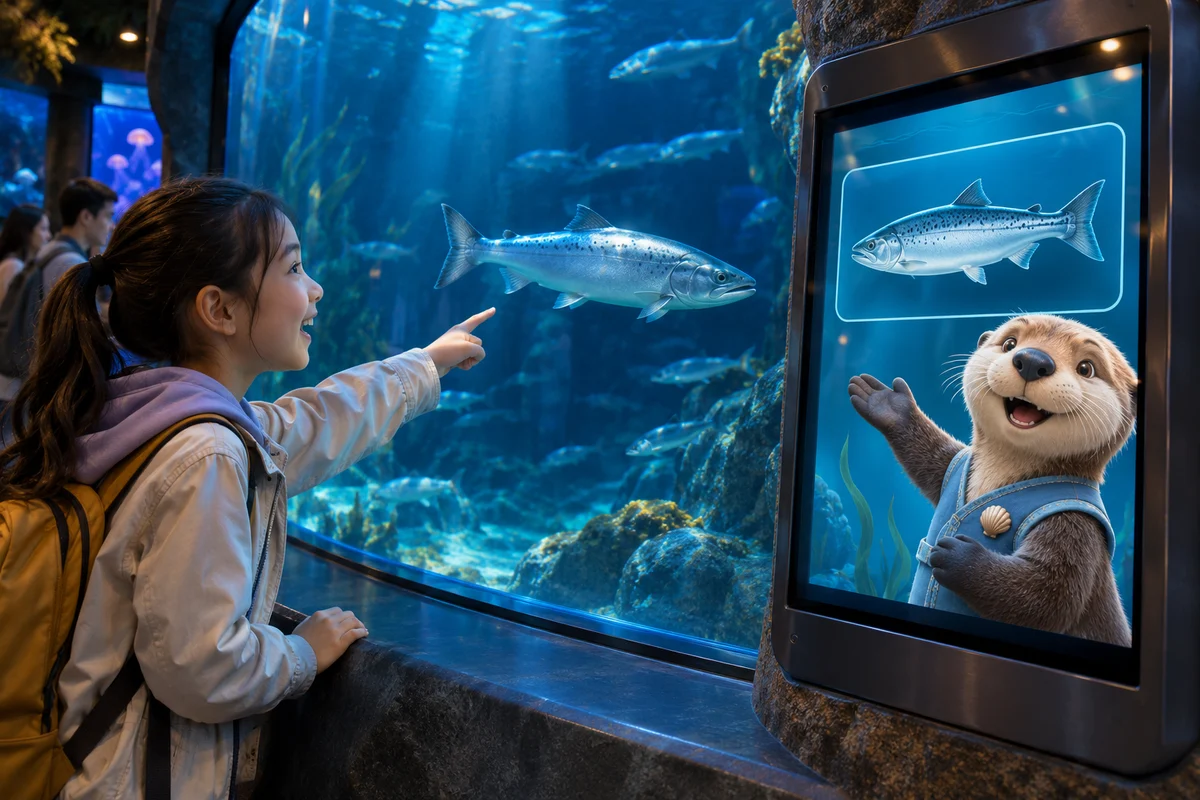
“Why does this fish swim with others?”
The child selects a fish on the screen. The sea character shows how to spot it and answers questions about schooling.
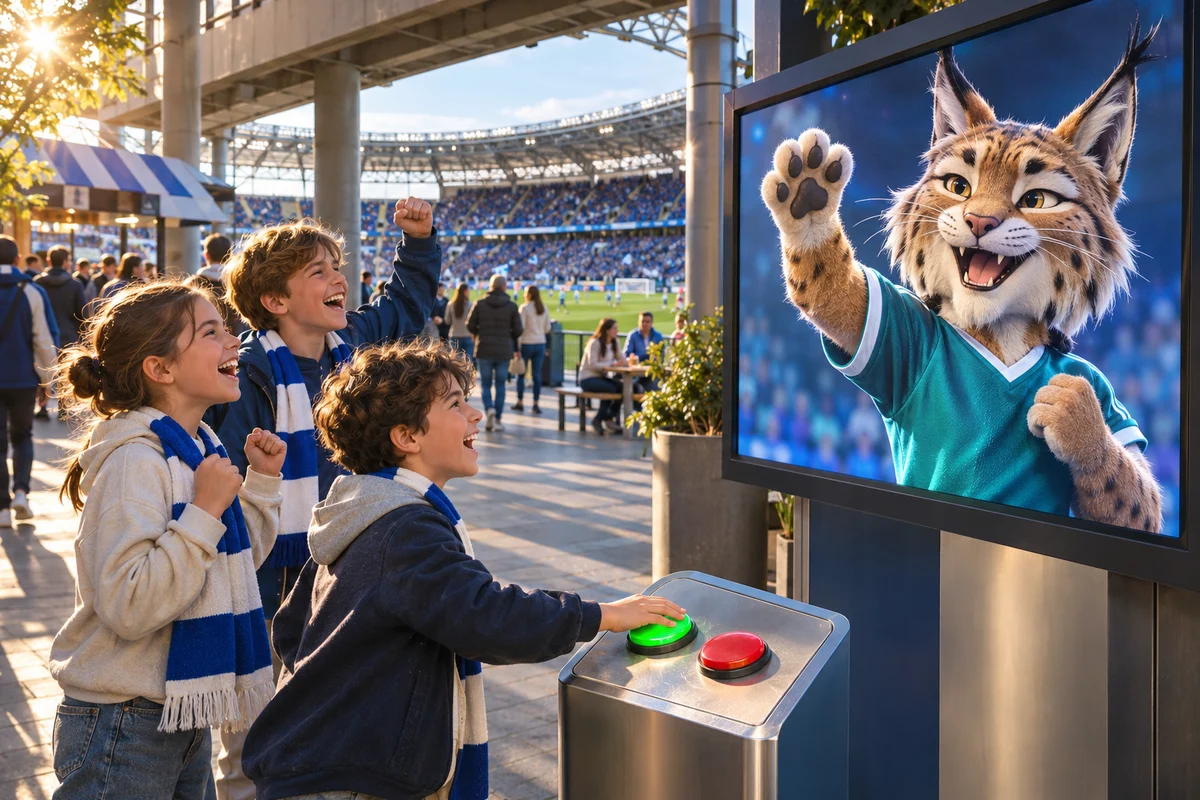
“How well do you know your team?”
The mascot asks a quiz question, reacts to the fans’ choice and adapts the next question to their result.
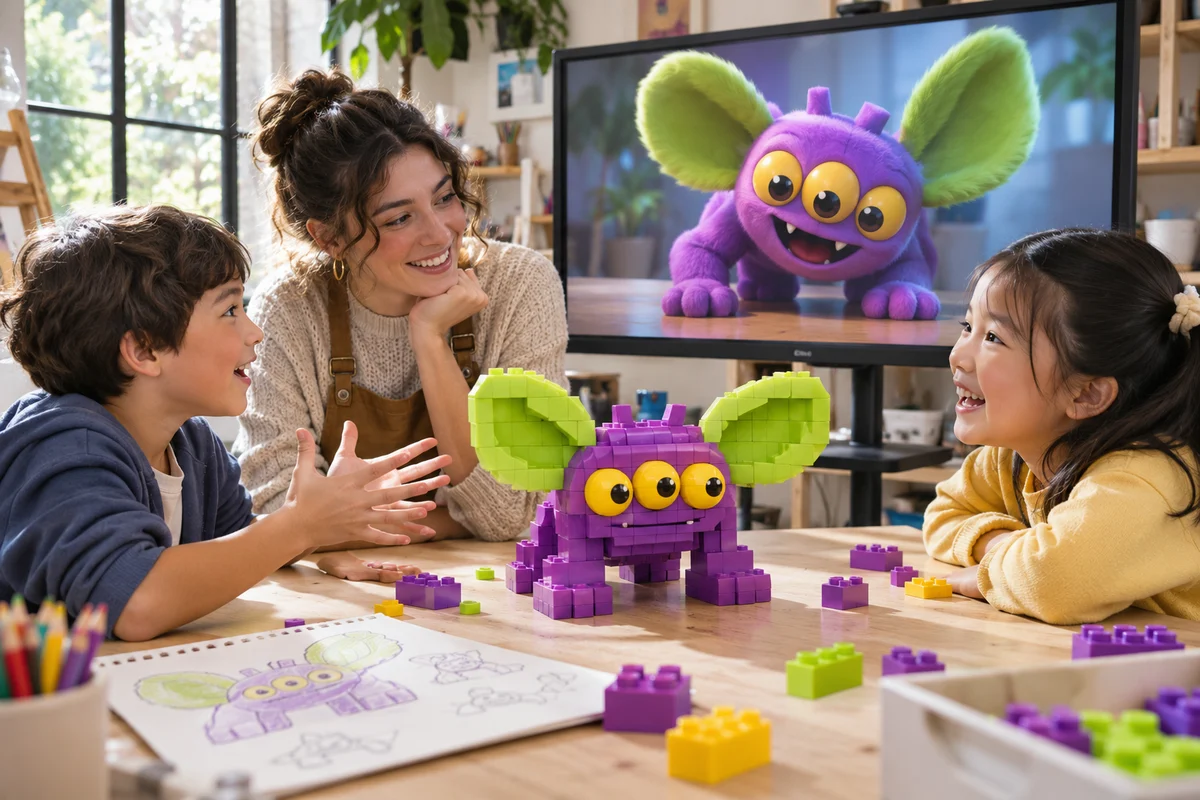
“Can our three-eyed creature come alive on the screen?”
The children describe their build. A digital host displays a character based on the selected features and invites the group to talk to it.
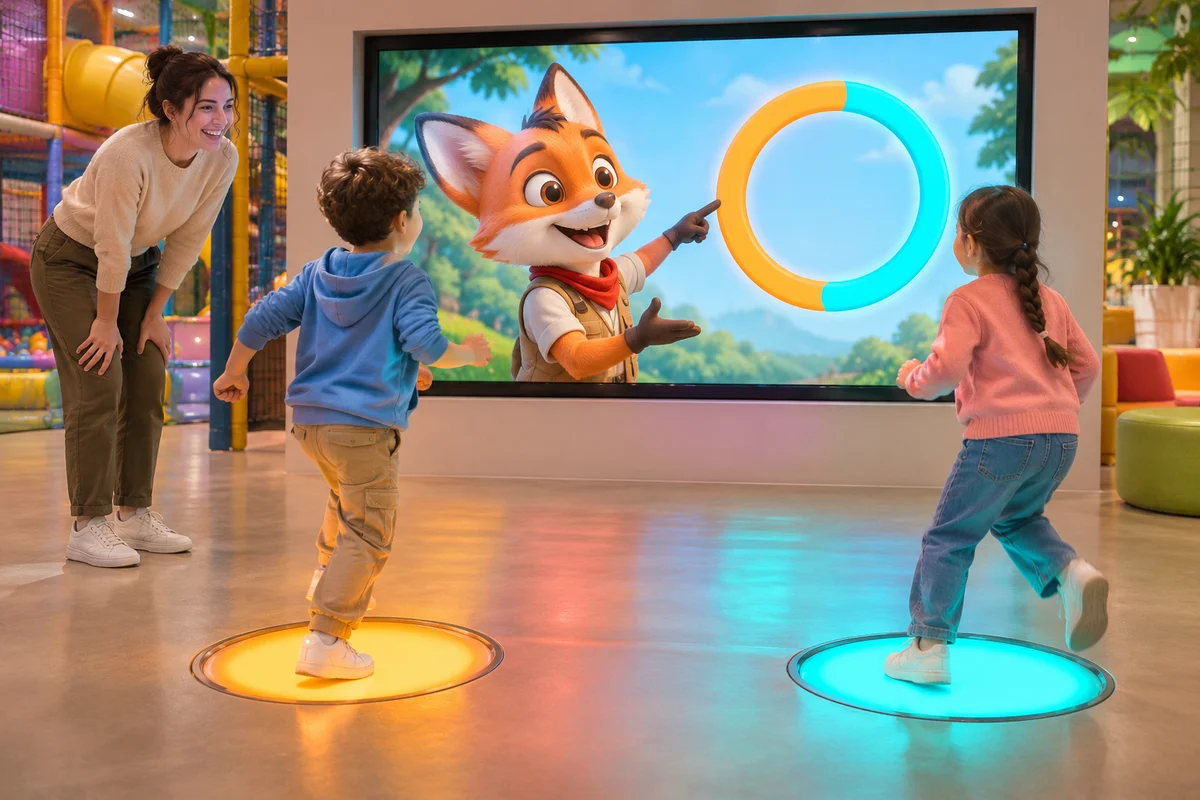
“What happens when we stand on both colours at once?”
The character runs a team round. When both pads detect players, the screen shows the completed circuit.
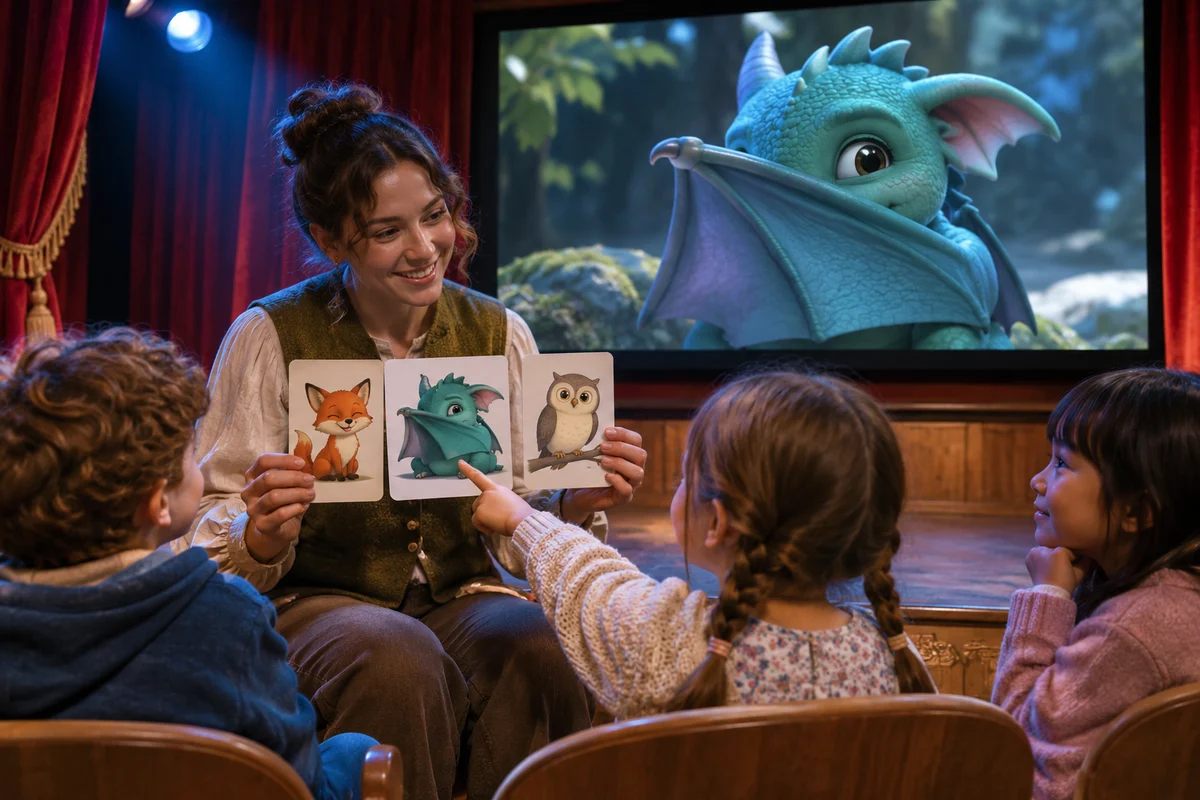
“Could the dragon say that line shyly?”
A facilitator and the children select a way of saying the line. The character repeats it with a different tone and expression.
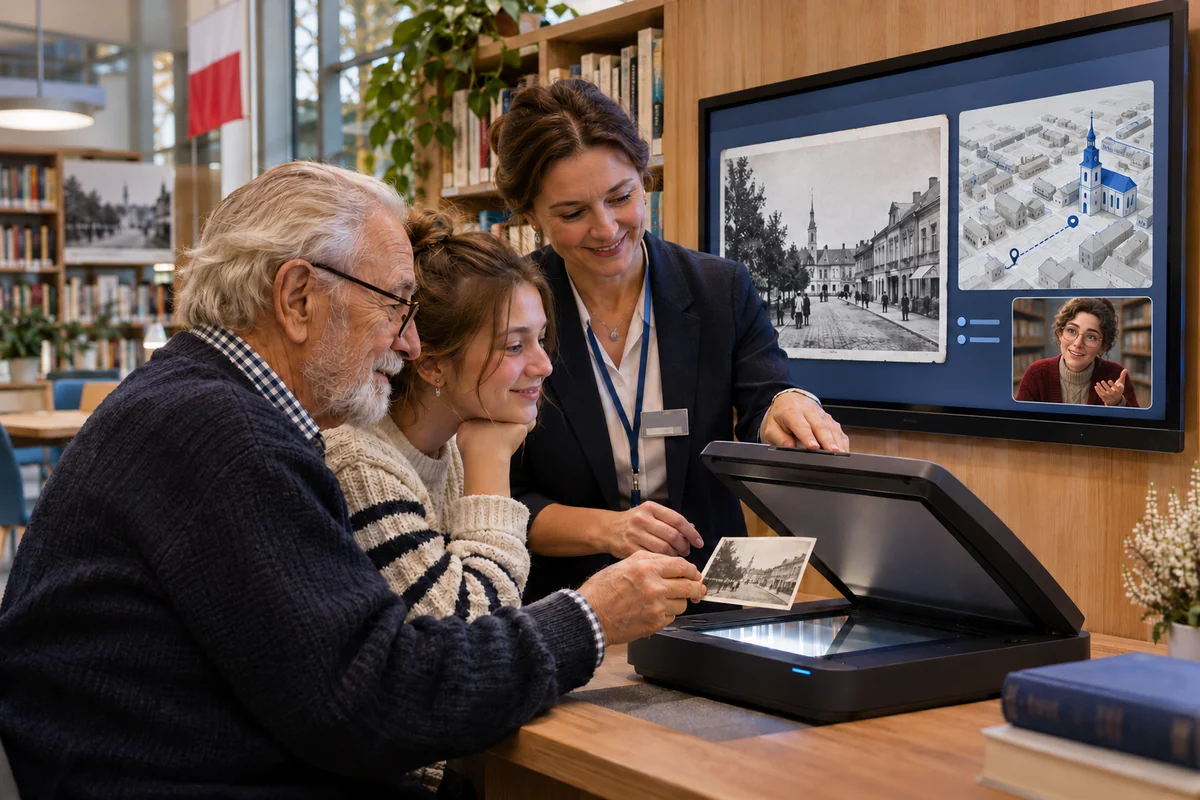
“Who can help us find where Grandad’s photo was taken?”
A digital archivist asks questions, compares the photo with local collections and helps write down the family story. A librarian reviews the description before sharing it.
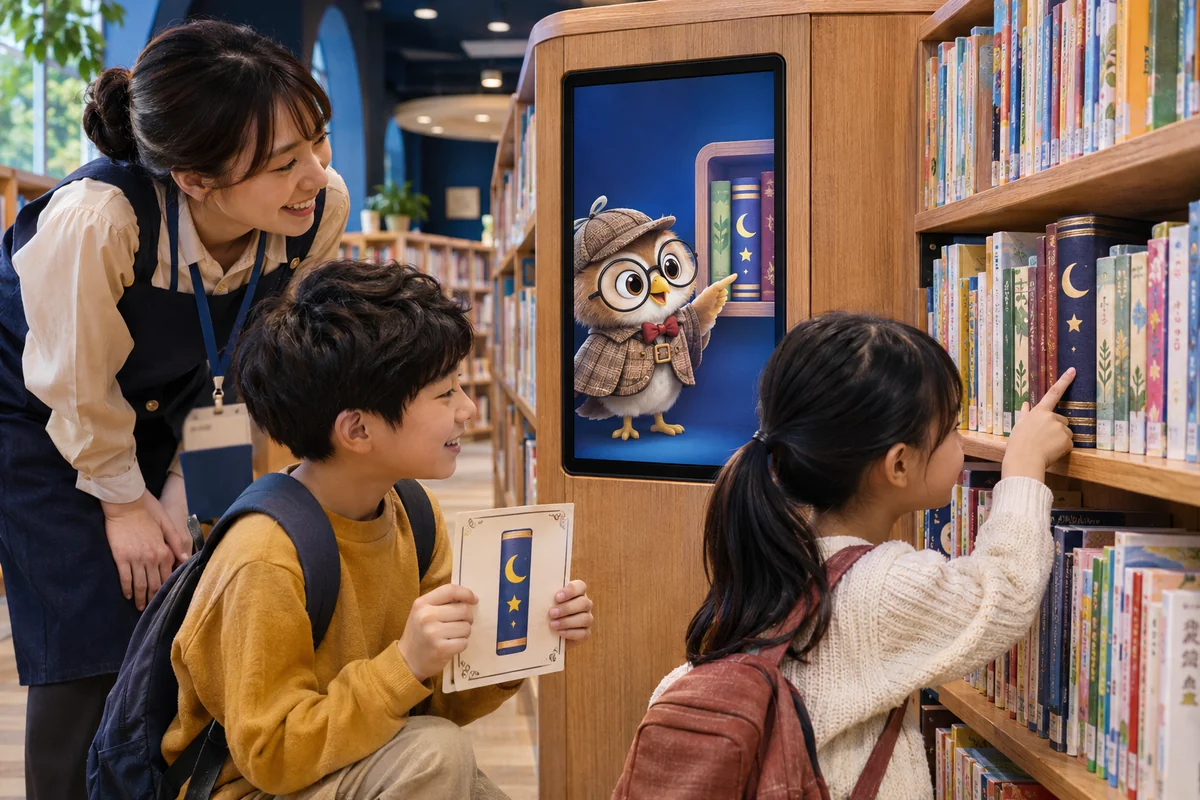
“Which shelf holds the book from our next clue?”
An on-screen detective gives children clues leading to real books on the shelves. At the end it asks for their solution and responds to the clues they collected.
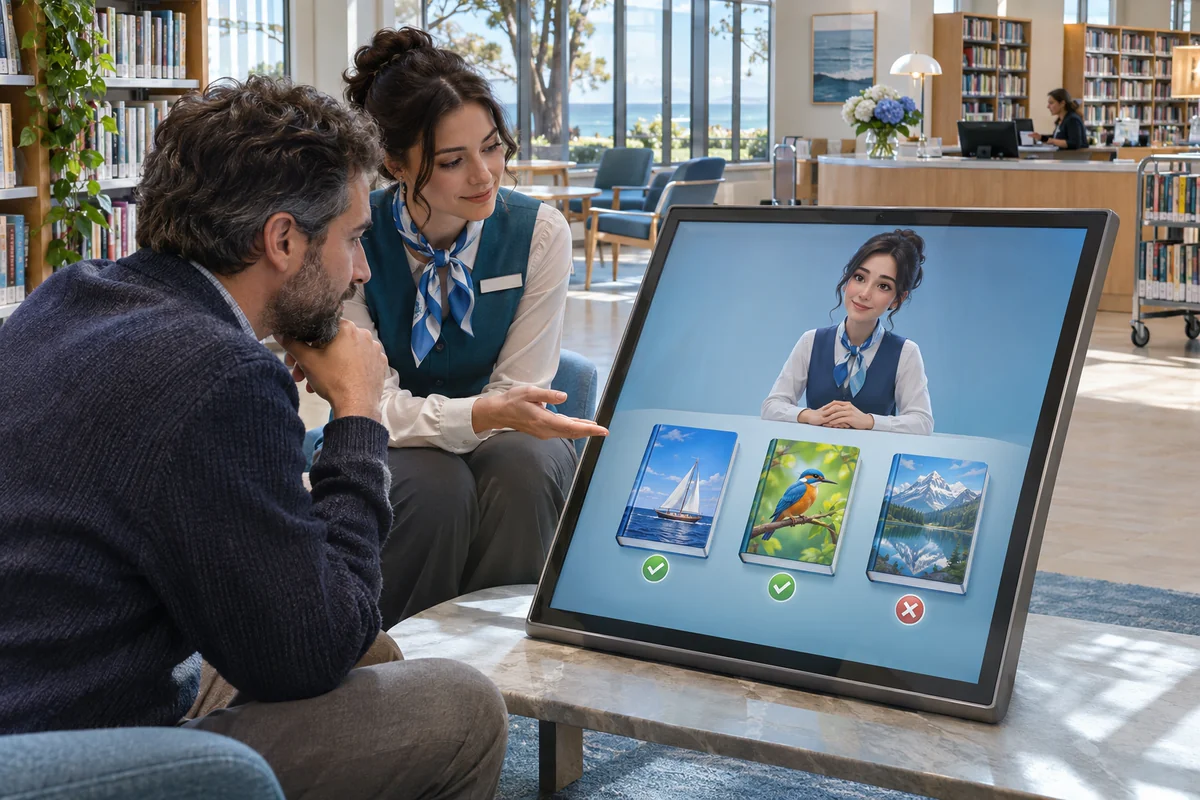
“I remember a scene with a boat and a bird. Can we find the title?”
The avatar asks about characters, setting and plot details. It presents possible matches and checks which books are available in the library catalogue.
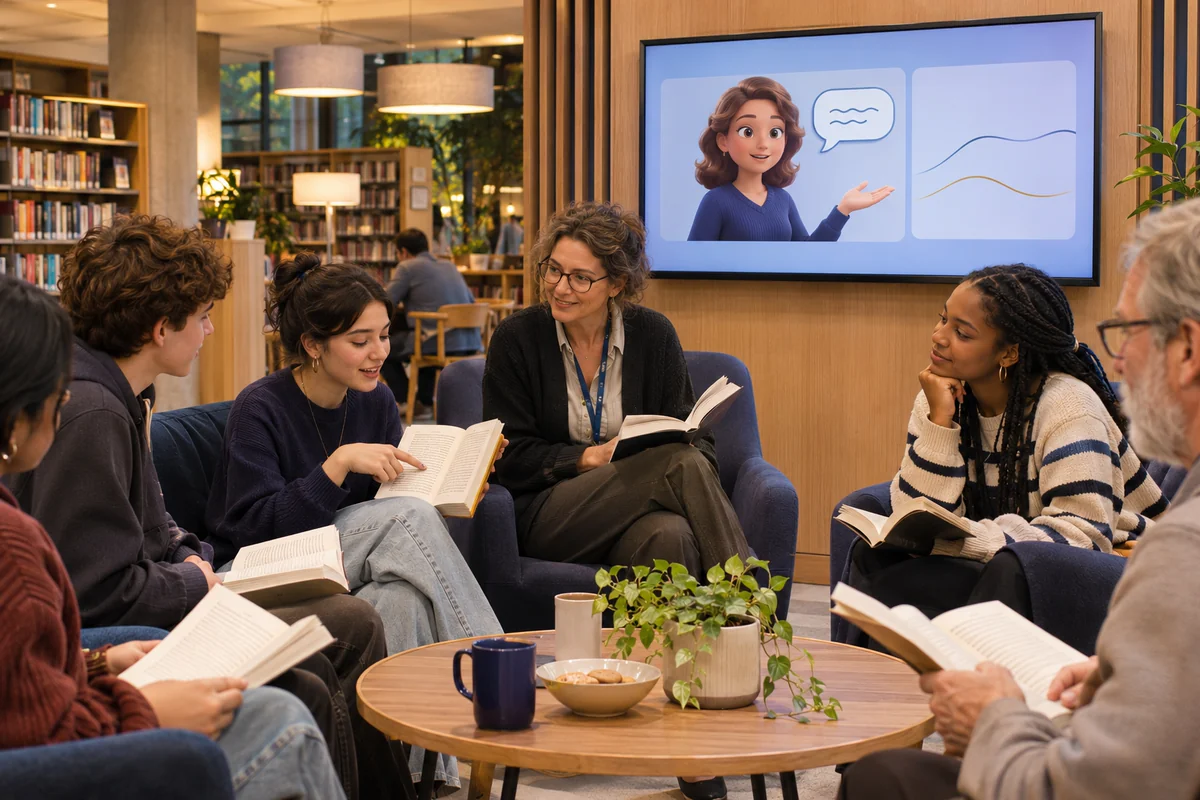
“Can we discuss the same passage in different languages?”
Participants read a text selected by the librarian. The avatar explains difficult words in the chosen language and suggests a question for the group to discuss.
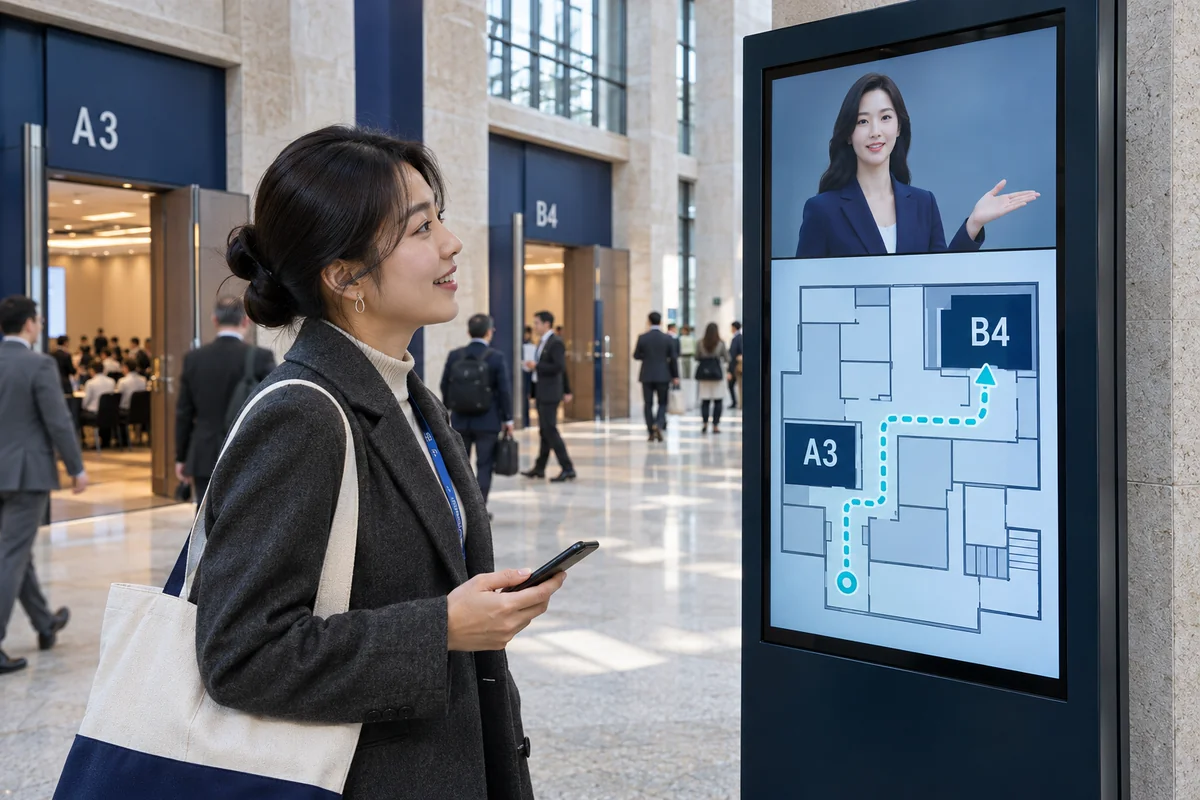
“The panel has moved to B4. How do I get there from here?”
The avatar answers in the visitor’s language and uses the organiser’s latest update. It shows the route from the kiosk to the new room and lets the visitor open the map on a phone.
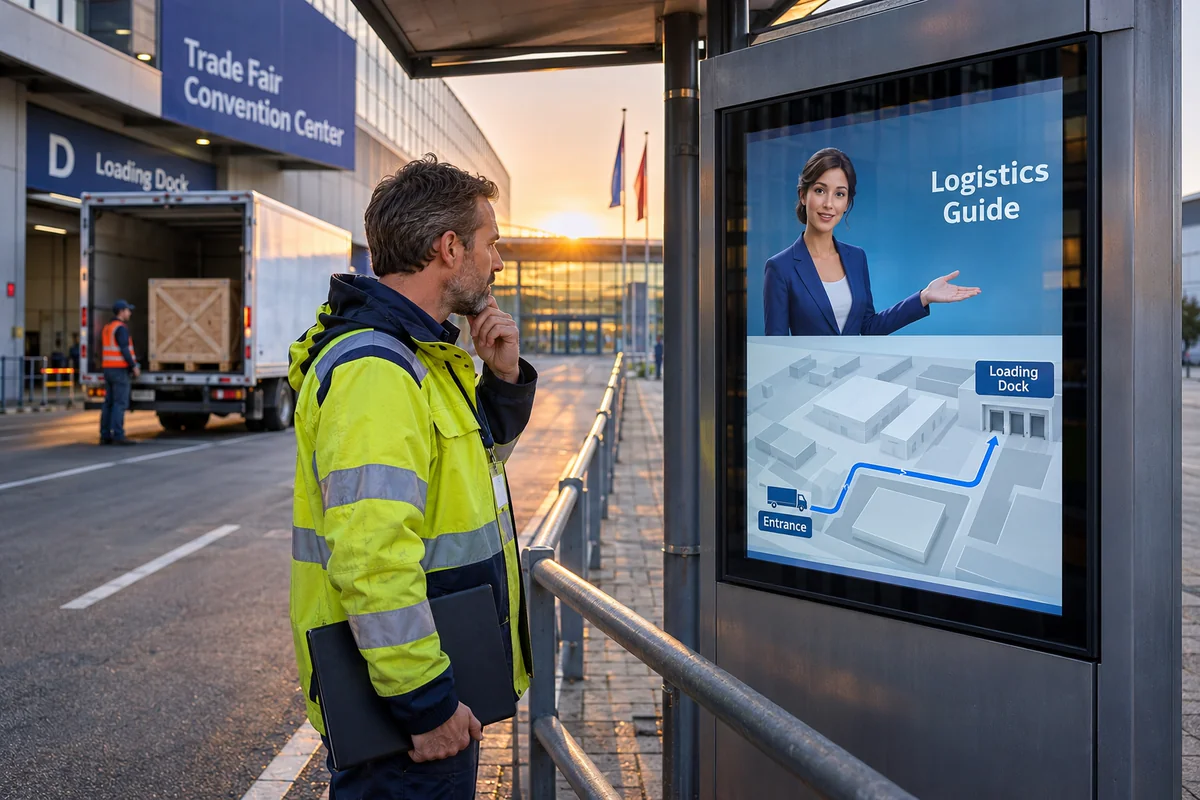
“Which way should I go to deliver to the hall?”
The avatar explains the event’s delivery instructions in the driver’s language. It shows the gate and route to the loading dock and directs unusual cases to a dispatcher.
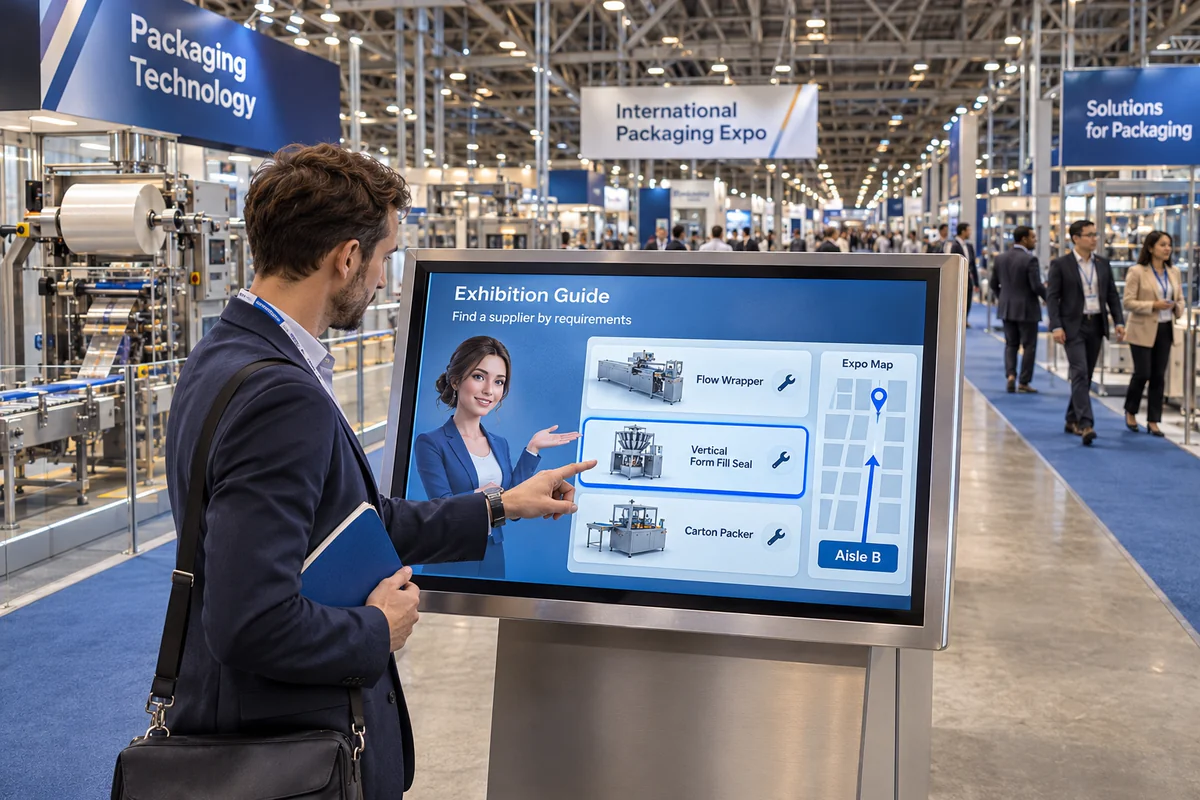
“Which exhibitors offer compact machines for short-run packaging?”
The avatar asks about the intended use and servicing requirements. It compares confirmed catalogue information and marks matching halls and stands on the floor plan.
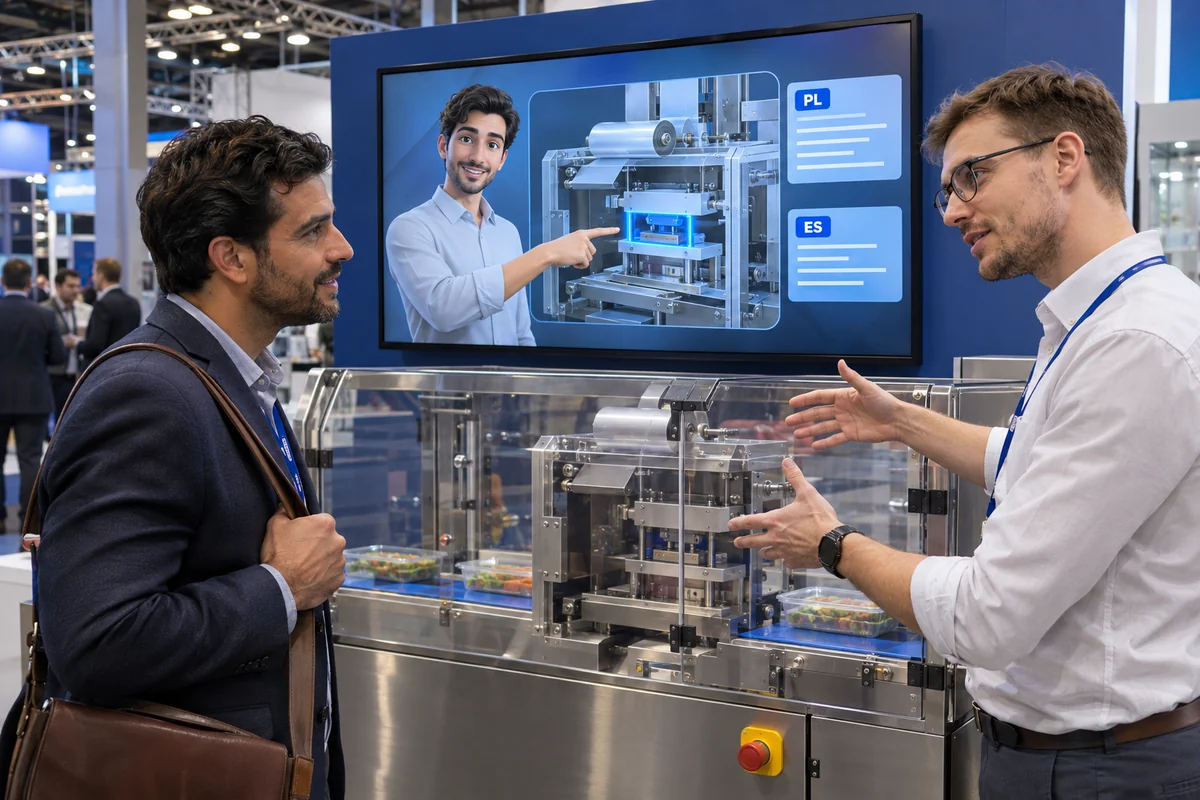
“What does this machine module do?”
A visitor asks in Spanish and the engineer answers in Polish. The avatar shows both languages and points out the exact module they are discussing in a diagram.
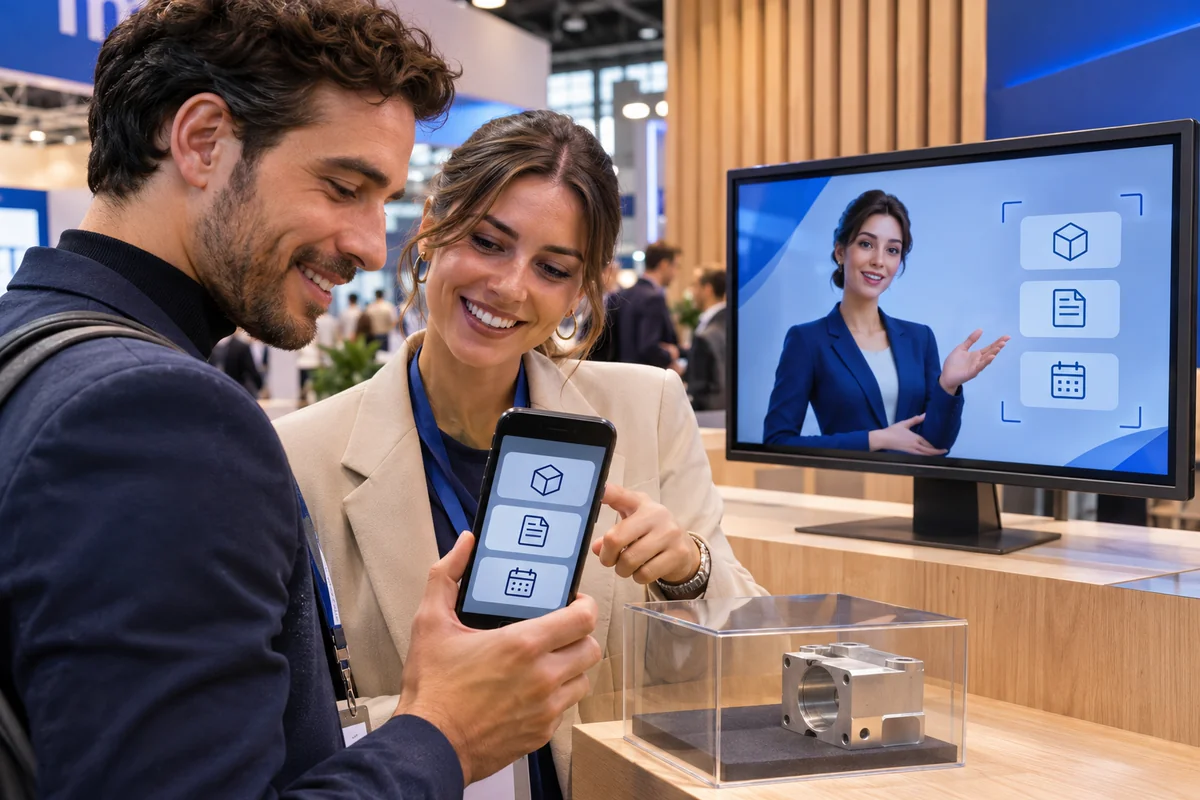
“Can I take the datasheet for this model and arrange another conversation?”
The avatar prepares a card with the model, document and next step they discussed. The visitor can open it on a phone and choose whether to share the details and contact information with the exhibitor.
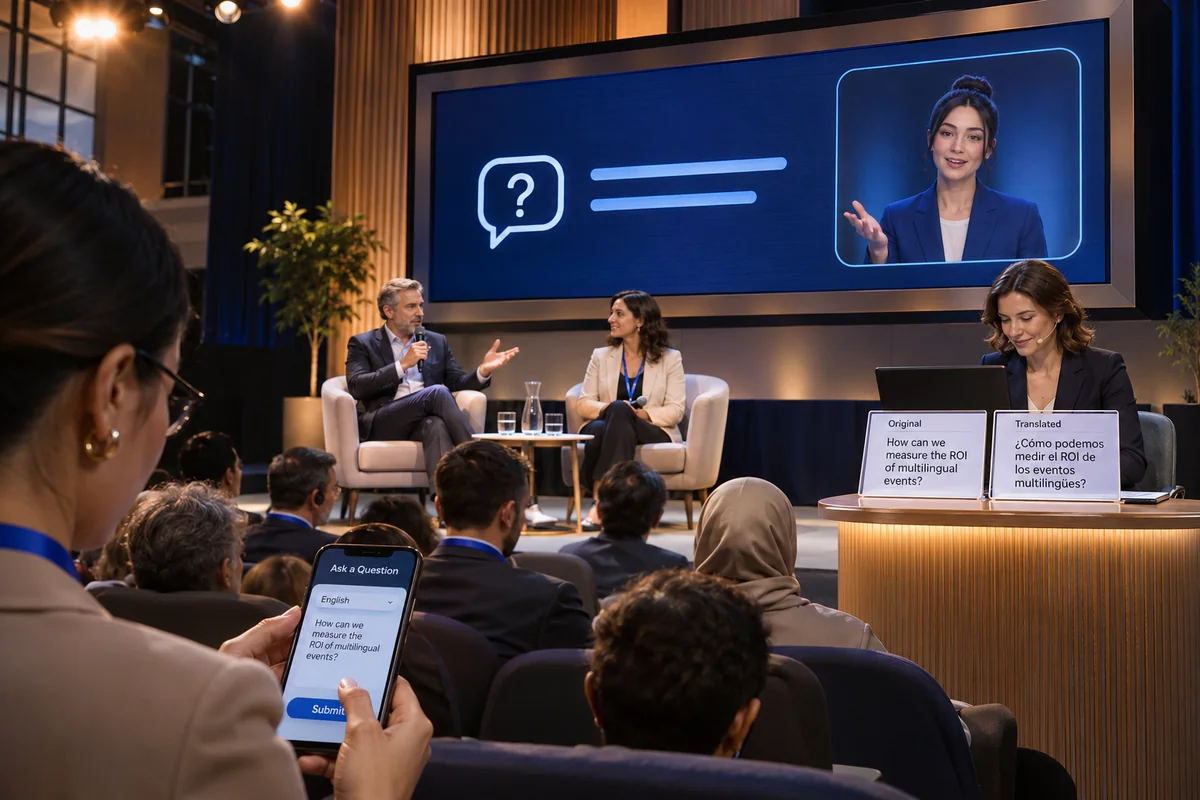
“Can I ask the panel a question in my own language?”
The participant sends a question from their phone. The moderator sees the original and the translation and selects questions for the onstage discussion.
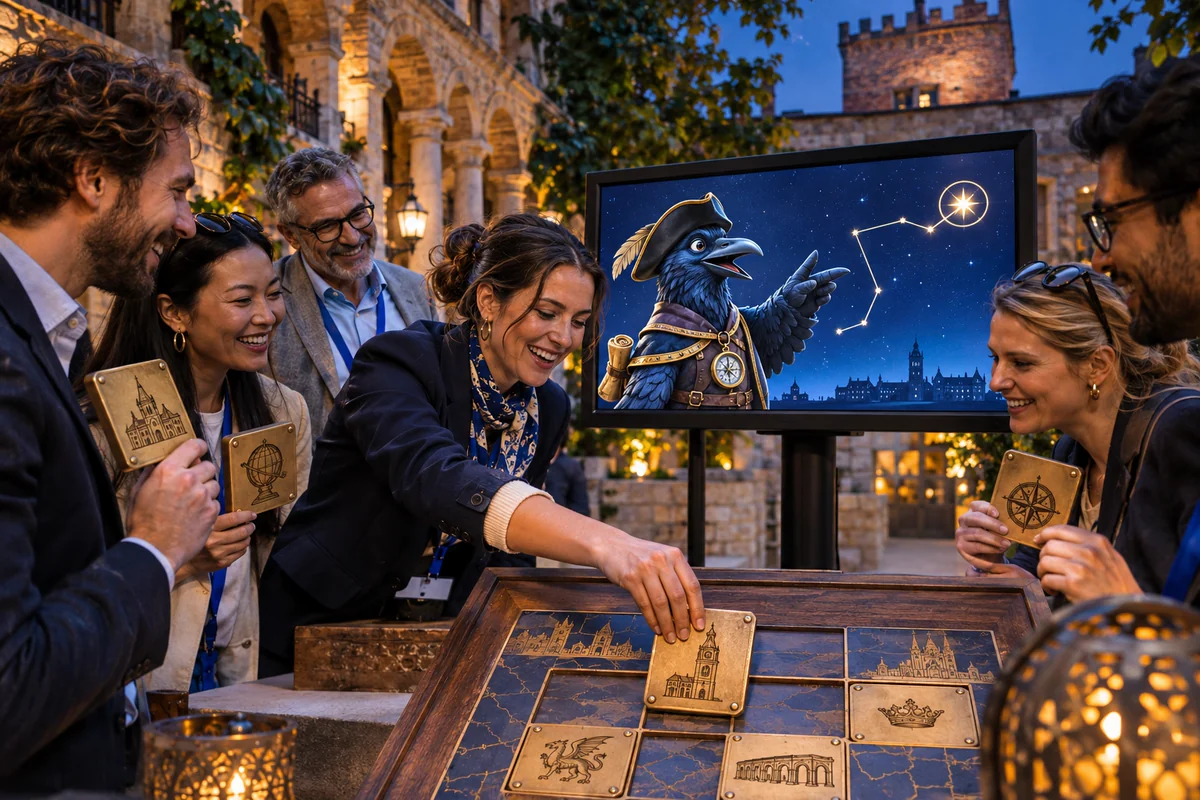
“We have all the clues. Where do they lead together?”
A character linked to the venue speaks to teams in their chosen languages. When players put the physical clues together, the avatar responds to the solution and reveals the finale on the screen.
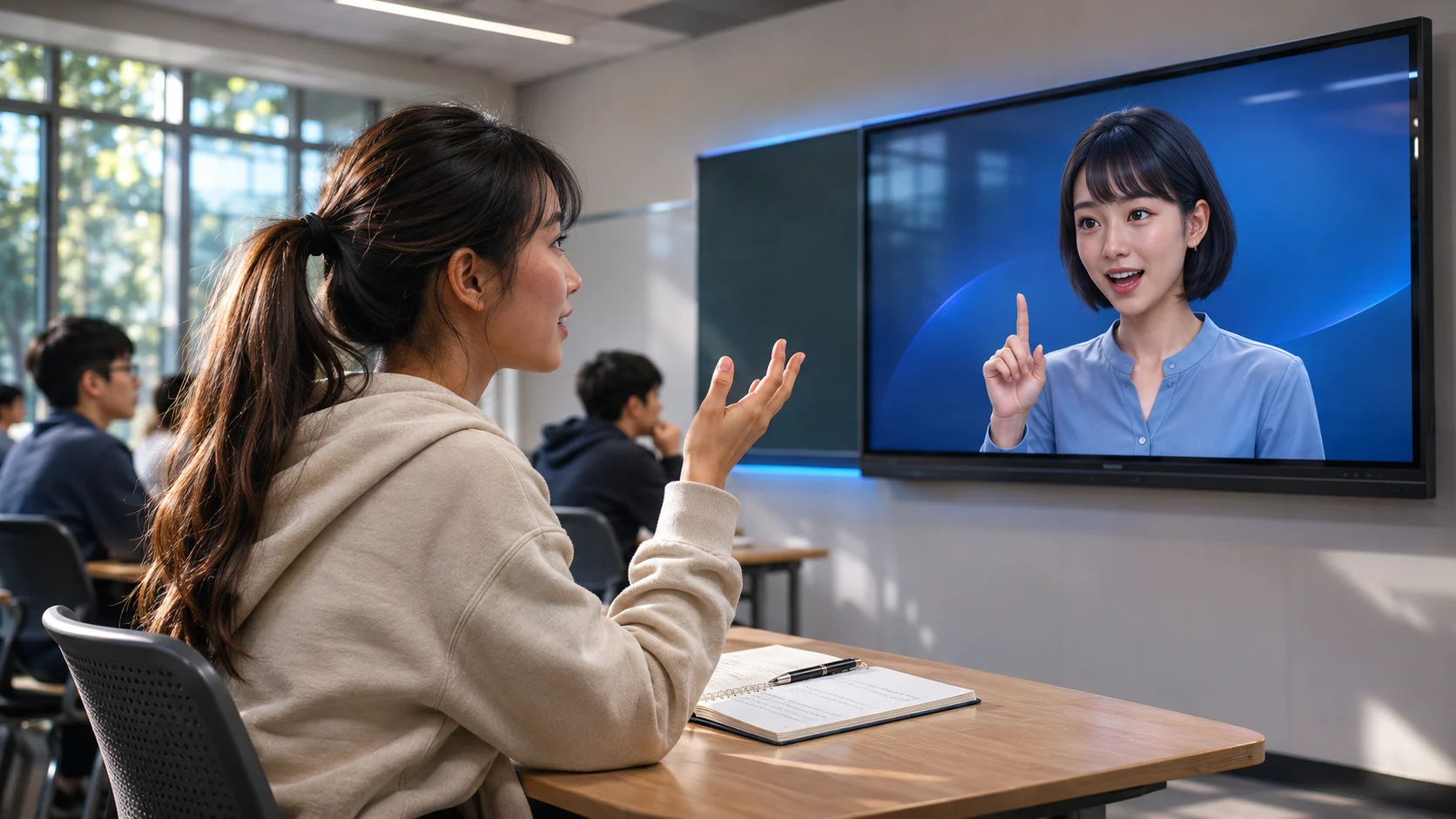
Education / AI tutor
A digital conversation partner lets learners practise a language, ask questions and revisit difficult topics. The teacher defines the material and learning goal.
A space to try, make mistakes and learn without the pressure of answering in front of others.
“I know the vocabulary, but I am afraid to speak English.”
For children: adult supervision, a limited scope of conversation and data protection.
ONE INDUSTRY. MORE POSSIBILITIES.
“I am looking for a gift but do not know which option to choose.”
A student talks to a character playing a customer in a showroom, shop or hotel. The student practises identifying needs, explaining the offer and answering concerns.
Materials suited to the learner’s age; the teacher remains responsible for final assessment.
Talk about this scenario“Tell me about a time when you solved a problem.”
The avatar plays an interviewer in a mock recruitment conversation. A pupil or student practises specific answers and receives suggestions about their structure.
It does not select candidates or assess personality from their face or voice.
Talk about this scenario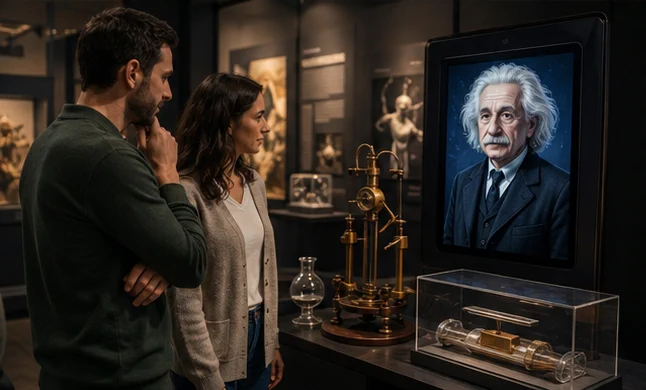
Museums / A story that responds
A digital scientist or curator tells the story behind an exhibit. Visitors can ask follow-up questions, choose the level of detail and follow their own route.
The exhibition gains a voice, and visitors influence the course of their visit.
“How does this invention work? Explain it without difficult words.”
ONE INDUSTRY. MORE POSSIBILITIES.
“How did a craftsperson remember the event, and how did a scholar remember it?”
Visitors ask similar questions of different characters connected to the exhibition. Each presents an approved perspective and points to relevant exhibits.
We distinguish documented facts from dramatisation. The character does not pose as an authentic witness.
Talk about this scenario“Which object will help us solve the inventor’s riddle?”
A digital guide offers clues that lead to real exhibits. The hints become more specific gradually, so a family can find the answer together.
No unnecessary data collection from children; the route follows the venue’s movement rules.
Talk about this scenario“How can I get to the exhibition without using stairs? What can I do if the lift is out of service?”
The avatar shows a step-free route to the chosen gallery on the museum map, via an accessible entrance and lift. If the museum reports the lift is out of service, the guide shows a confirmed alternative route or directs visitors to the information desk.
Route availability depends on up-to-date information from the museum. If no route is confirmed, the guide directs visitors to staff.
Talk about this scenario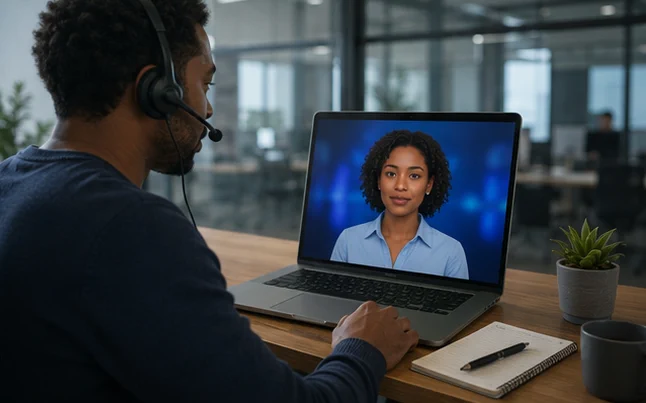
Corporate training / Conversation coach
A digital character plays a customer, candidate or partner. Employees practise making a case, handling complaints and presenting products.
A safe place to practise before a real conversation.
“Let us practise a conversation with a customer who wants to cancel.”
Results support development; they are not, by themselves, a basis for employment decisions.
ONE INDUSTRY. MORE POSSIBILITIES.
“I disagree with your assessment of my work. What exactly do you mean?”
The character plays an employee during a conversation about feedback, conflict or a change of duties. A manager practises clear messages and responding to disagreement.
We assess the exercise, not personality; there are no automatic personnel decisions.
Talk about this scenario“How do I create a ticket in the new tool?”
The assistant explains the task using current system screens, guides users step by step and helps them return to the instructions if they get stuck.
It does not ask for passwords; permissions remain controlled by the target system.
Talk about this scenario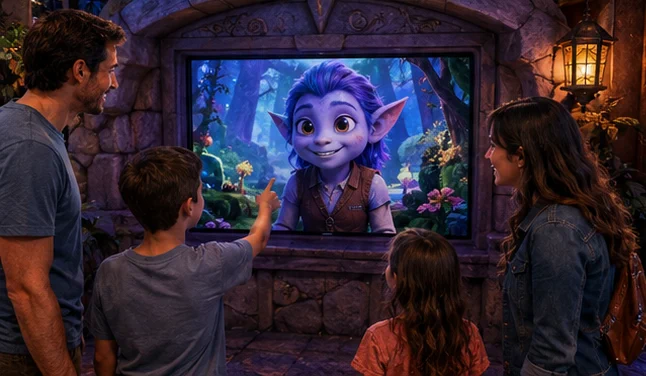
Theme parks / A living character
A character from the park’s world guides visitors along a story-driven route, suggests missions and helps families discover attractions that fit their plans.
Visitors become participants in the story, not just spectators.
“We have two hours. What adventure should we choose together?”
ONE INDUSTRY. MORE POSSIBILITIES.
“We found the first symbol. Where will our mission take us?”
The same character welcomes a family, guides them through the story and recaps their discoveries. A session code lets them continue the mission on selected screens.
No facial recognition of children. Staff remain responsible for attraction safety.
Talk about this scenario“Who is the gatekeeper, and why does he need our help?”
The character introduces the attraction’s world, poses a short riddle and reacts to the group’s choices. The conversation has a fixed duration and prepares visitors for the rest of the experience.
We do not promise shorter queues. Staff announcements always take priority.
Talk about this scenario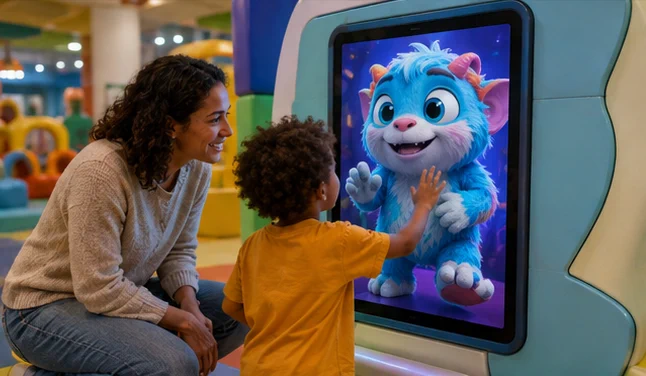
Play centres / AI entertainer
A digital entertainer leads riddles, counts down rounds and tells a story. An adult host remains in control of the activities and their pace.
A repeatable programme of activities with room for participants’ responses.
“Can we start the treasure-hunt mission?”
The character does not supervise children’s safety; adults remain responsible for their care.
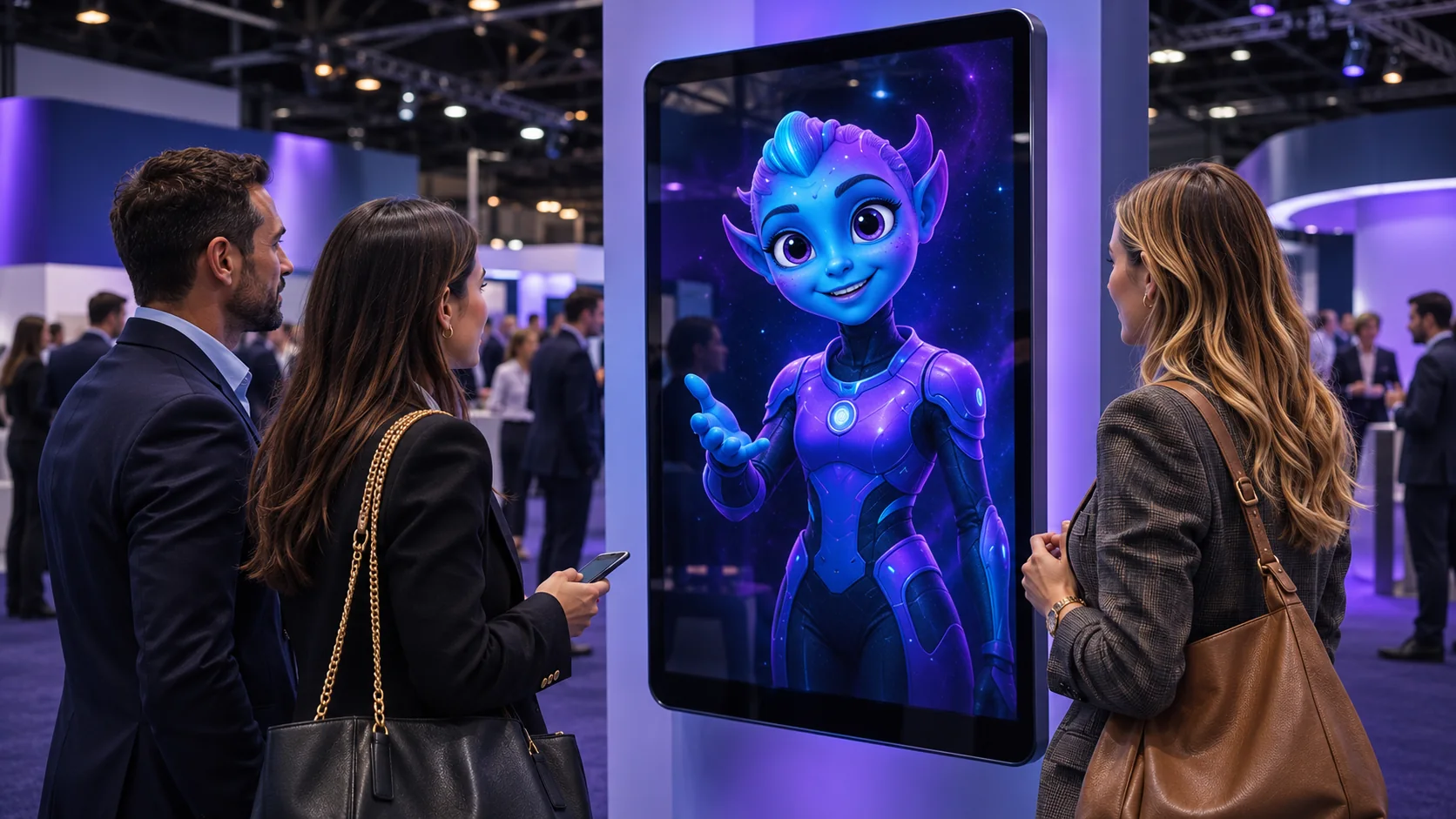
Events / Host of the future
A digital ambassador starts the conversation, adapts the presentation to the visitor’s industry and helps arrange a meeting with the right expert.
The initial “wow” moment leads to a concrete business conversation.
“Show me how your solution would work in my company.”
03 / Travel and leisure
In an unfamiliar place, what matters most is a clear answer: where to go, what to choose and what to do next.
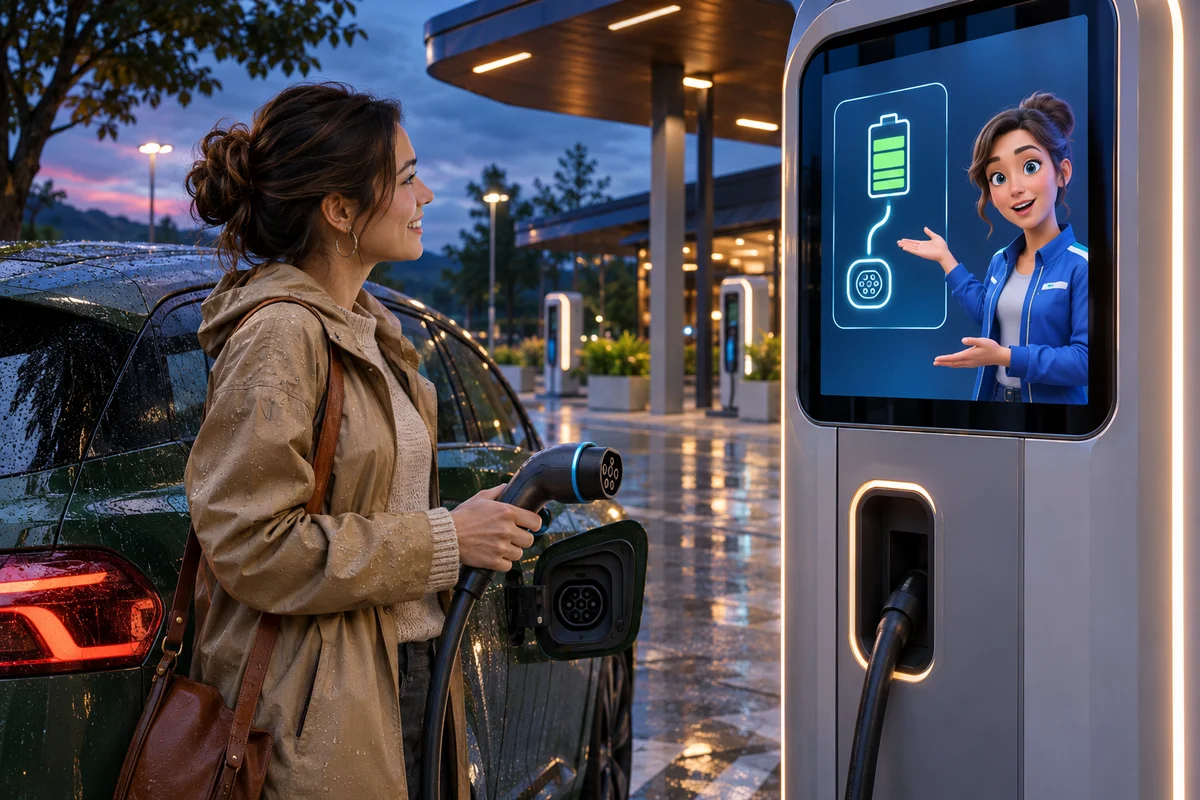
“Where can I see if charging has started?”
The avatar guides the driver through the charger controls and shows where to check the session status.
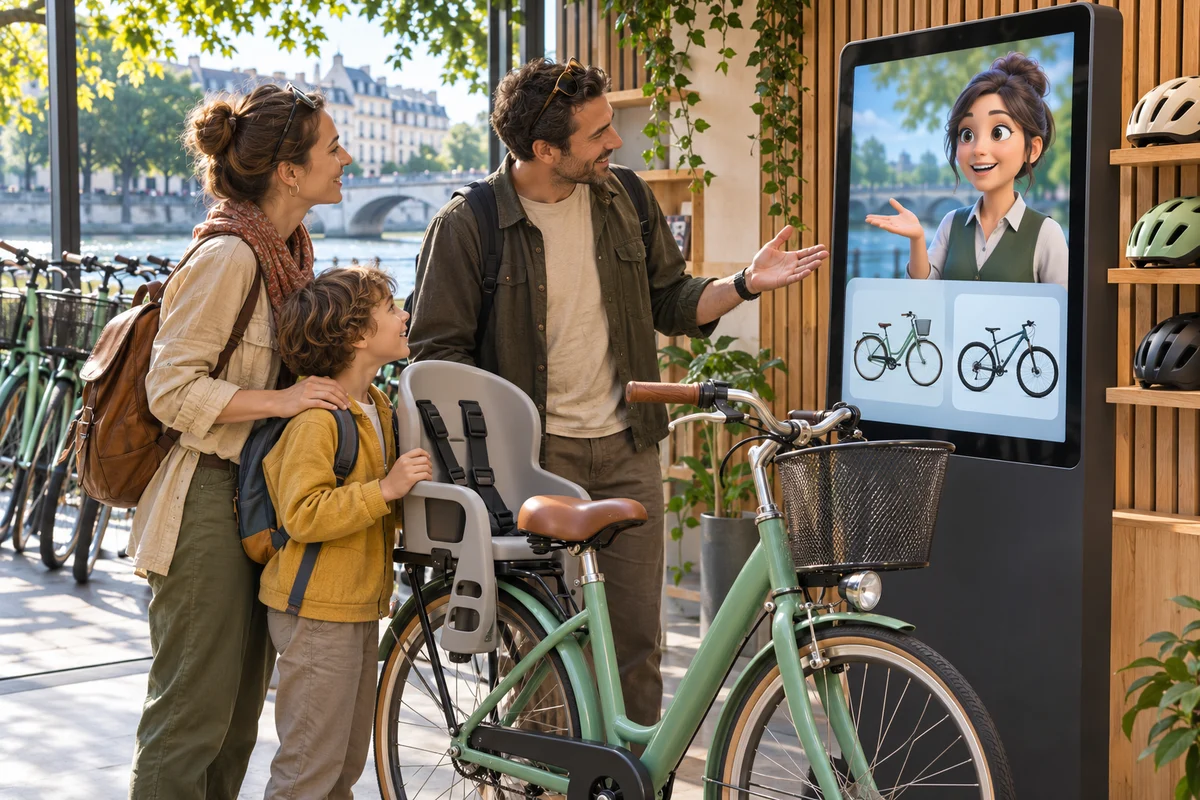
“Can we get two bikes and a child seat?”
The assistant shows suitable combinations. With a booking system connected, it checks availability and directs the family to collection.
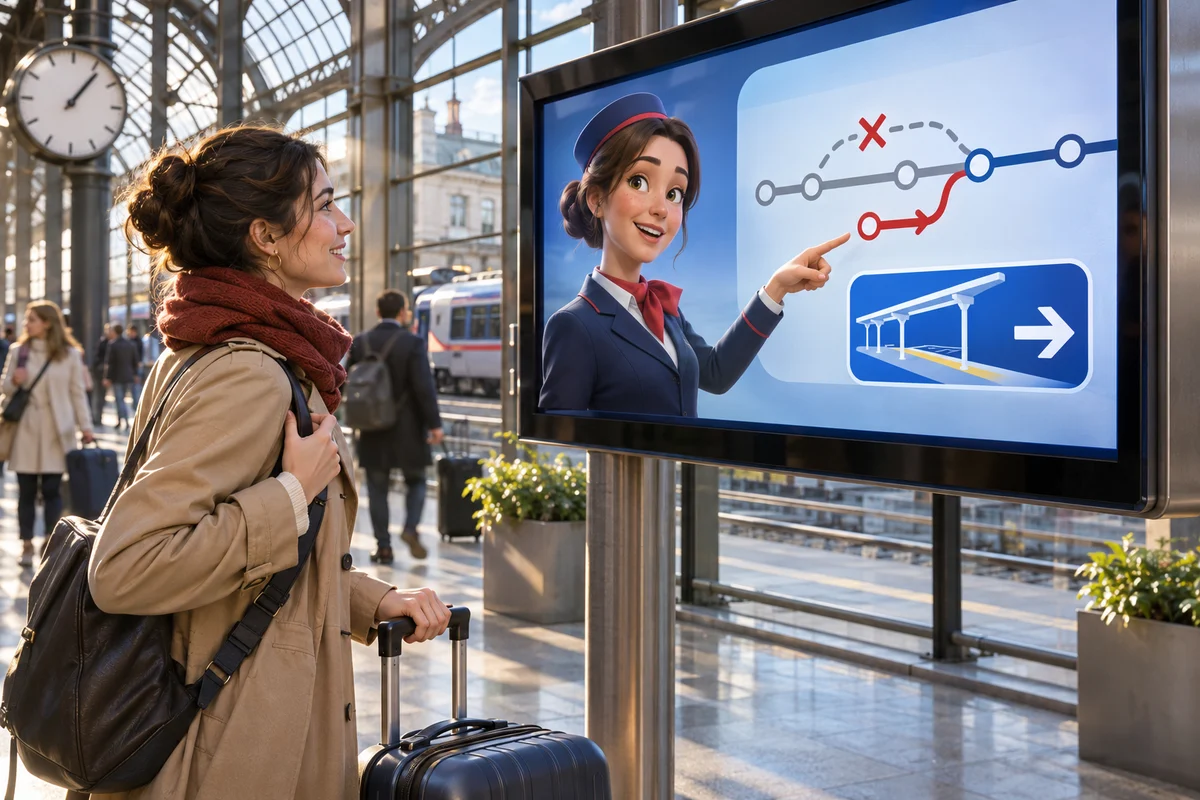
“My train was cancelled. How do I get there now?”
The avatar uses current operator data to show an alternative connection and point out the departure platform.
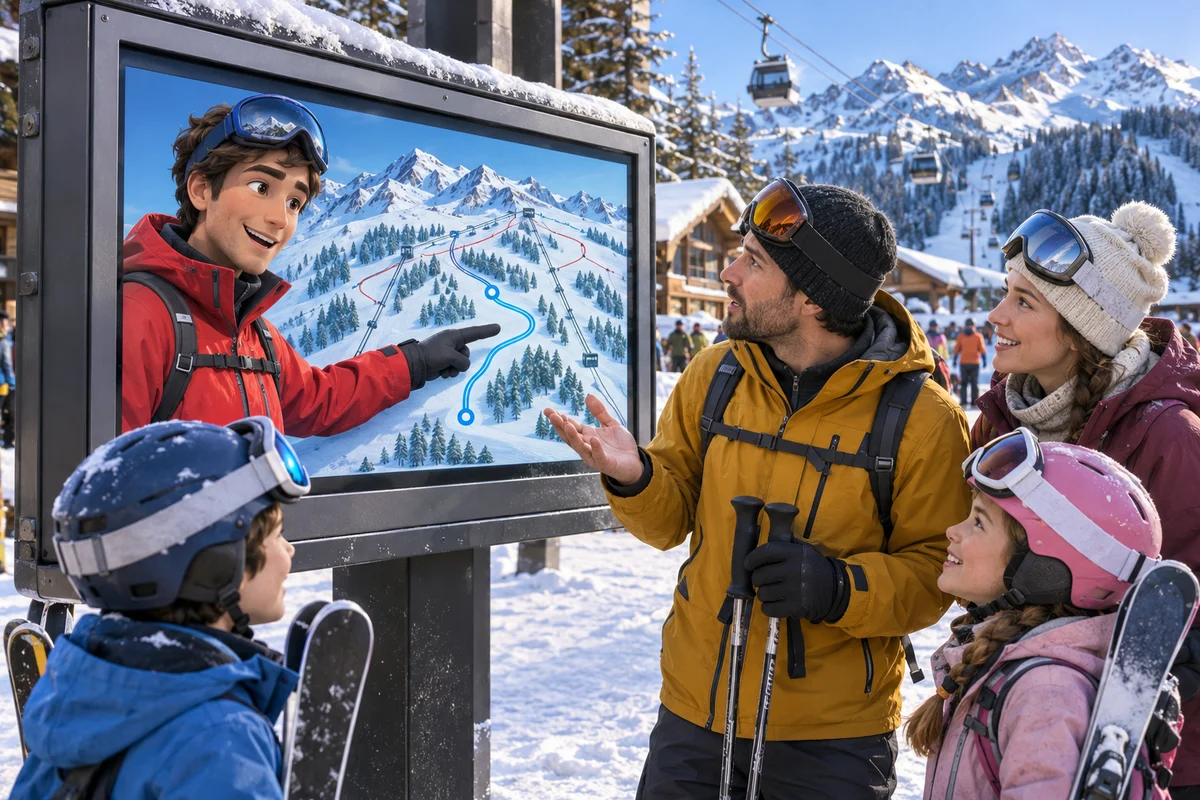
“How do we reach an open blue run?”
The character checks the latest run and lift status and shows how to get to the selected lift on the map.
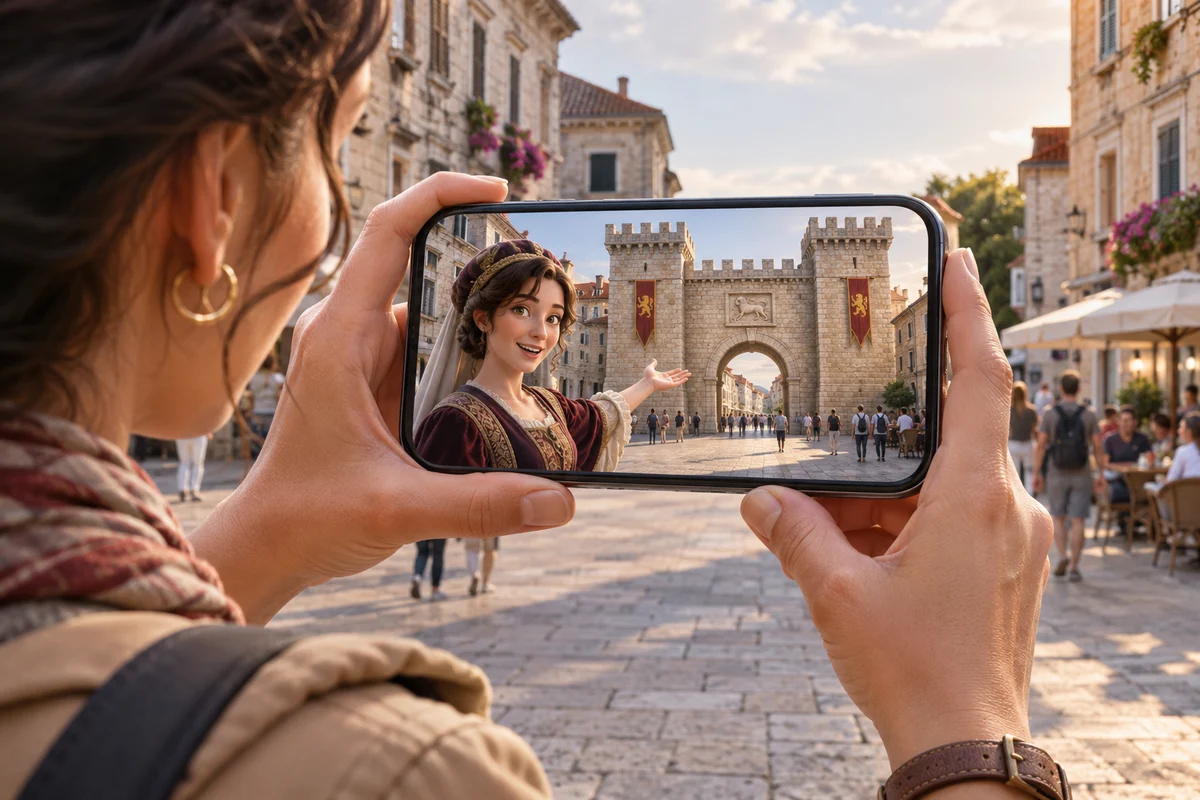
“What used to stand here?”
A guide on the phone points to a reconstruction of the old gateway and leads the visitor to the next stop.
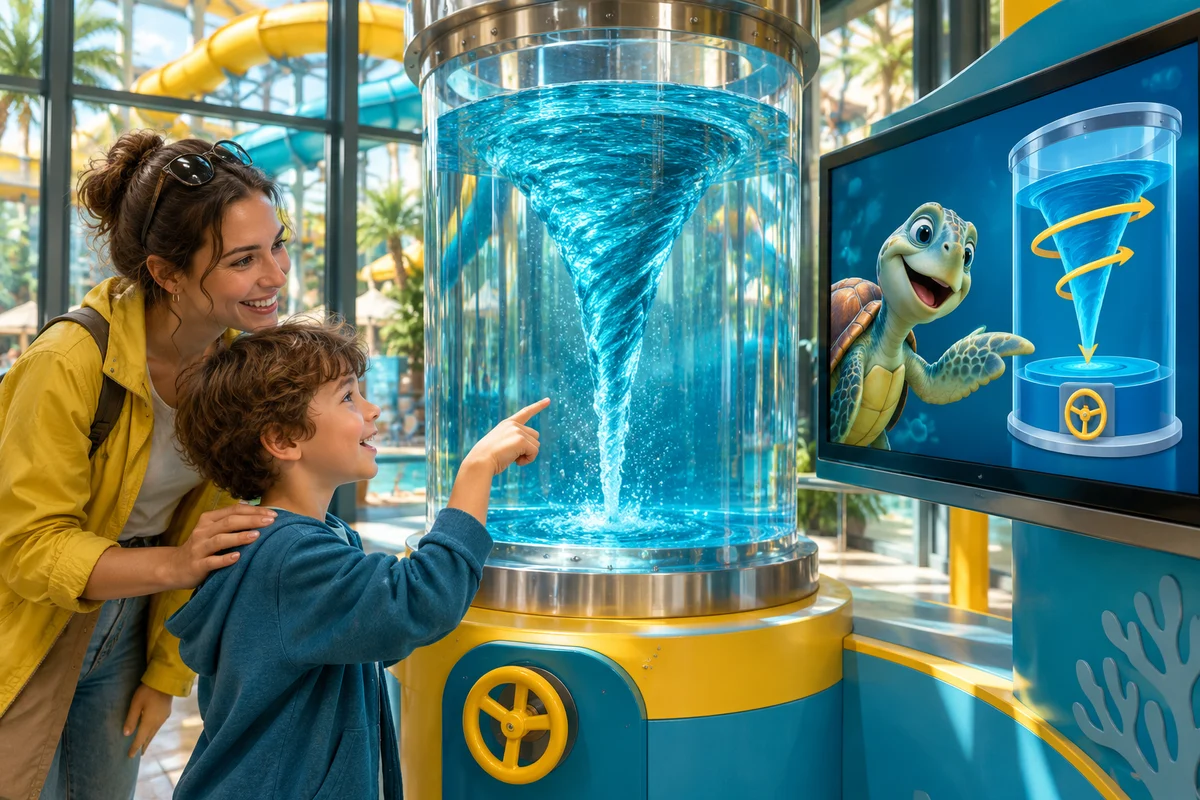
“What creates the whirlpool in this column?”
A sea mascot in a dry area shows a cutaway of the demonstration apparatus and explains the direction of flow.
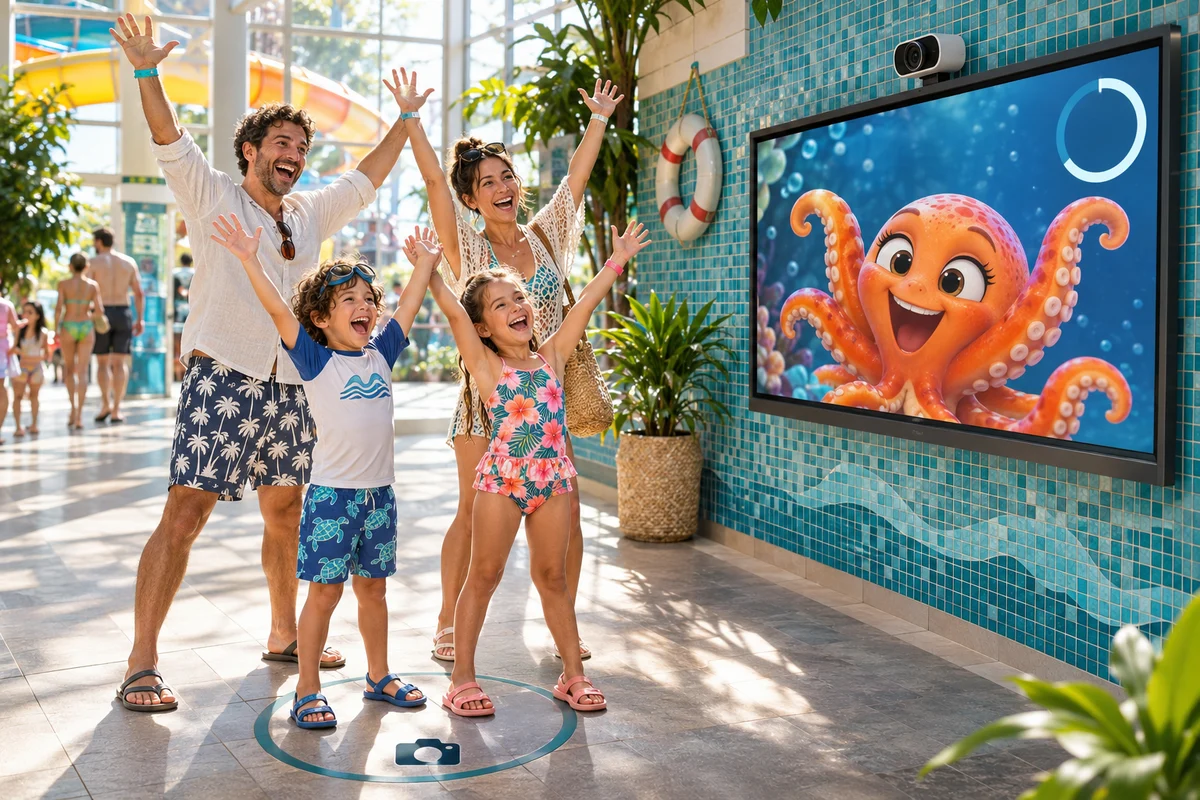
“Can the octopus pose for the photo with us?”
A family picks a character at the photo station. The character joins their pose during the countdown.
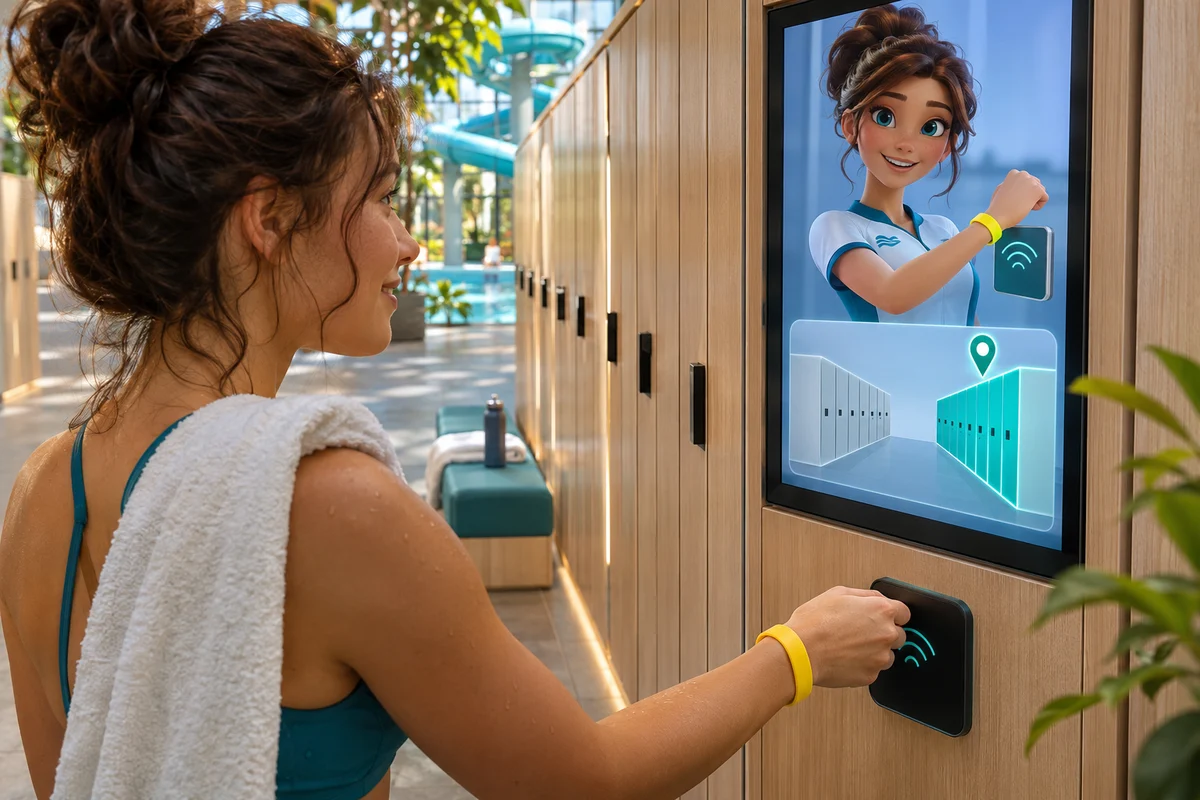
“How do I use my wristband to open this locker?”
The character demonstrates holding the band to a reader and points to the locker row on the site map.
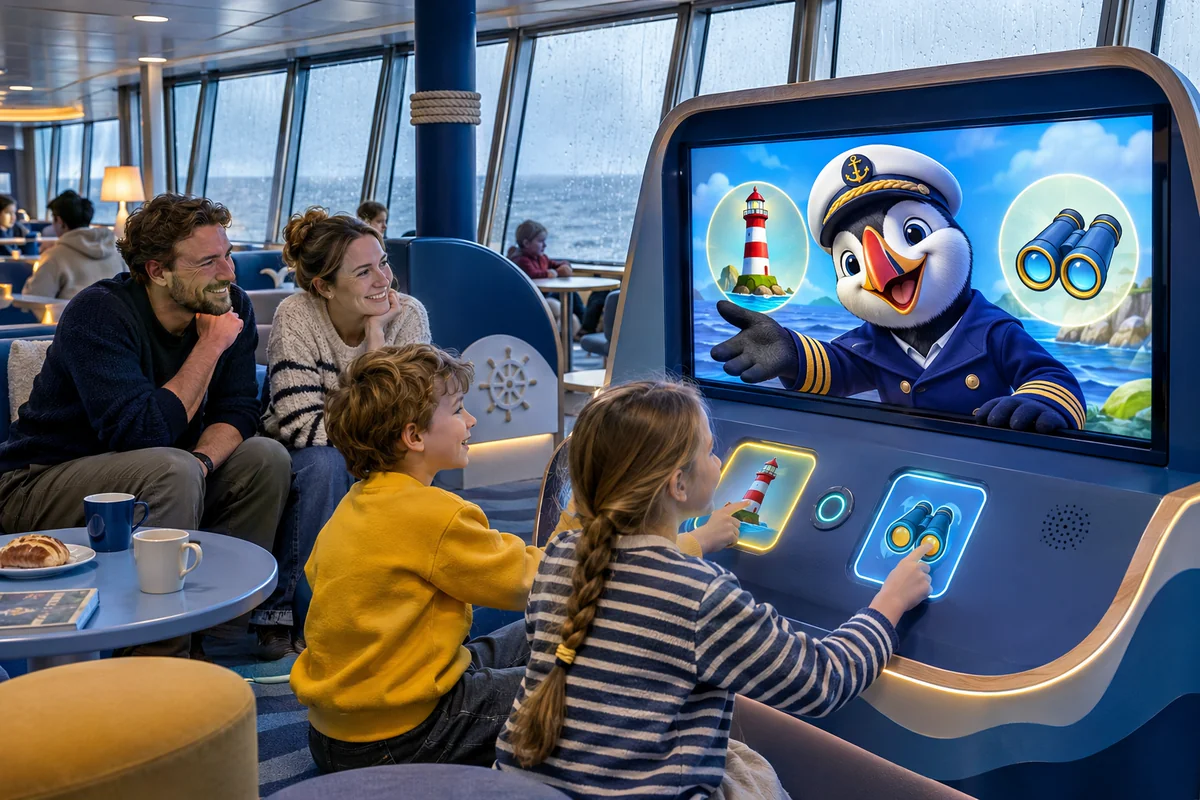
“Who will spot the lighthouse and who will pick our route?”
A puffin captain gives the children different roles, reacts to their choices and sets a short mission they can complete together.
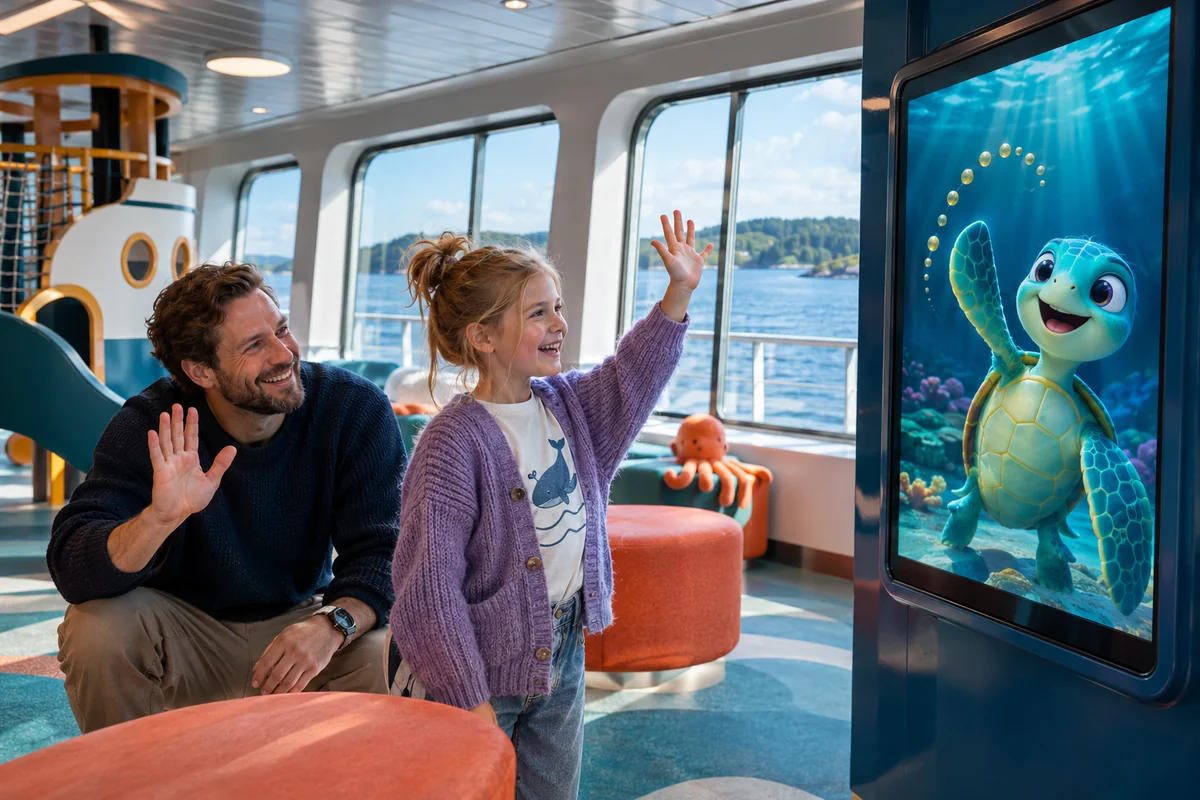
“Can you invent a sea creature's gesture?”
A turtle demonstrates a short movement sequence. The family can copy it or invent one, and the on-screen turtle responds with a flipper gesture.
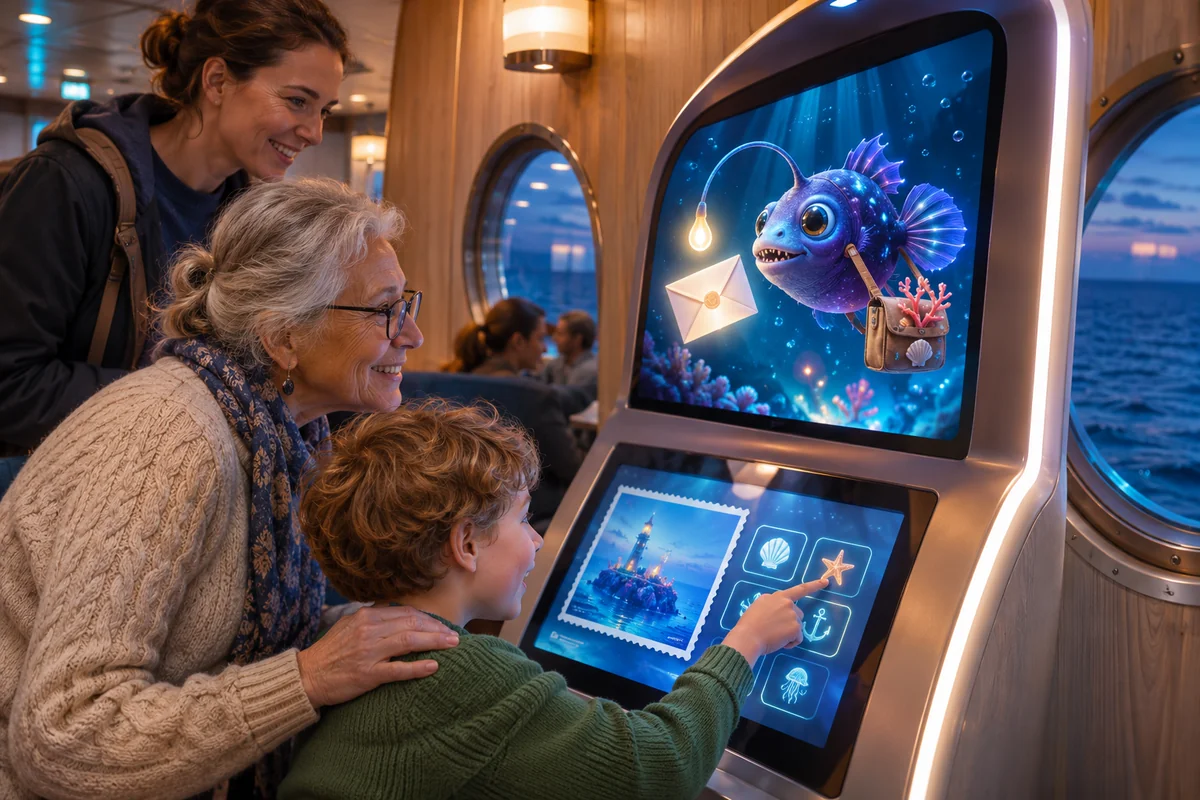
“What shall we send to the reef?”
A child picks a recipient and builds a picture message. The underwater postman asks about the idea and brings back an animated reply.
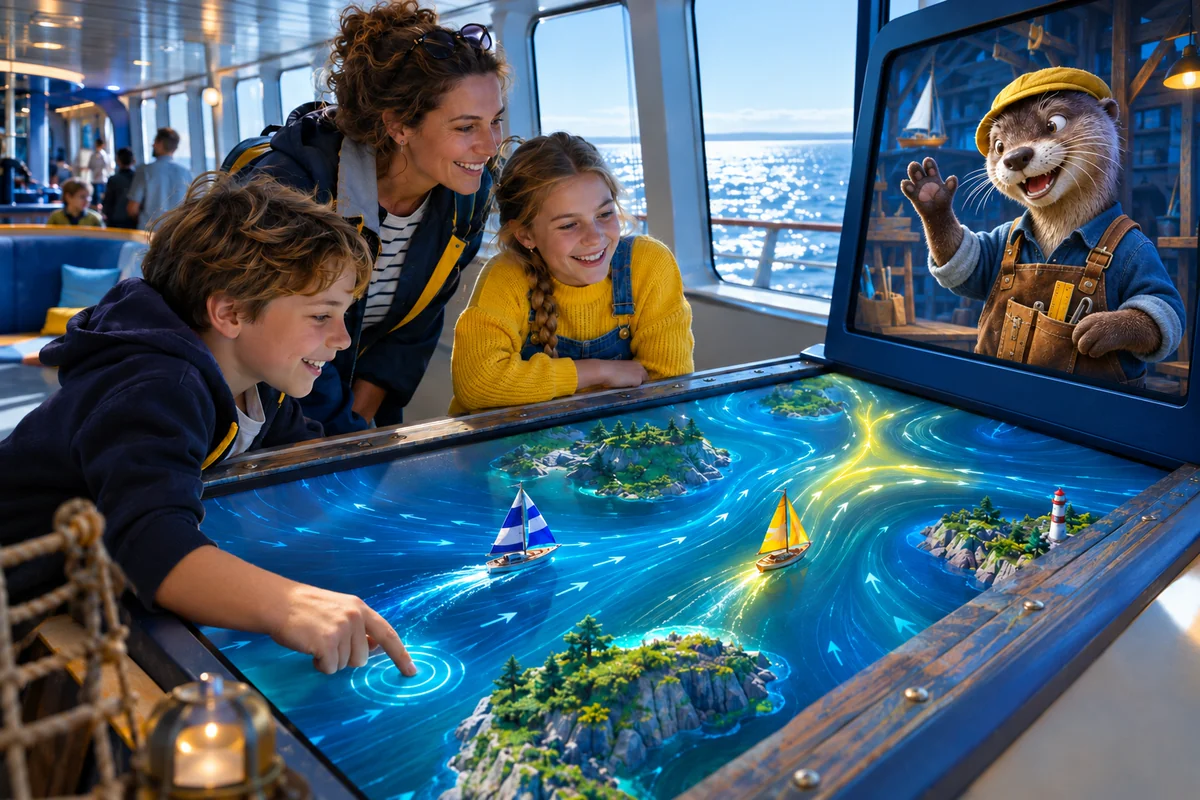
“Where will our boat go if we change the sail?”
The family steers digital boats on an interactive table. An otter points out a change of current on a monitor, and players see the effect of their choice on the table map.
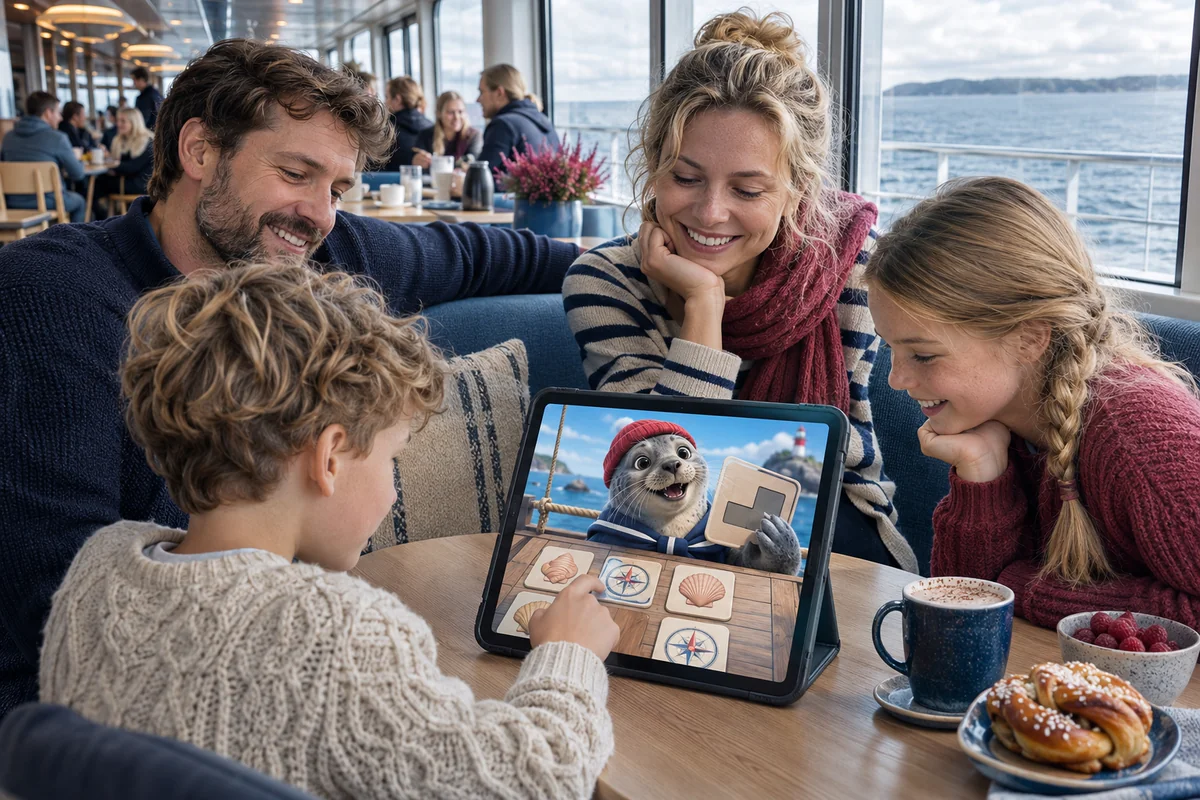
“Can we solve this together before lunch arrives?”
A seal gives each family member a different clue on a tablet. Players compare their clues to finish a quick puzzle round.
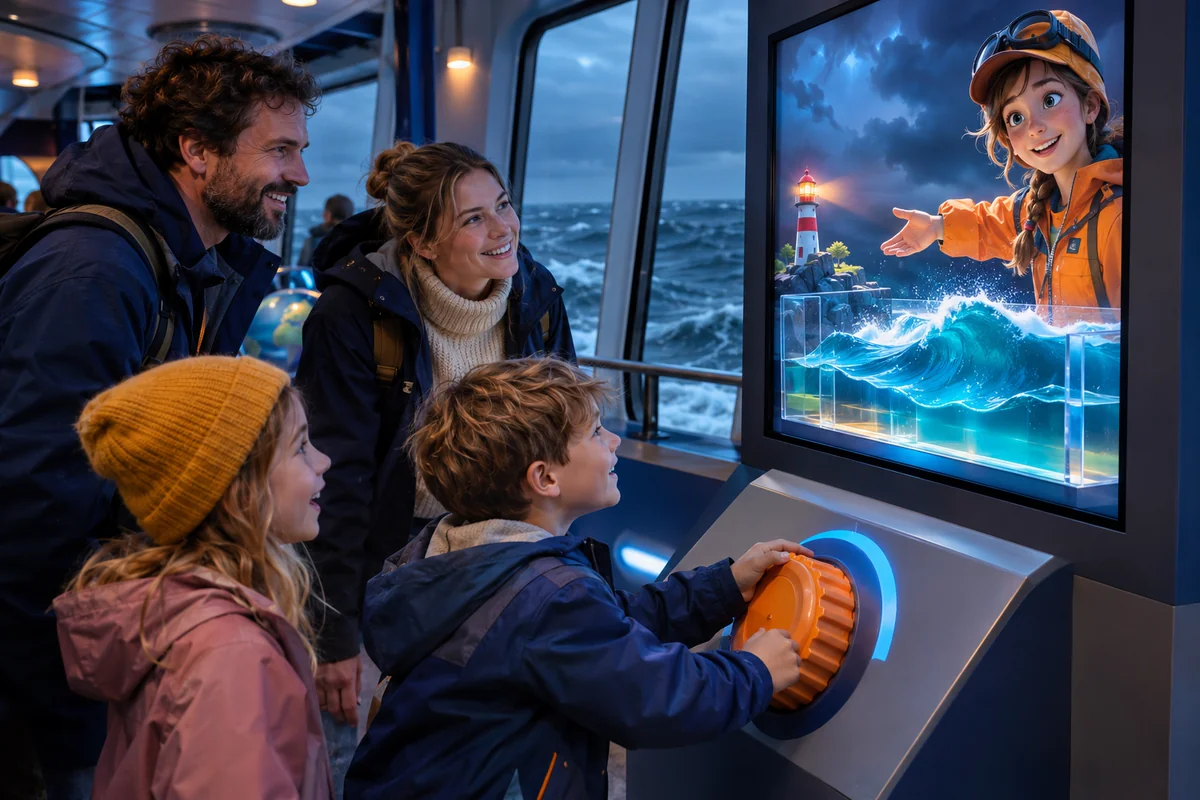
“What happens to the waves if we turn up the wind in our simulation?”
A child turns a physical dial. The on-screen character shows how the waves and model ships respond.
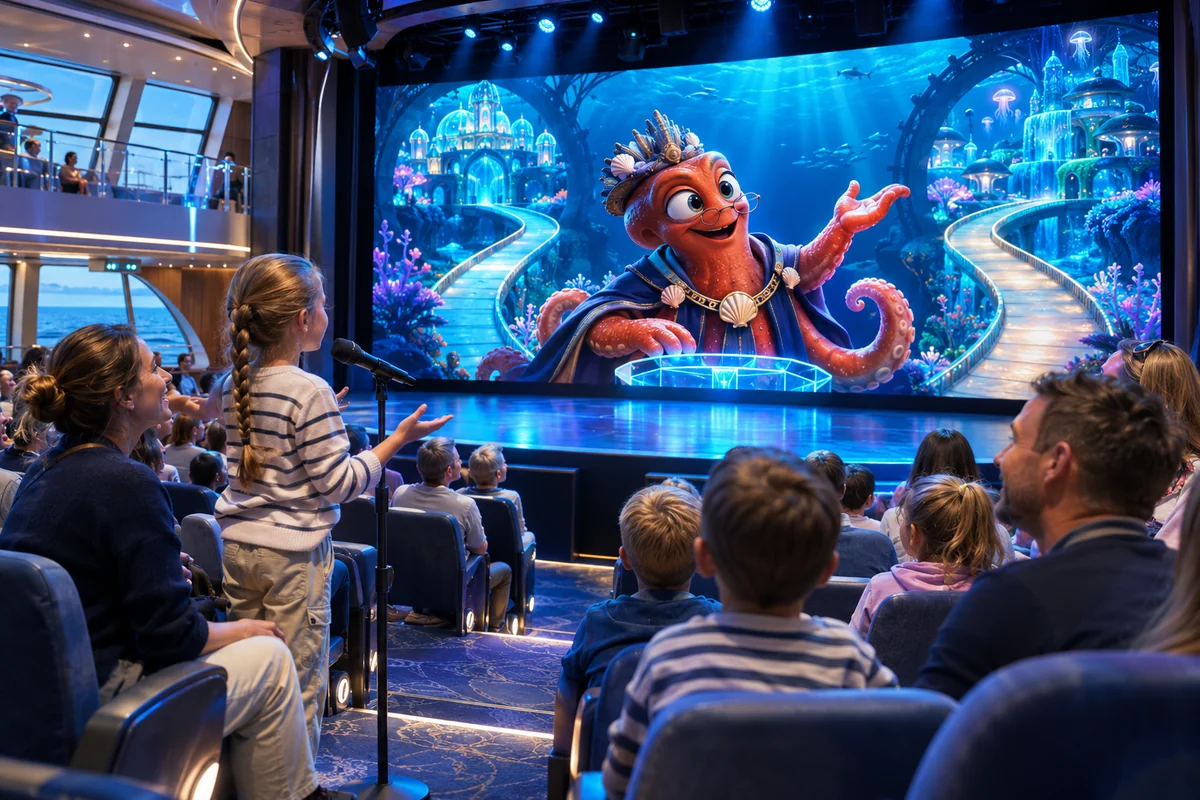
“How can we light the way to the underwater city?”
An octopus asks children for ideas. The audience’s choice changes how the performance unfolds and triggers the next scene.
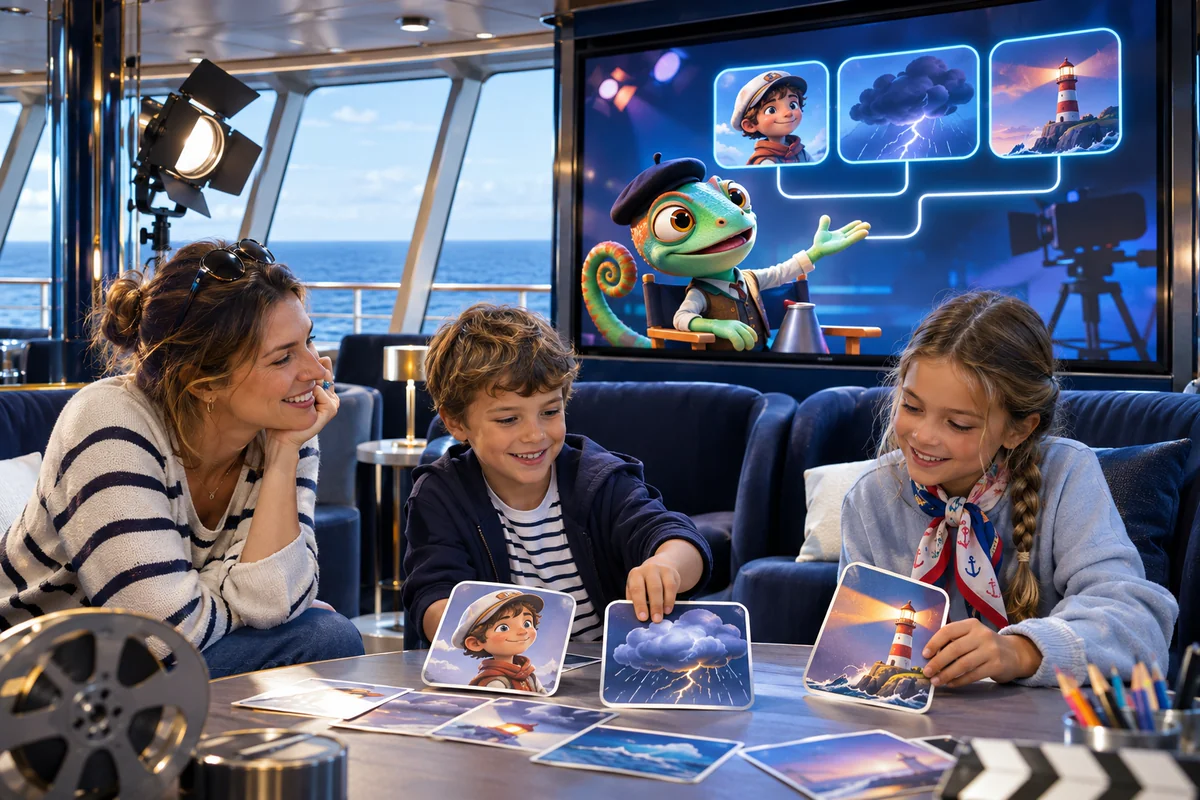
“How will our lighthouse story end?”
Children choose cards for a character, a place and a challenge. A chameleon asks how it should end, then the family watches a story assembled from prepared animated scenes.
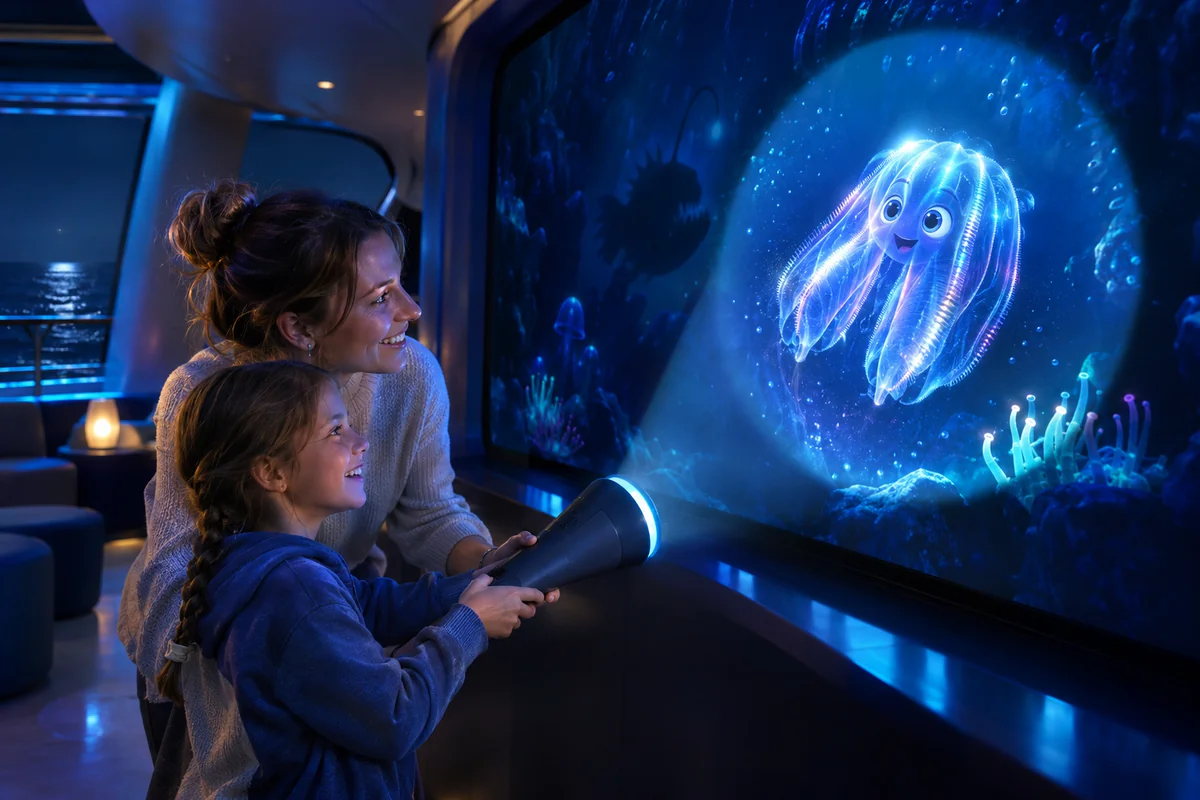
“What’s hiding in the corner if I point my torch there?”
A child moves a beam across a digital ocean. The creature they reveal swims closer, answers questions and offers the next clue.
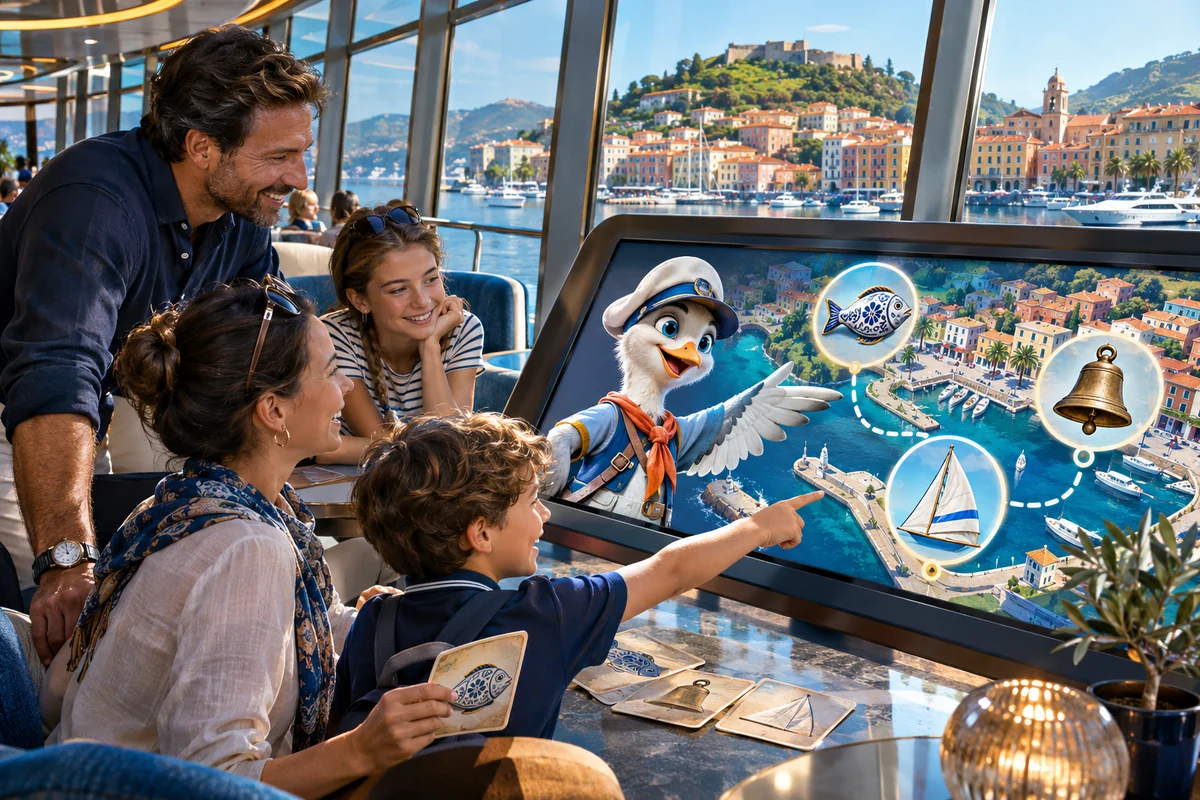
“Which of these objects has a story about the port?”
A guide shows three clues on a map. After the family solves the puzzle, the guide suggests a detail to look for on their walk ashore.
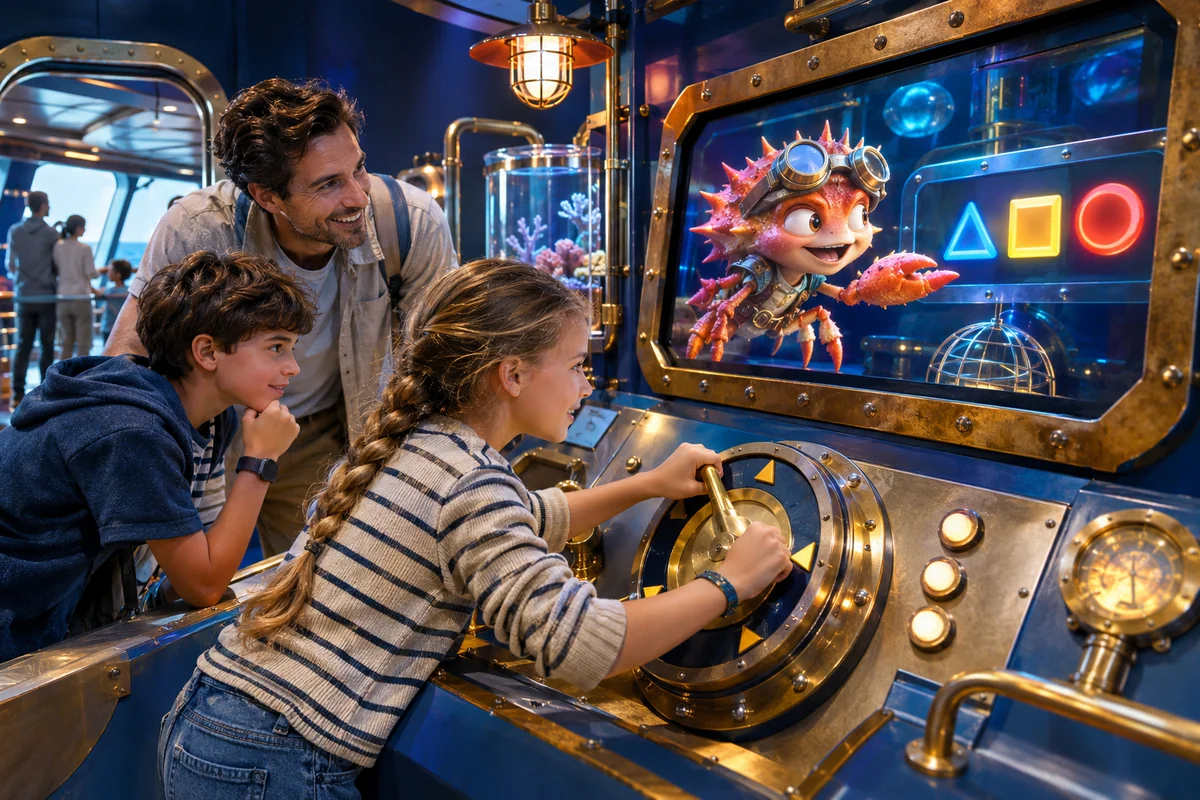
“In what order do we start the underwater lab?”
A crab helps the family find the sequence of symbols that operates the equipment in the game. It adapts its hints to the clues players have already found.
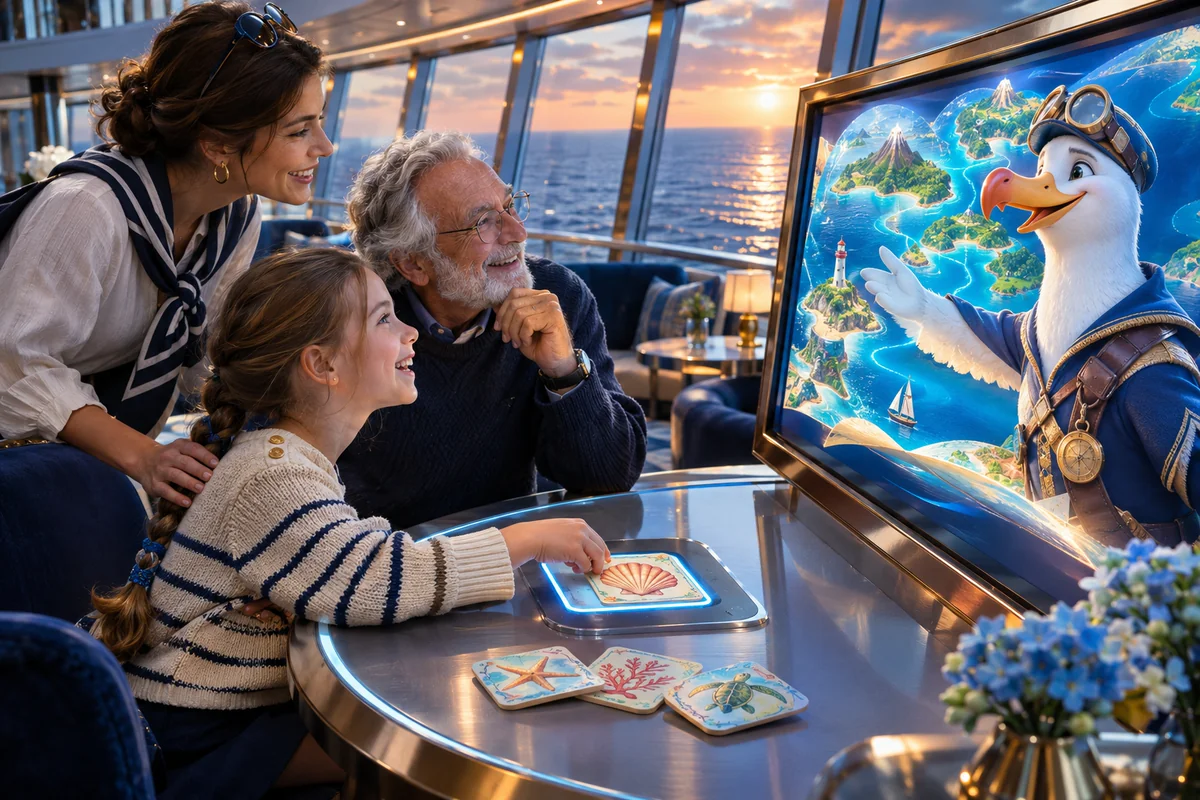
“How do we add today’s find to our family map?”
A cartographer asks the child to choose a discovery and invites the adult to tell a story about it. The map gains a stop the family can revisit in a later episode.
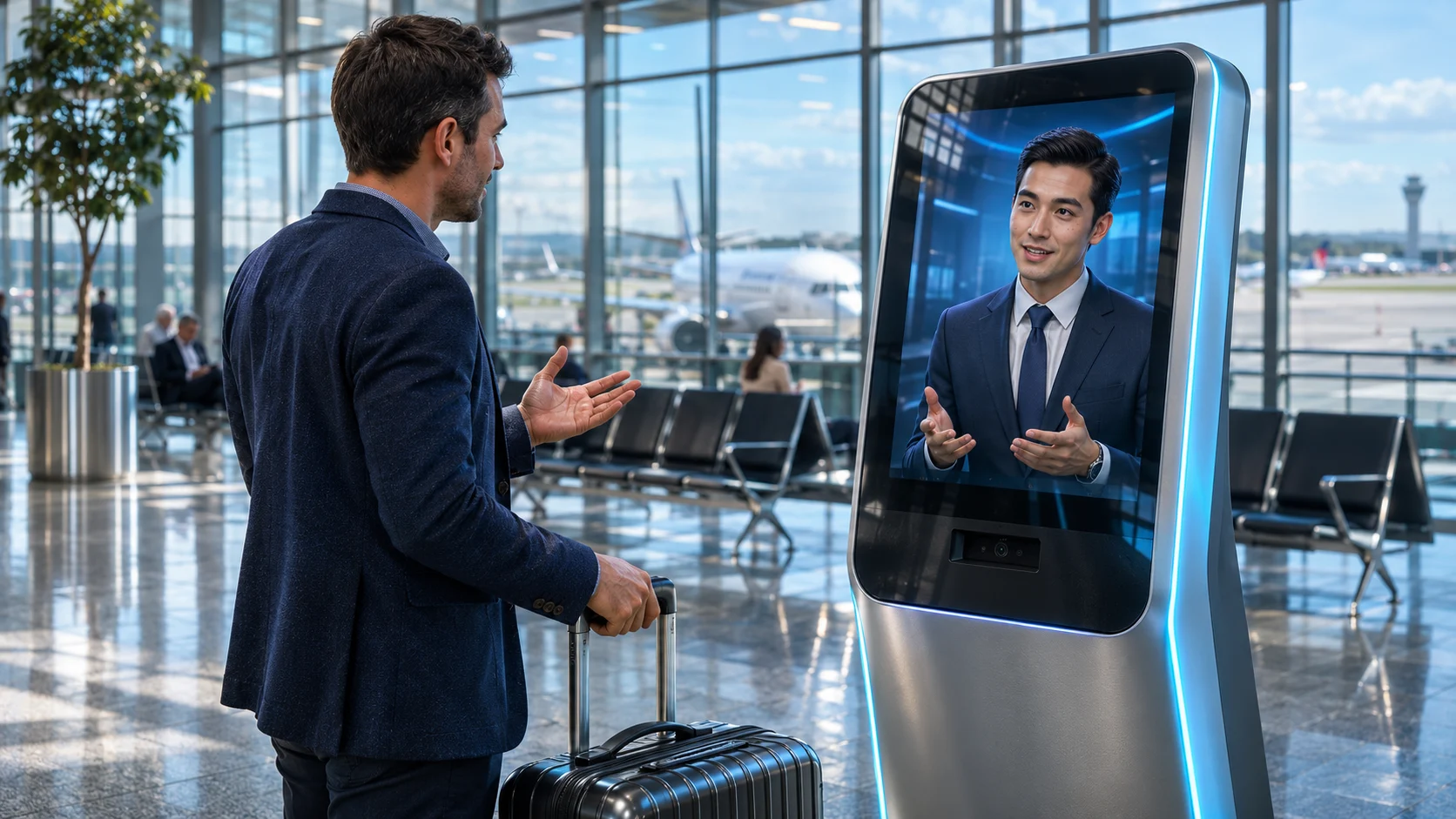
Airports / Travel assistant
The assistant helps passengers find their way through the terminal, shows an accessible route and explains the next steps in their language.
A clear next step at a stressful moment in the journey.
“My gate has changed. How do I get there without using stairs?”
Up-to-date information depends on the operator’s data; without a connection, the assistant does not guess a flight’s status.
ONE INDUSTRY. MORE POSSIBILITIES.
“Which carousel will my bag arrive on?”
The assistant reads the carousel number from current airport information and shows the way. If the passenger cannot find their bag, it points them to the right reporting desk.
Up-to-date information depends on the operator’s data; without a connection, the assistant does not guess a flight’s status.
Talk about this scenario“Where is the passenger assistance point in this terminal?”
The avatar shows the meeting point and a step-free route from the terminal map. It provides the assistance team’s contact details if needed.
Up-to-date information depends on the operator’s data; without a connection, the assistant does not guess a flight’s status.
Talk about this scenario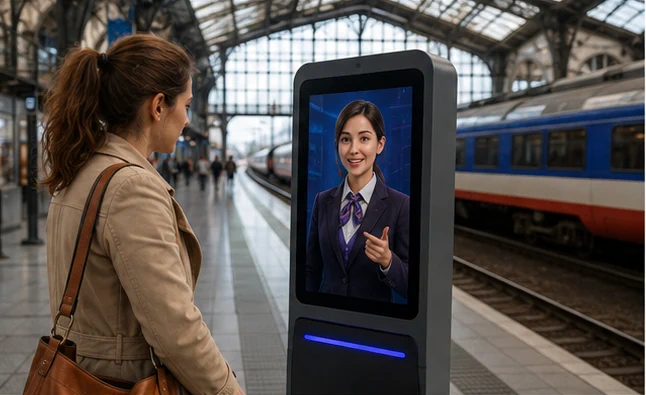
Railway stations / AI wayfinder
The wayfinder combines connection information with a practical station map. It helps passengers find a lift, ticket office, luggage storage or the right help point.
Travel information becomes a clear route through the station.
“I have a connection and a pushchair. How do I get to the next platform?”
ONE INDUSTRY. MORE POSSIBILITIES.
“Where can I leave my suitcase while I wait for my train?”
The navigator shows the luggage office or lockers and shares opening hours from the operator. It maps a route from the current entrance.
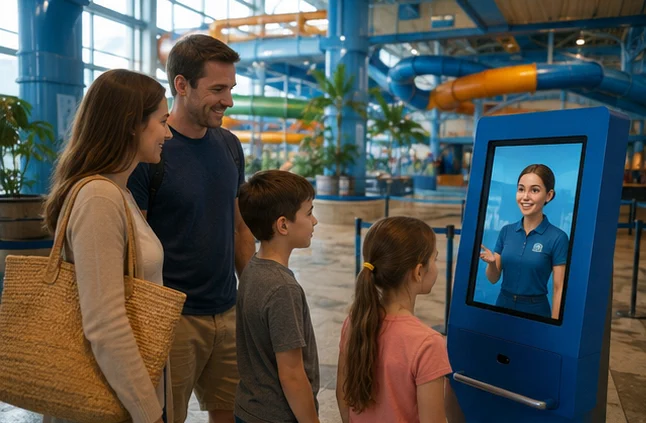
Water parks / Attractions guide
A guide in the dry entrance area helps guests choose attractions, understand venue rules and plan their visit.
Easier orientation before entering the water area.
“Where is the quiet zone, and when do the activities start?”
AI does not replace lifeguards or safety systems.
04 / Everyday life and support
An easier way to manage the home, keep in touch with loved ones and prepare for an appointment. Clear rules and human control are part of the design.
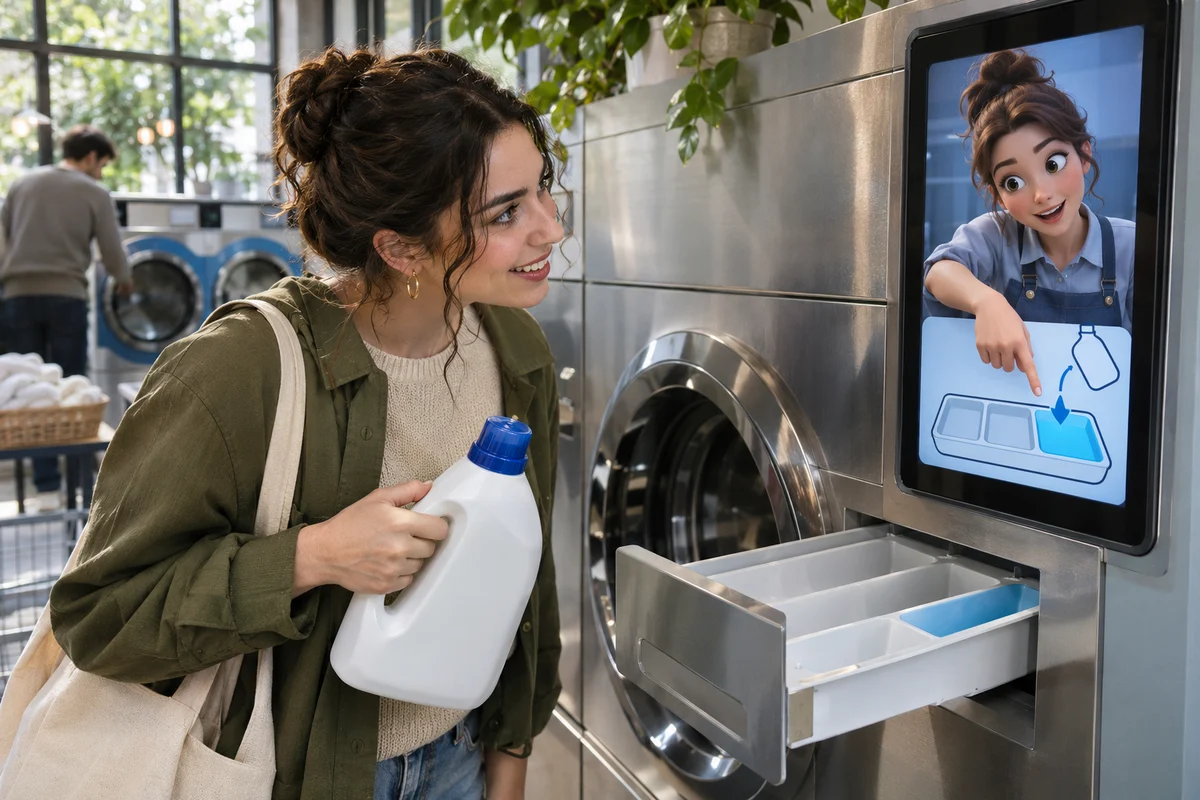
“Which compartment takes the laundry detergent?”
The character points out the correct compartment on a diagram of that washer and shows where to select a programme.
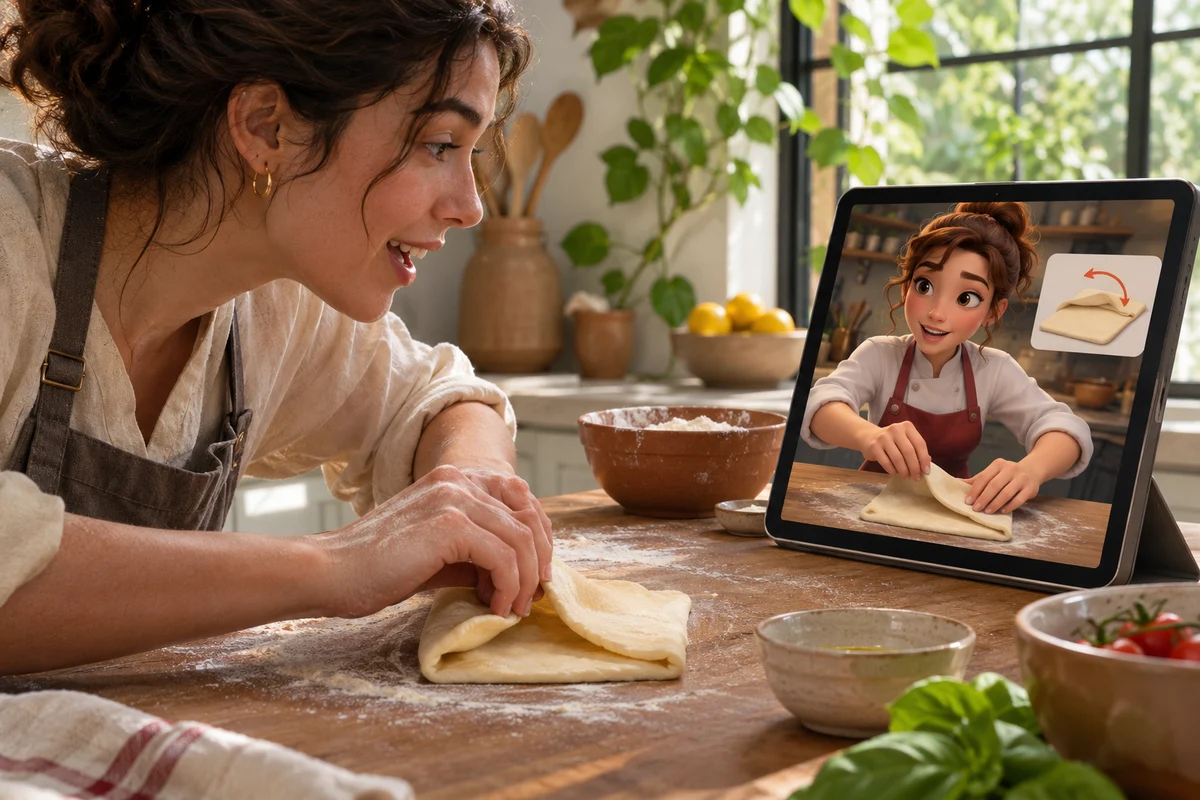
“Can you show me how to fold the dough again?”
The character takes a voice request, returns to the previous recipe step and replays a short animation of the hand movement.
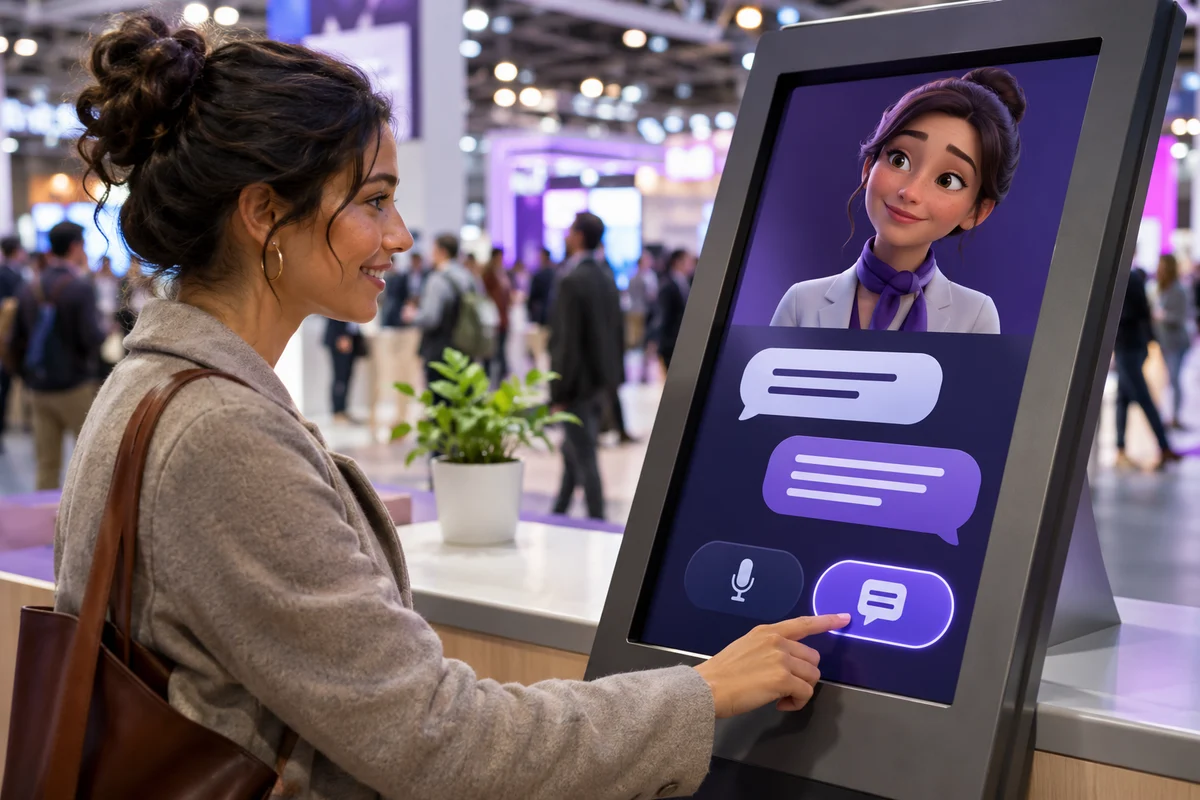
“Can we have this conversation by text?”
After the visitor selects text mode, the avatar confirms the choice and replies in large, readable text on the kiosk.
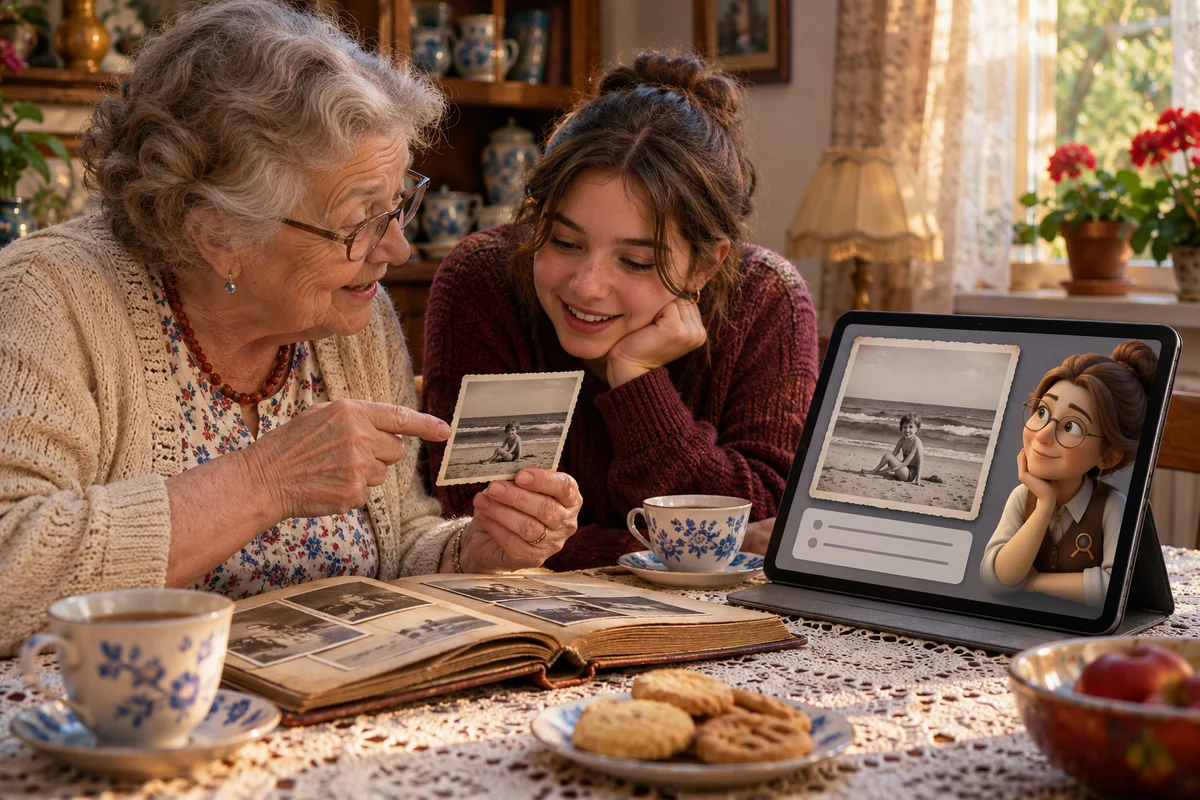
“Can you save the story behind this photo in our album?”
The avatar drafts a short note from the story. Once the family confirms it, the note is added to the chosen photo in the digital album.
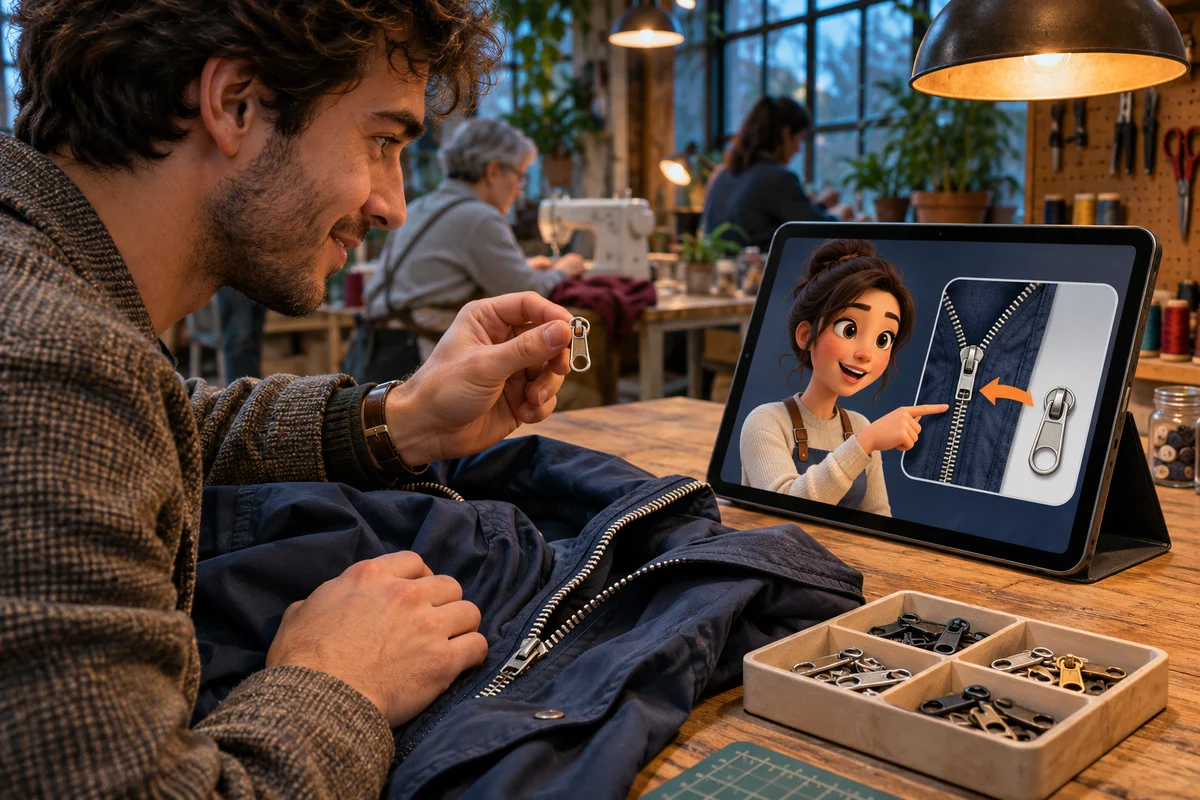
“How can I replace just the pull on this jacket zip?”
The character enlarges the part in a diagram and points to the compartment with matching zipper pulls at the repair station.
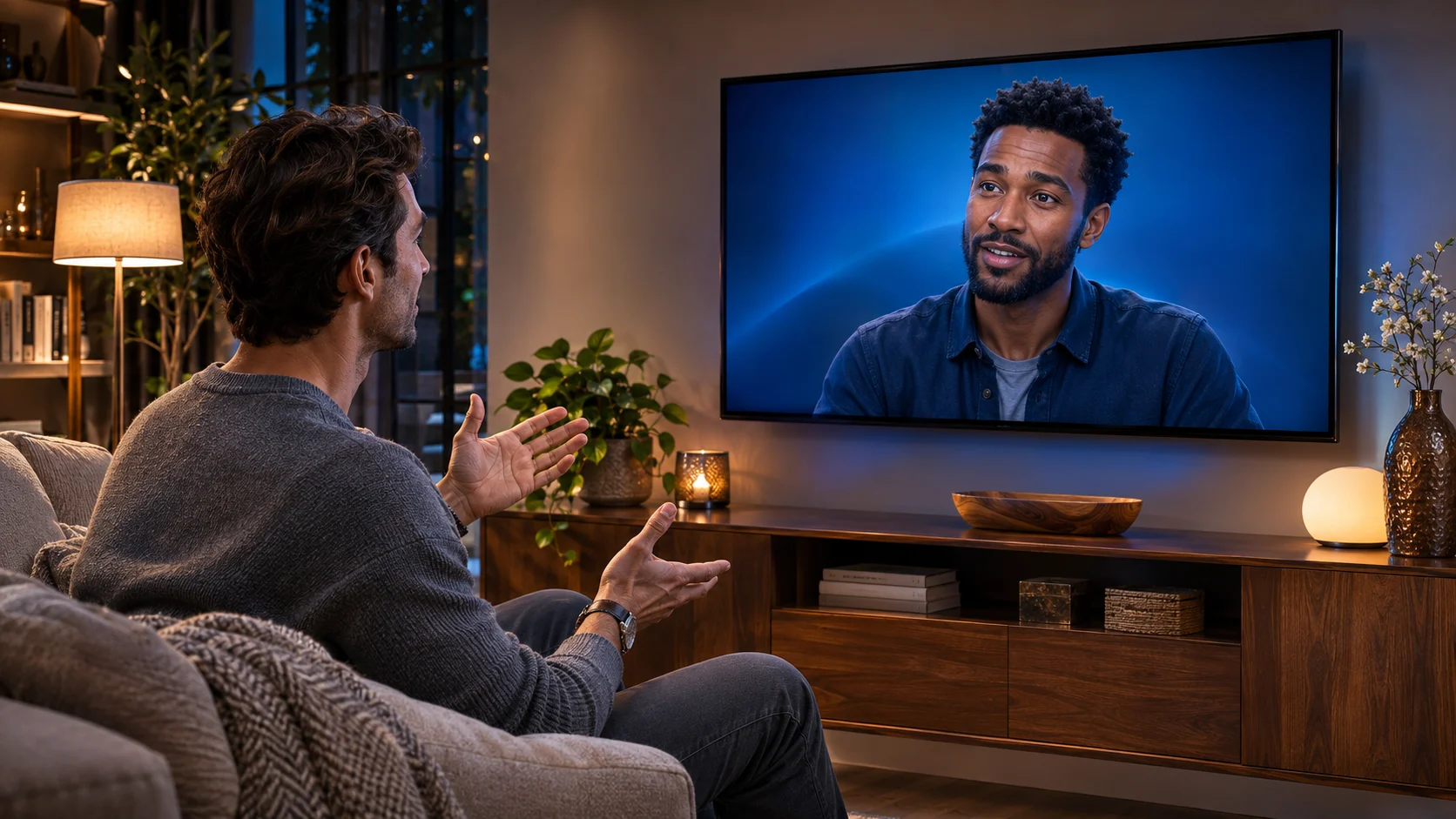
Smart home / Home assistant
One conversation brings lighting, temperature, blinds and the daily schedule together. Household members do not have to remember device names or switch between apps.
Fewer commands. More control over everyday life.
“Turn on movie mode and remind me about the washing machine in an hour.”
Access to locks and other sensitive functions requires separate permissions and confirmation.
ONE INDUSTRY. MORE POSSIBILITIES.
“Did I leave the living-room light on?”
The agent reads the status of permitted devices from the home system. It reports which devices replied and flags any unavailable reading.
Access to locks and other sensitive functions requires separate permissions and confirmation.
Talk about this scenario“Let me know when the washing machine finishes.”
With the washing machine connected, the agent sets a reminder for the end-of-cycle signal and confirms where the notification will arrive.
Access to locks and other sensitive functions requires separate permissions and confirmation.
Talk about this scenario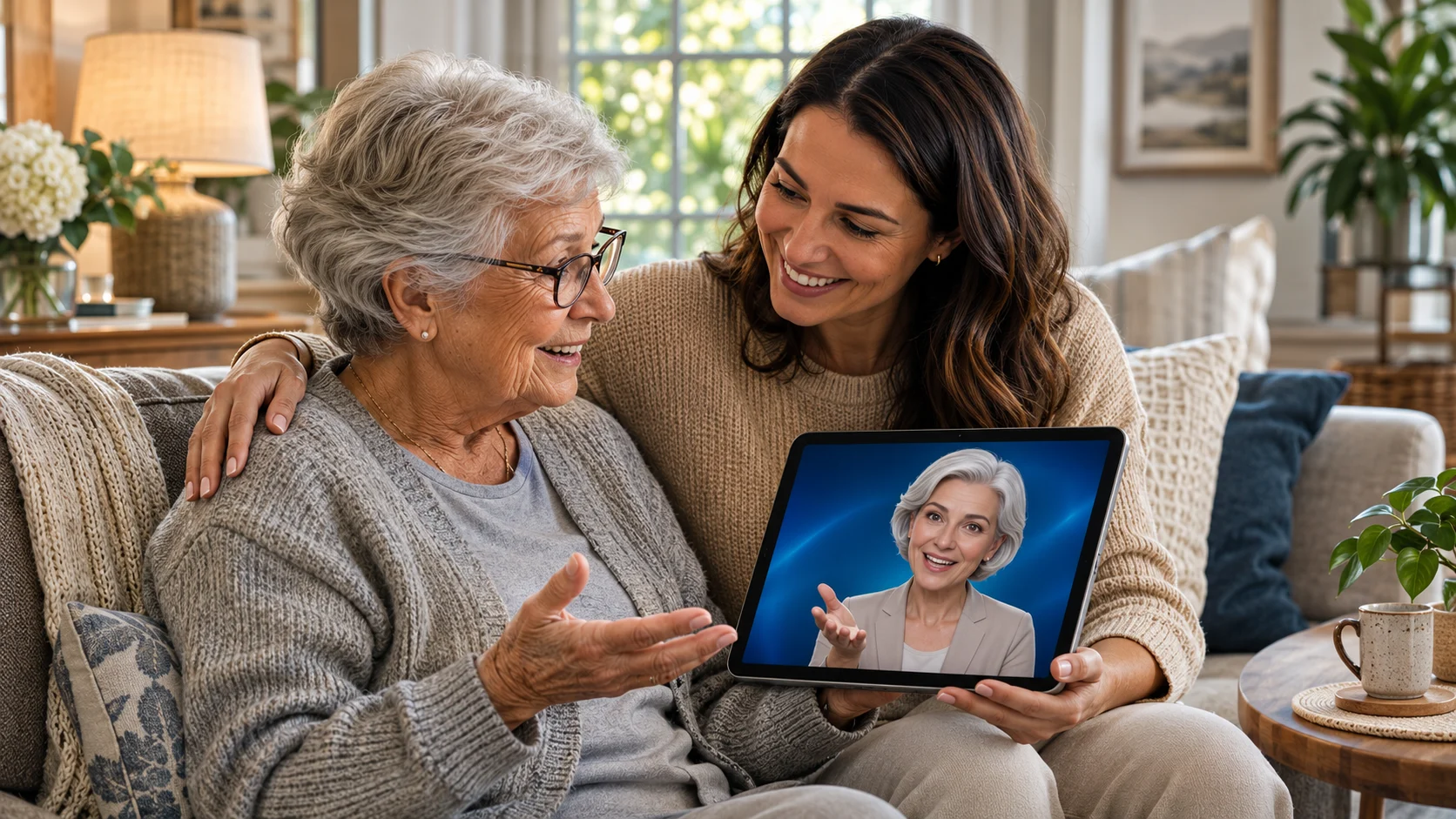
Senior care / Everyday assistant
A calm assistant makes devices easier to use, reminds people of planned activities and helps them contact loved ones.
Fewer digital barriers to everyday contact with people.
“Remind me of today’s schedule and help me call my daughter.”
It complements human contact and care. It is neither an alarm system nor medical assistance.
ONE INDUSTRY. MORE POSSIBILITIES.
“Can I hear today’s plan and then contact my carer without looking up the number?”
On a tablet, an older adult can ask to hear their daily plan or use a large contact button. The assistant reminds them of agreed tasks and helps them call a carer or someone close when asked.
This supports everyday contact. The assistant neither monitors health nor functions as an alarm.
Talk about this scenario“How do I make the text larger on my tablet?”
The character shows where to change the text size. It reads out each step and waits for the user to confirm before continuing.
It complements human contact and care. It is neither an alarm system nor medical assistance.
Talk about this scenario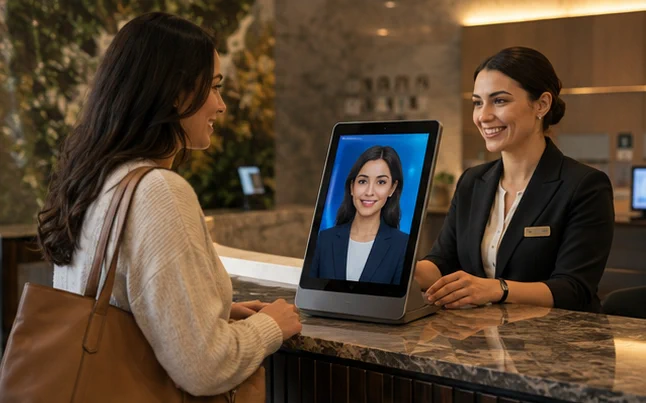
Healthcare / Support for staff
An administrative assistant answers questions about appointments, guides patients through forms and provides instructions approved by the healthcare facility.
Patients know the next steps. Staff can focus on matters that need their attention.
“Where should I report, and which documents should I bring?”
No diagnosis or treatment recommendations. Patient data requires a separate data-protection and access plan.
ONE INDUSTRY. MORE POSSIBILITIES.
“Can an avatar remind me about a rehabilitation session and show me a video from my physiotherapist?”
In a project for a healthcare provider, an avatar can remind patients about scheduled rehabilitation sessions and show material assigned by their physiotherapist. For questions about pain, exercise technique or changing the plan, it points to a way to contact the physiotherapist.
The avatar gives reminders and displays materials. The physiotherapist chooses exercises, assesses technique and changes the plan.
Talk about this scenario“I have a follow-up after my appointment. Where can I find the list of documents and contact details for the clinic?”
The provider’s assistant shows a verified list of administrative steps after the visit. It can remind patients about an appointment, share reception contact details and point to the channel for questions to the care team.
This supports administrative tasks. Clinical staff interpret results, assess symptoms and make decisions about medicines and treatment.
Talk about this scenario05 / Work and industry
An agent helps people find the right documentation and pass a problem to an expert, without guessing or bypassing procedures.
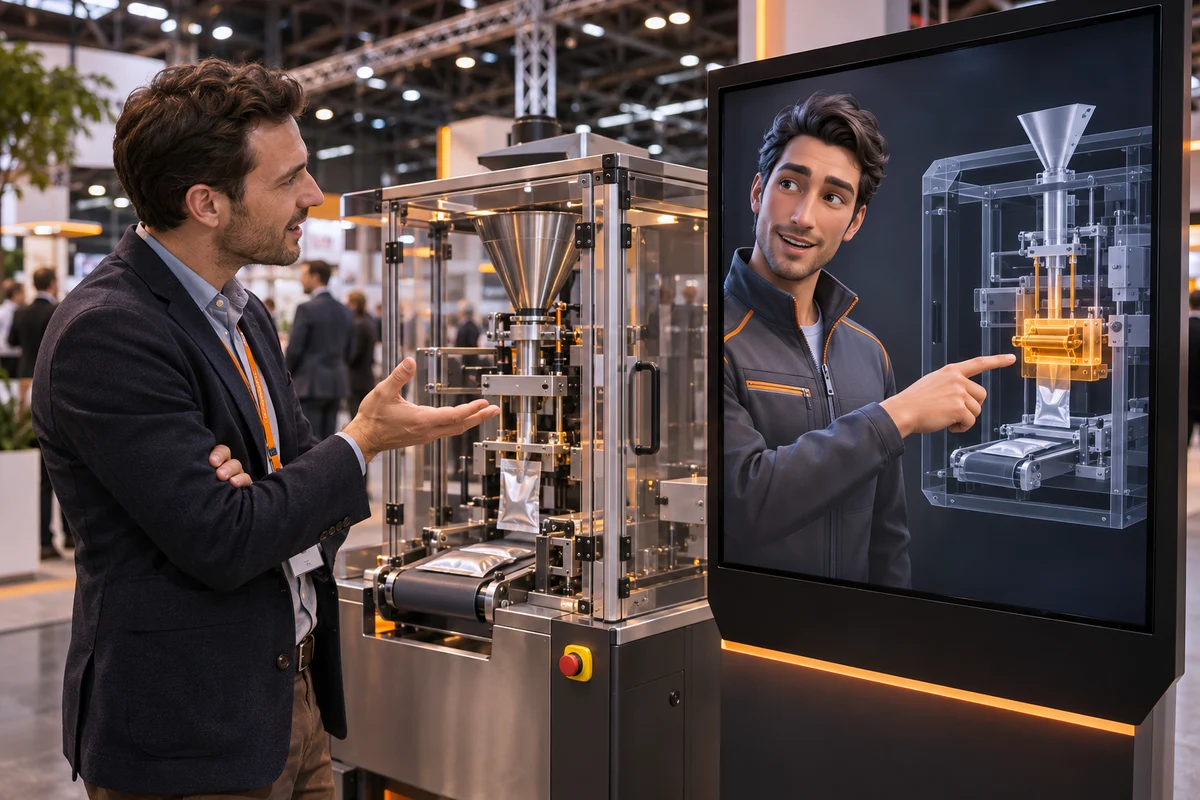
“What does this module do?”
The character points to the part in a cutaway and explains its purpose. It can then direct interested visitors to an engineer at the stand.
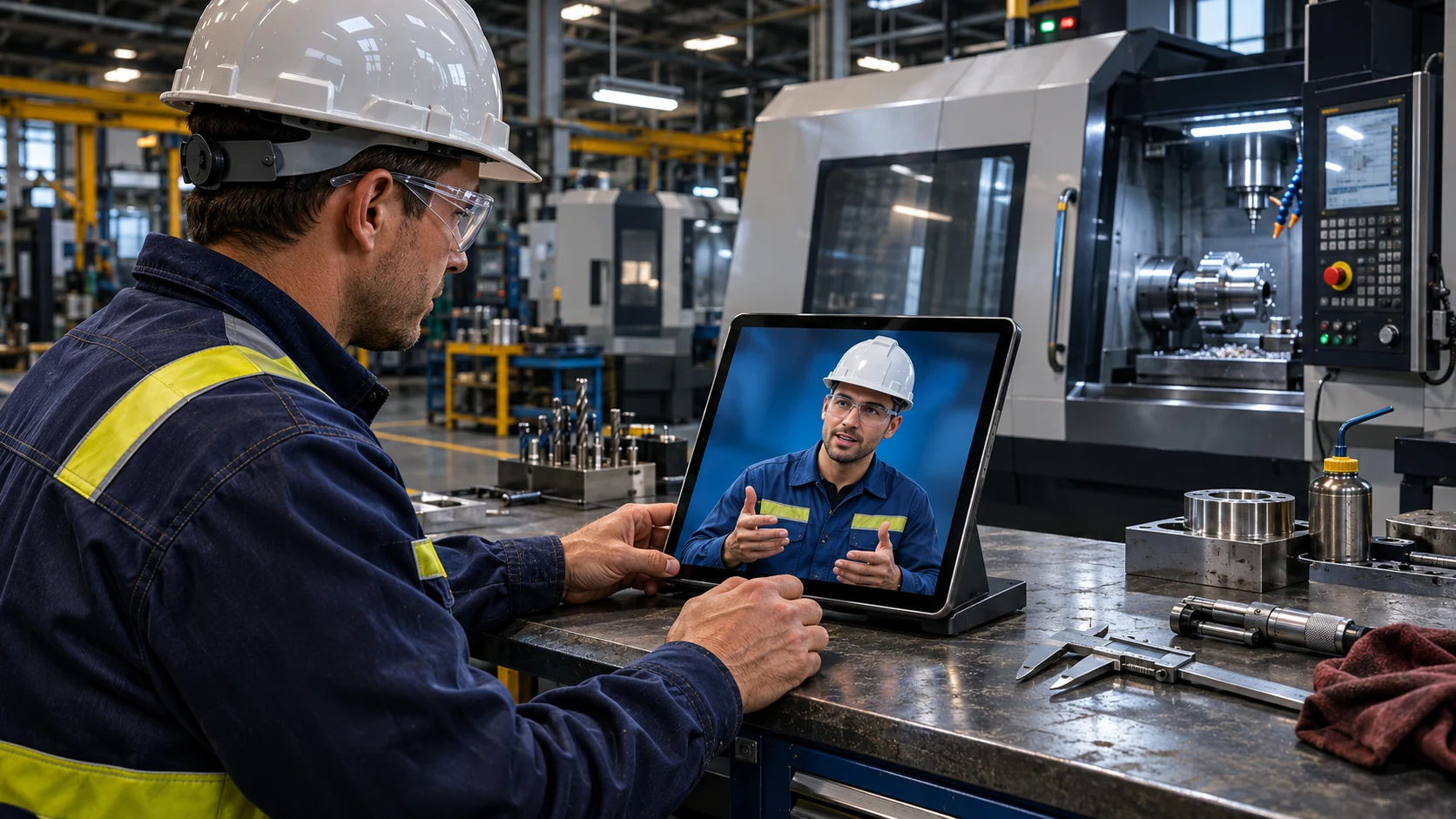
Industry / Virtual engineer
An expert helps find the right version of documentation, a changeover procedure or a service record. There is no need to search multiple directories.
Knowledge closer to the workstation. Better context for the maintenance team.
“Where can I find the right checklist for this workstation?”
The operator remains responsible; AI does not bypass procedures or machine safeguards.
ONE INDUSTRY. MORE POSSIBILITIES.
“Why do we perform this check before the next stage?”
Experienced employees help create a library of approved explanations. The avatar guides people through instructions, shows examples and points to an expert when a problem is unusual.
We do not copy an employee’s mind. We do not bypass procedures, safeguards or permissions.
Talk about this scenario“Show me where this module is on the line and what it connects to.”
The avatar guides users through a model of the facility, points out components and explains their connections. A question leads to a specific location and its documentation.
Informational only, with no machine control; live data needs a separate integration.
Talk about this scenario06 / Public services and finance
At a public office or a bank, clear information and a safe next step matter. The assistant explains, guides and helps prepare contact with an employee.
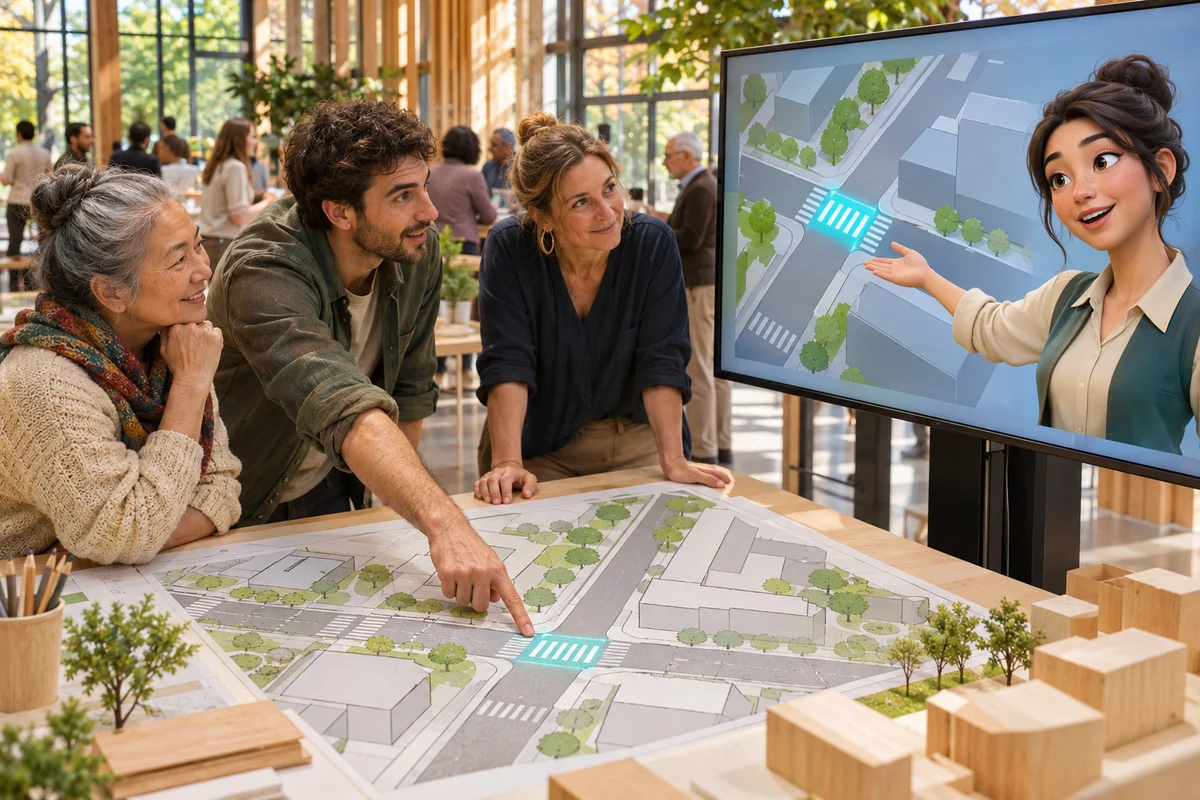
“What will change at the crossing near our building?”
Using the consultation materials, the avatar compares the current plan with the proposal and points to the public feedback form.
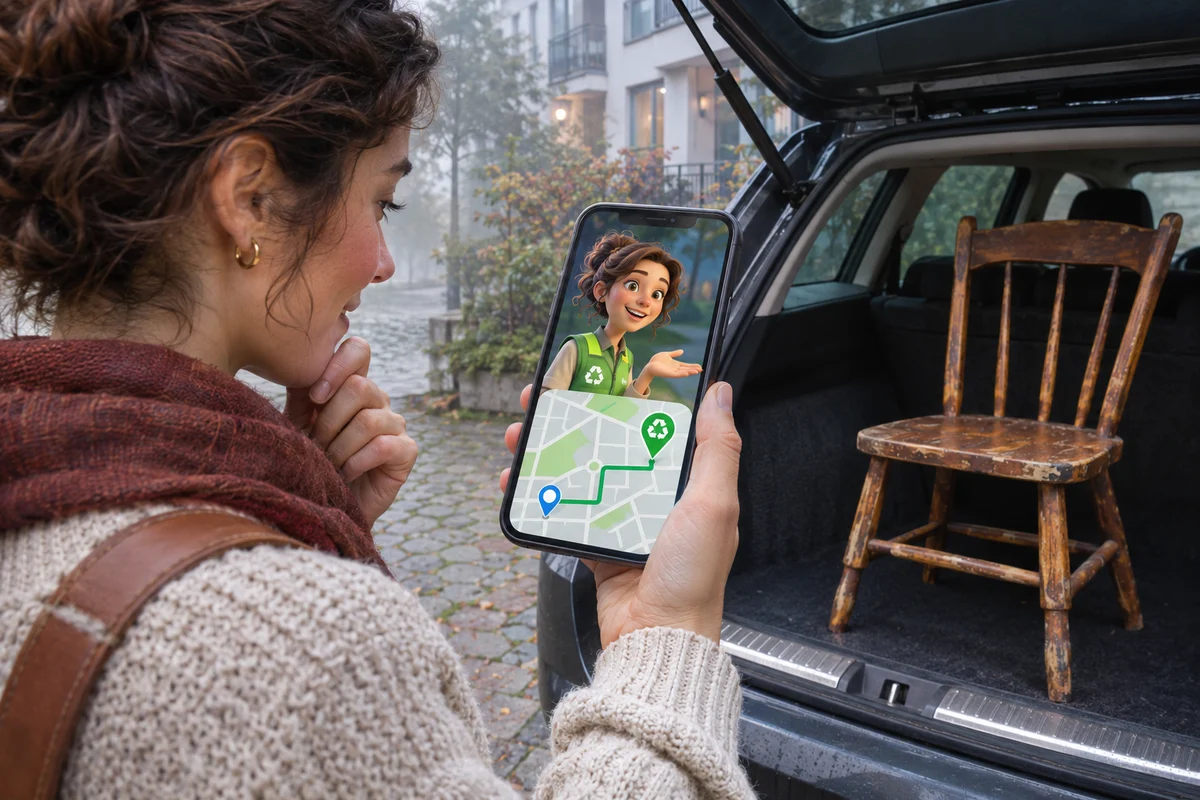
“Where does the council accept an old chair?”
Using local authority information, the assistant shows the collection point, opening times or the next scheduled collection.
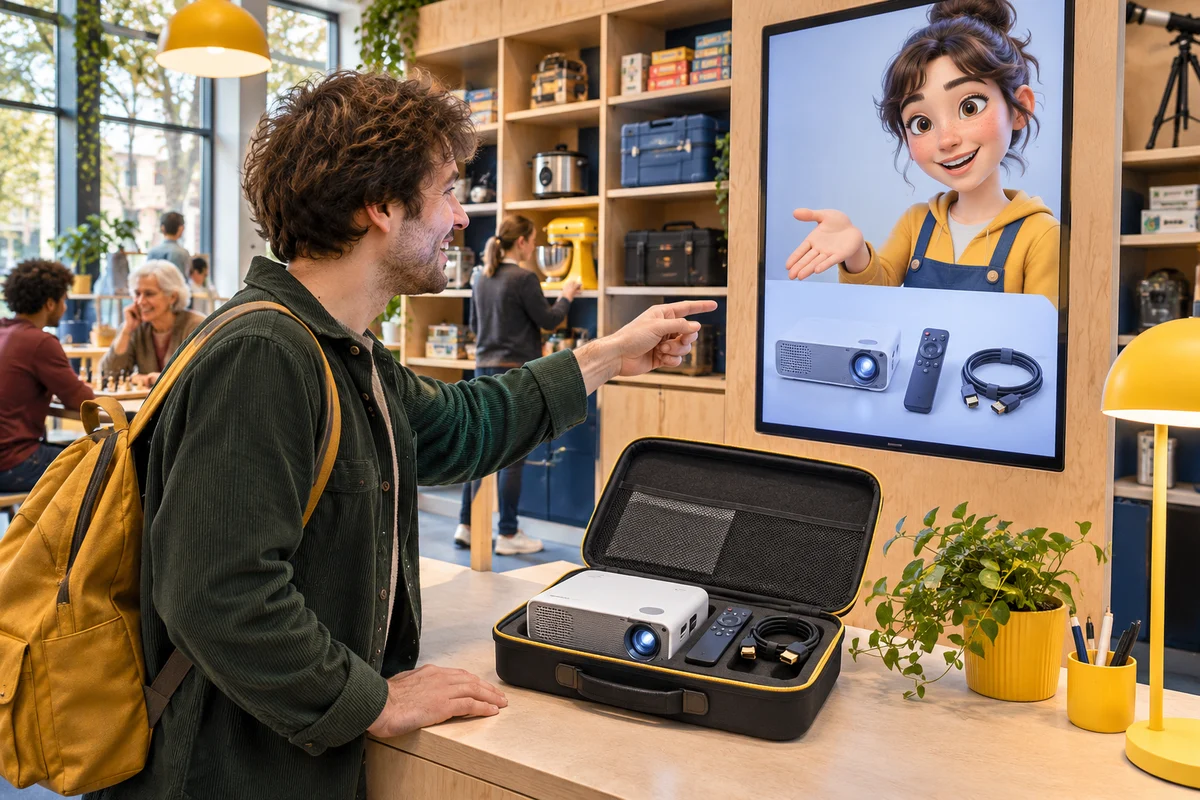
“Can I borrow a projector with a remote for the weekend?”
With the lending catalogue connected, the avatar checks the kit’s availability, shows what is included and explains where to collect it.
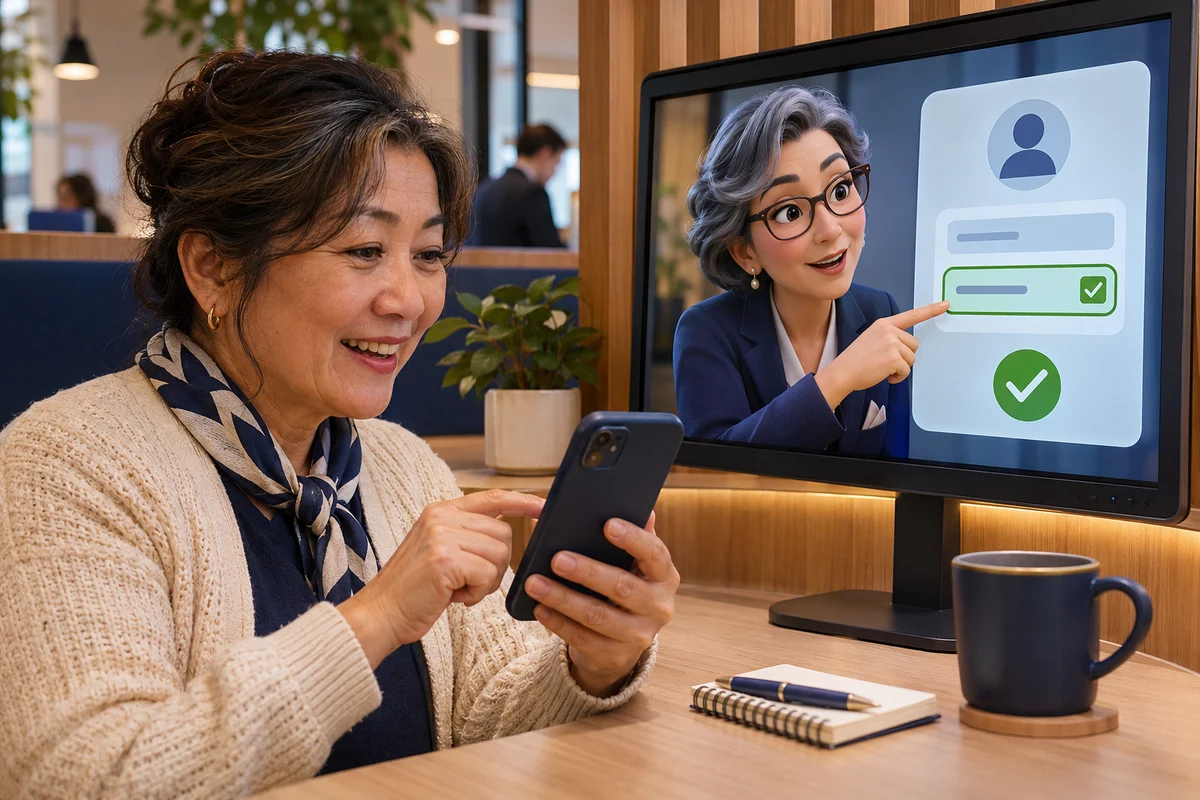
“Can I practise a bank transfer with sample details?”
In a practice environment, the avatar demonstrates the steps and points out where to check the fictional recipient before confirming the exercise.
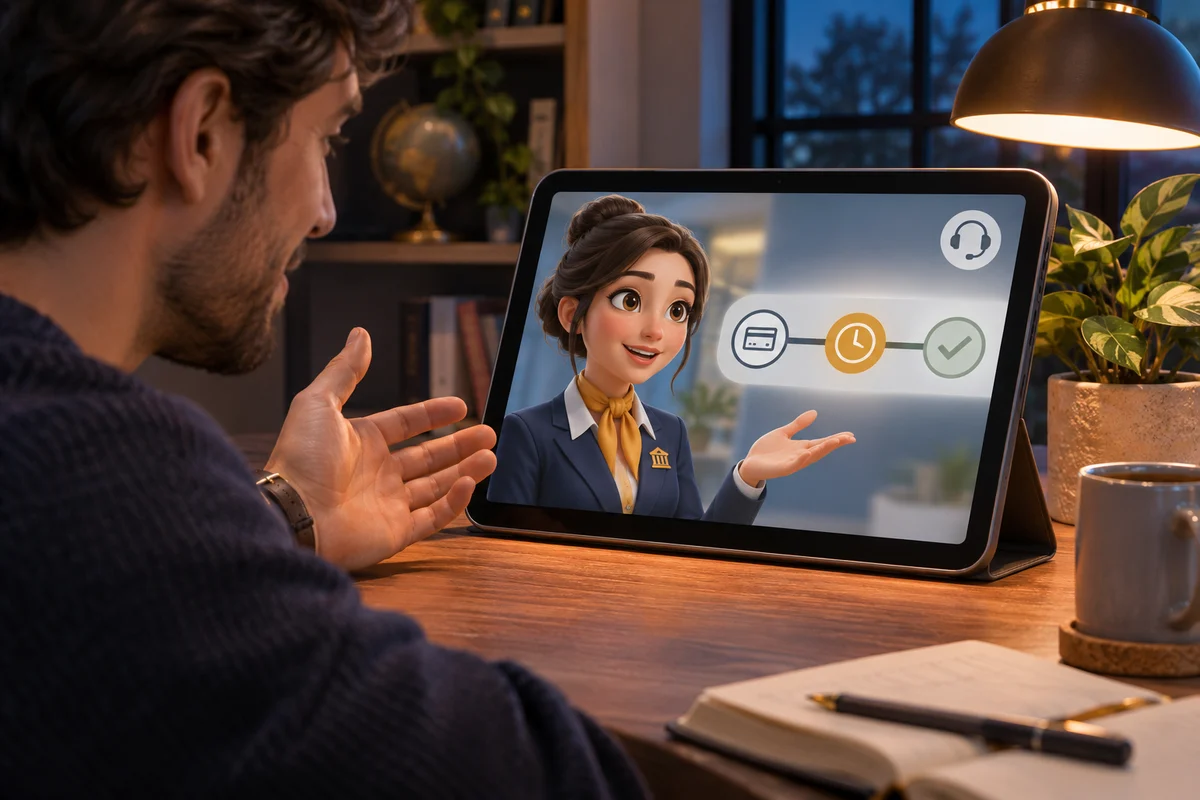
“Why is this payment marked pending in the app?”
The character explains the status using the bank’s guidance and shows how to reach a consultant if the transaction needs checking.
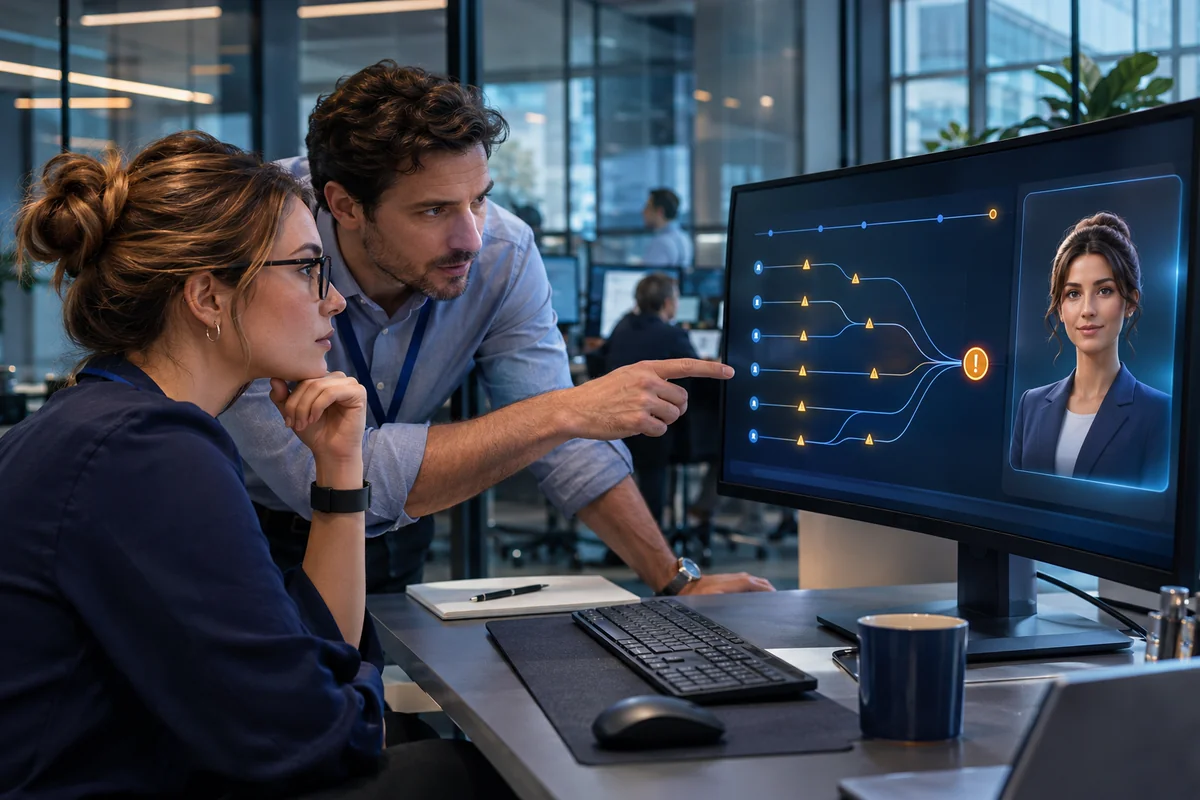
“Could these reports all be about the same incident?”
The assistant groups similar symptoms on a timeline. The operations team verifies the connections and approves a shared update.
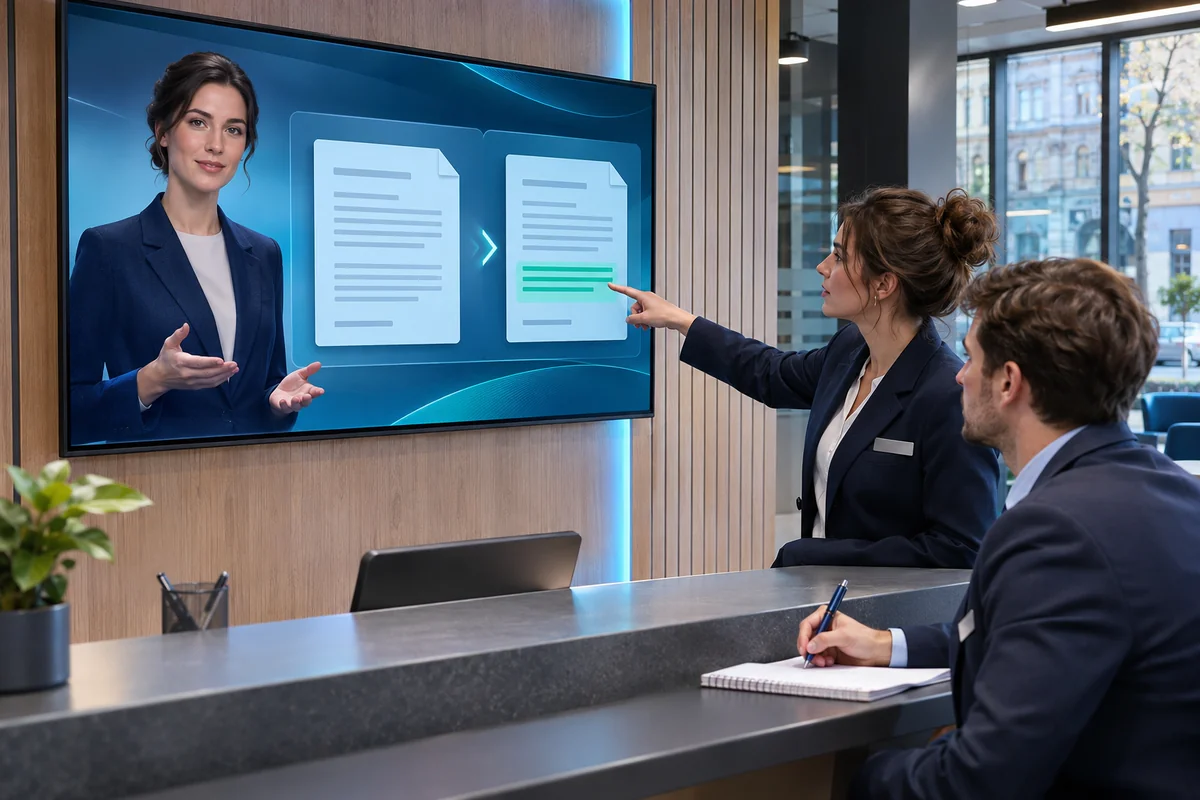
“Which form applies to a request started yesterday?”
The avatar shows the changes side by side and points out the dates in the bank’s approved guidance. The team sees which form applies to this case.
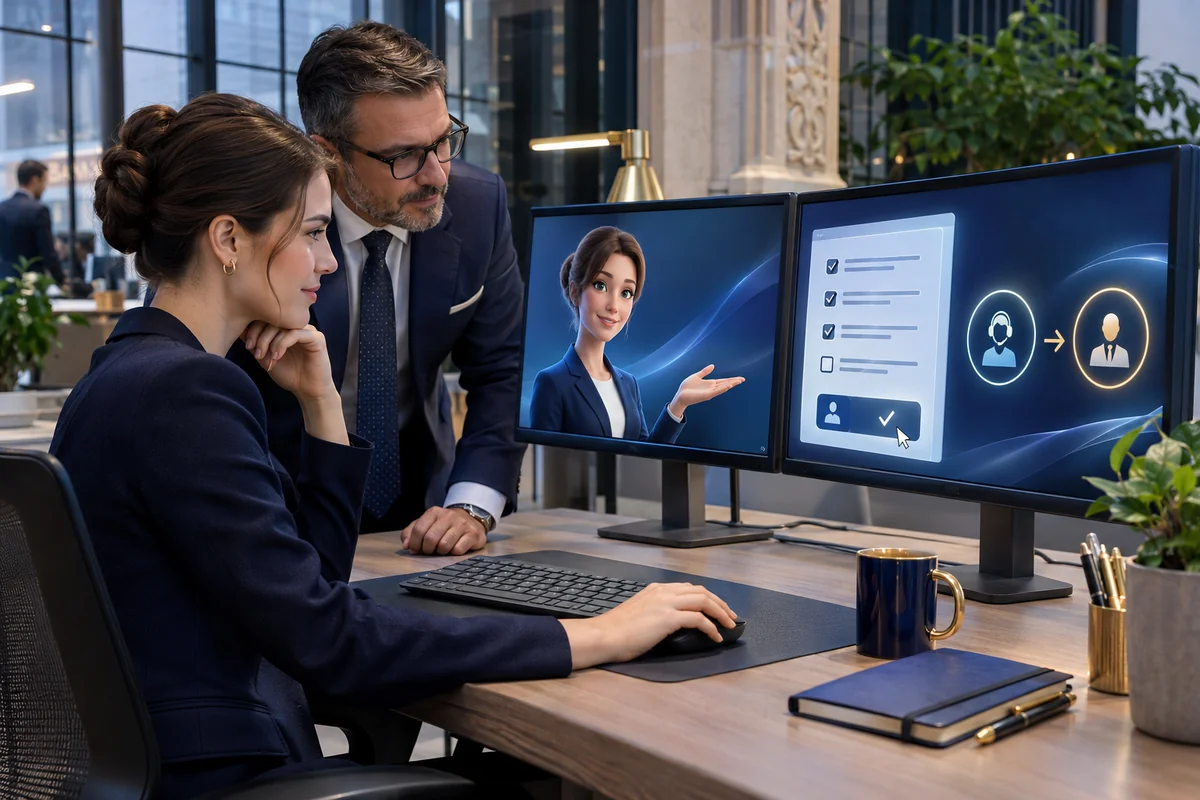
“What should the second reviewer check before approving the exception?”
The assistant brings together the procedure, the reason for the exception and outstanding checks. An authorised employee reviews them and approves the decision in the bank’s system.
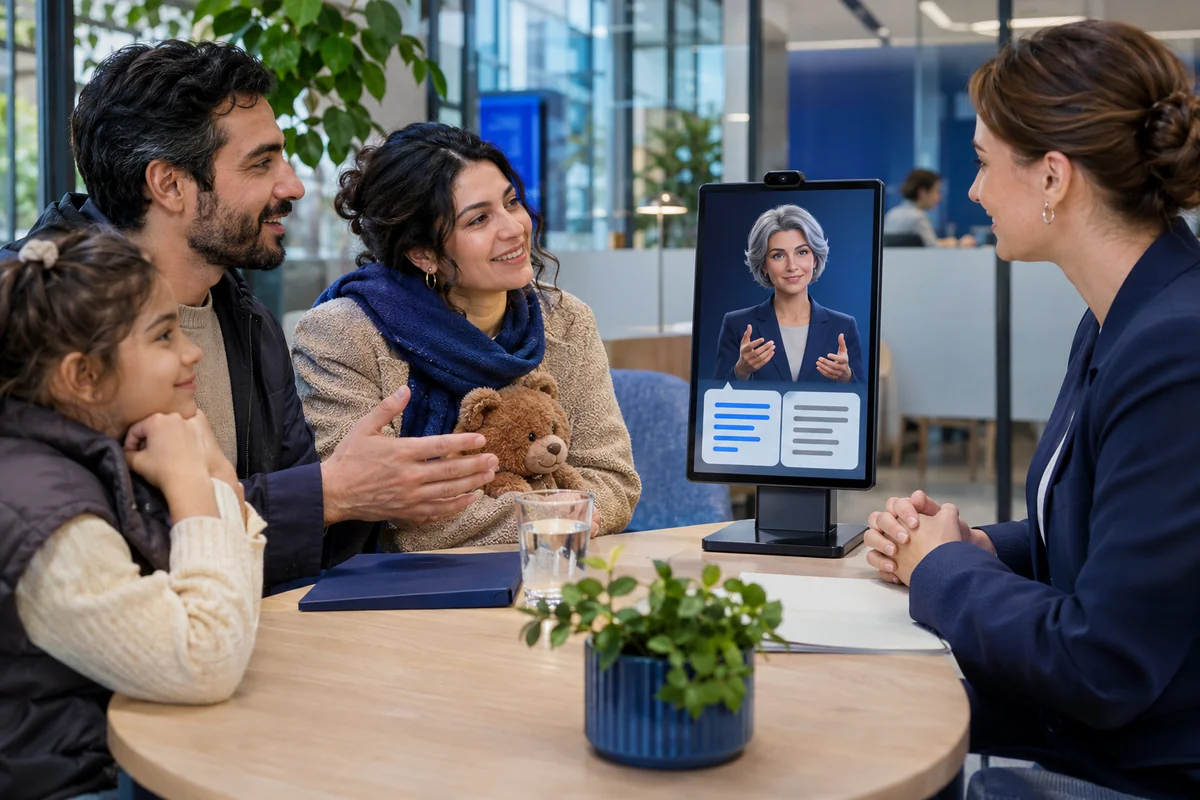
“Can I discuss this with an adviser in my own language?”
In a private booth, the avatar clarifies the topic and explains terms. The adviser leads the conversation, confirms the details and can refer to a bilingual summary.
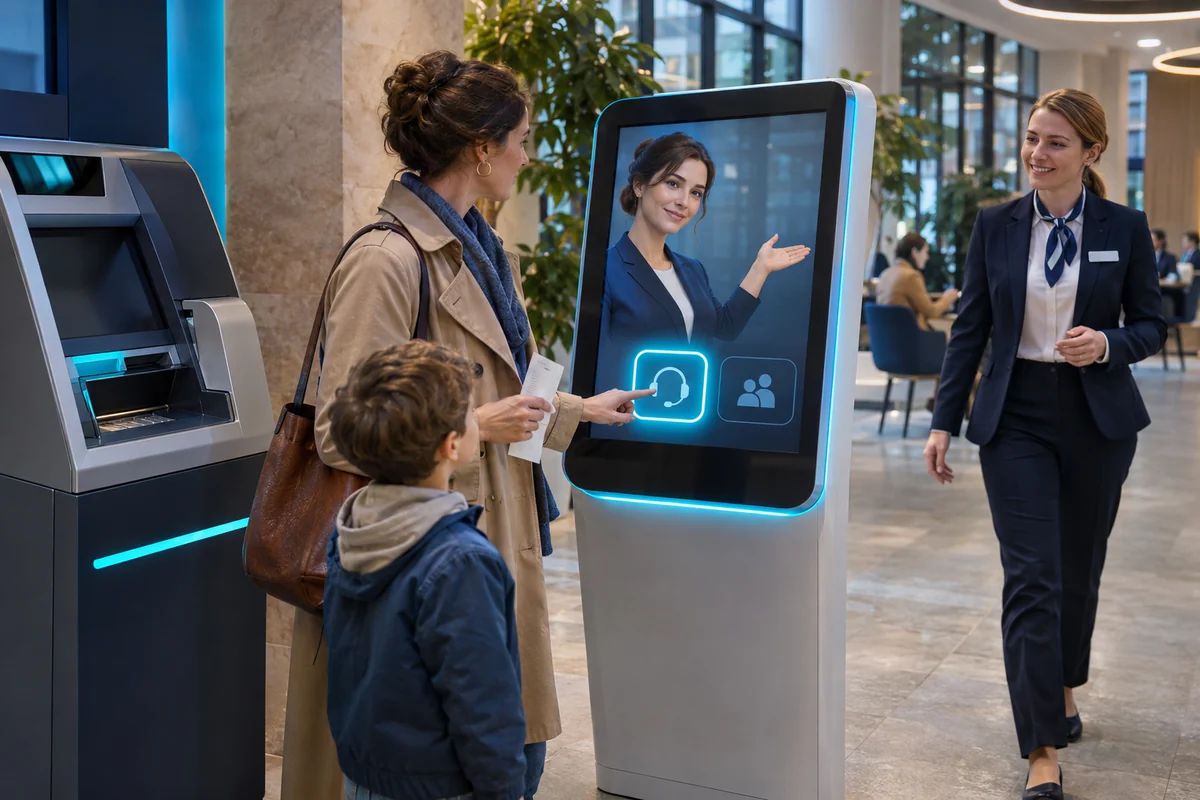
“The machine took my cash, but I cannot see a confirmation. What should I do?”
The avatar explains what information to keep and how to reach the bank. Where the branch supports it, the kiosk can call a member of staff.
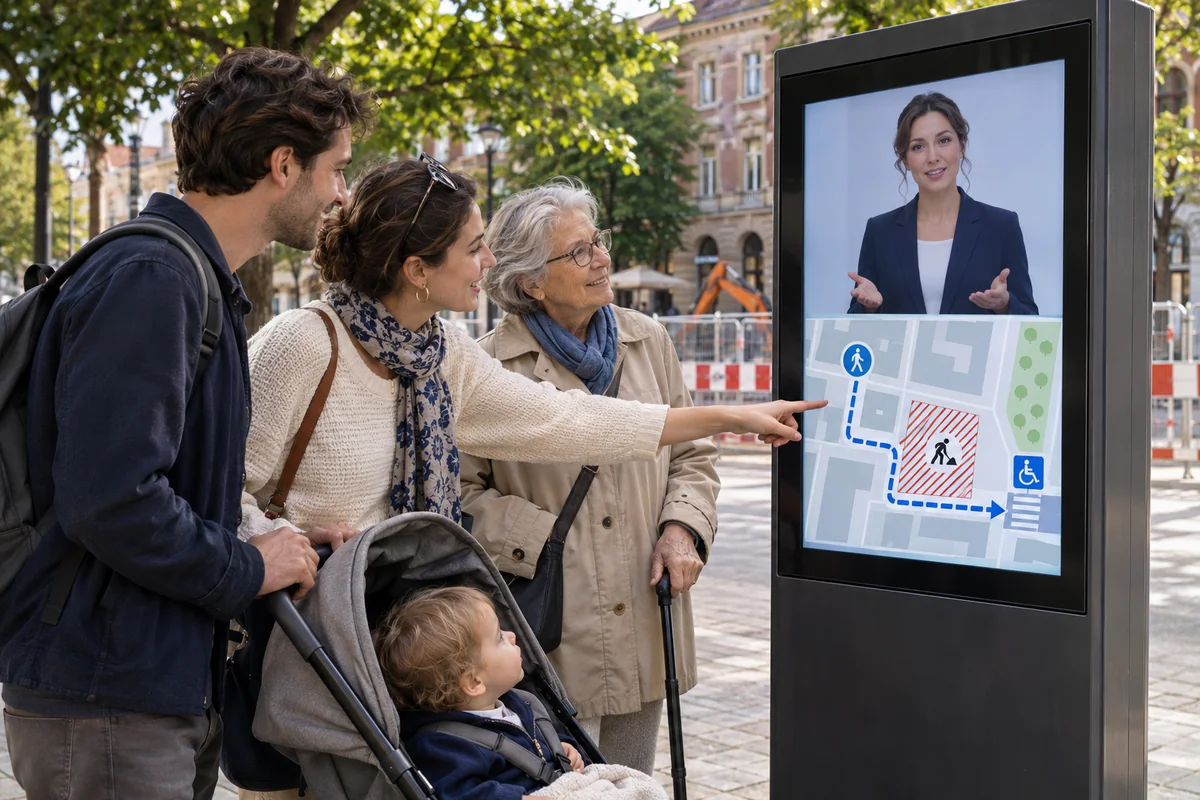
“Can I reach the square without using steps while the main crossing is closed?”
The city avatar shows a confirmed crossing and marks the detour around the works on a map. The visitor can open the route on their phone.
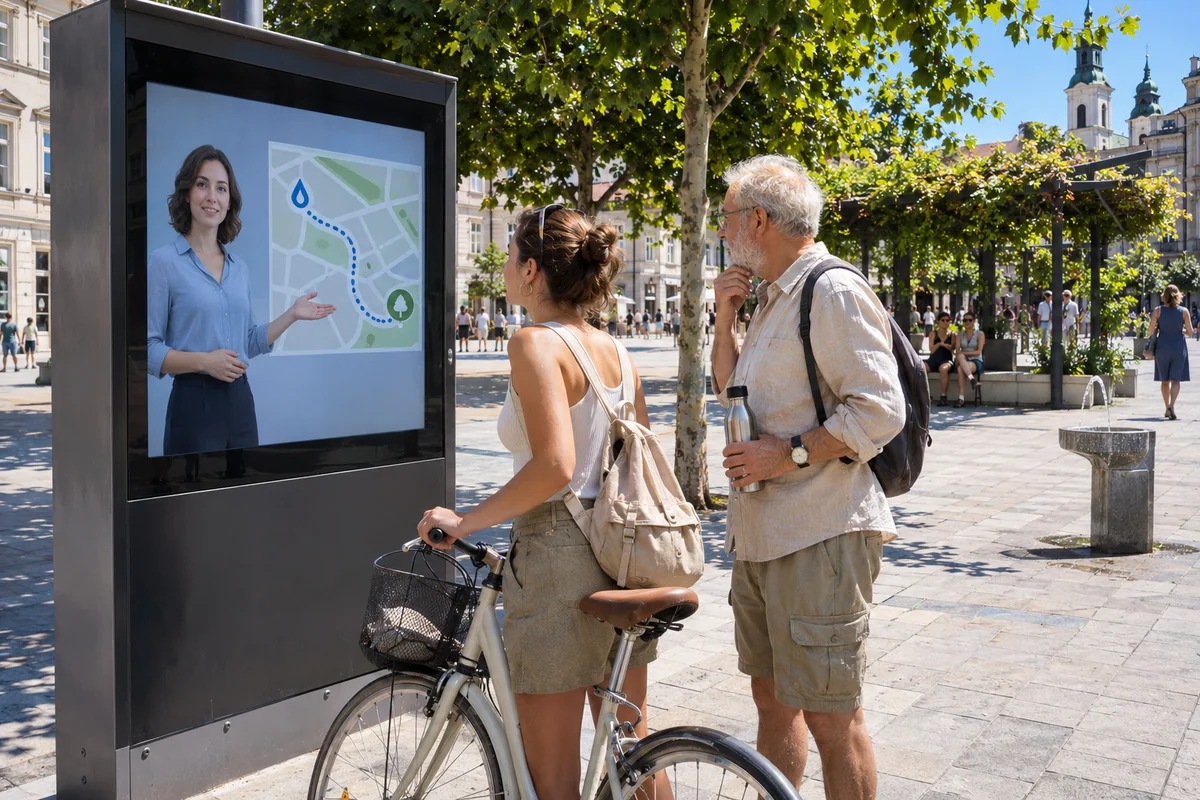
“Where can I fill my bottle and rest in the shade nearby?”
The character uses up-to-date city information on drinking fountains, shady places to rest and public buildings that are open. It shows the way to the chosen spot.
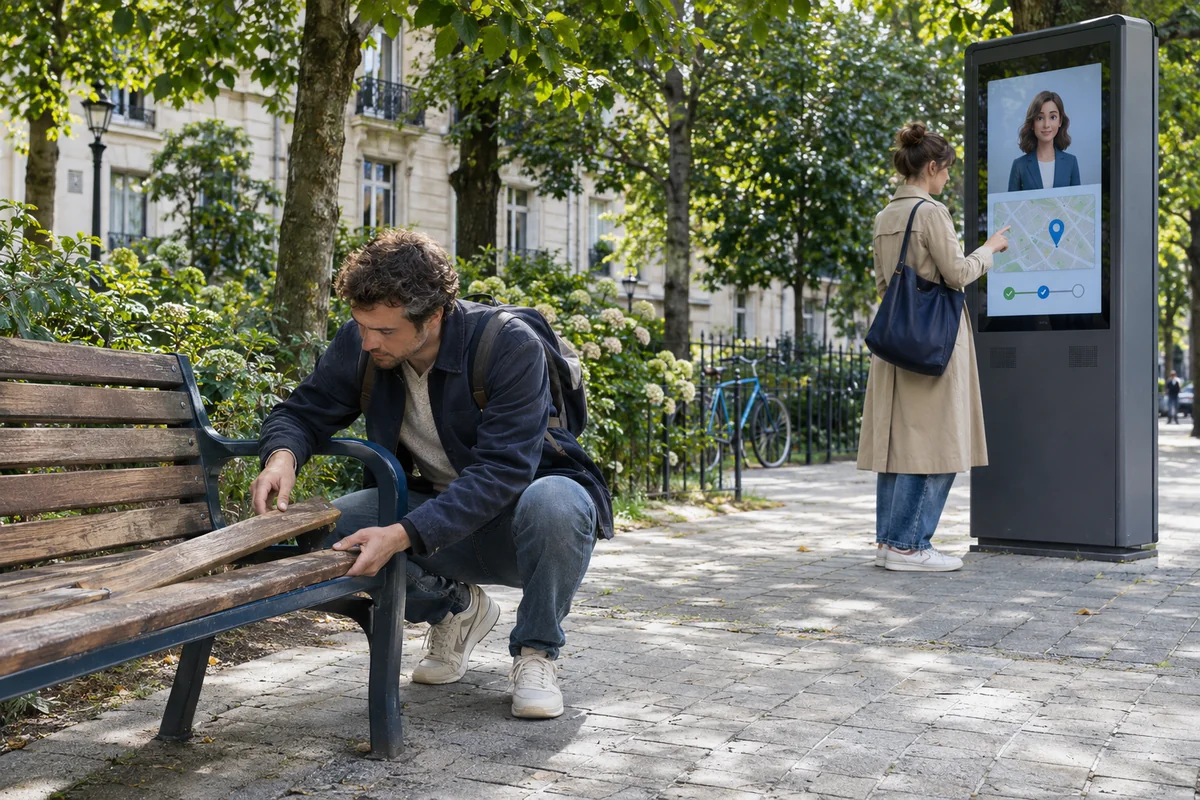
“How do I report a loose bench slat and see what happens next?”
The avatar helps mark the location and describe the issue. With the city system connected, it sends the report to the right team and shows the latest status.
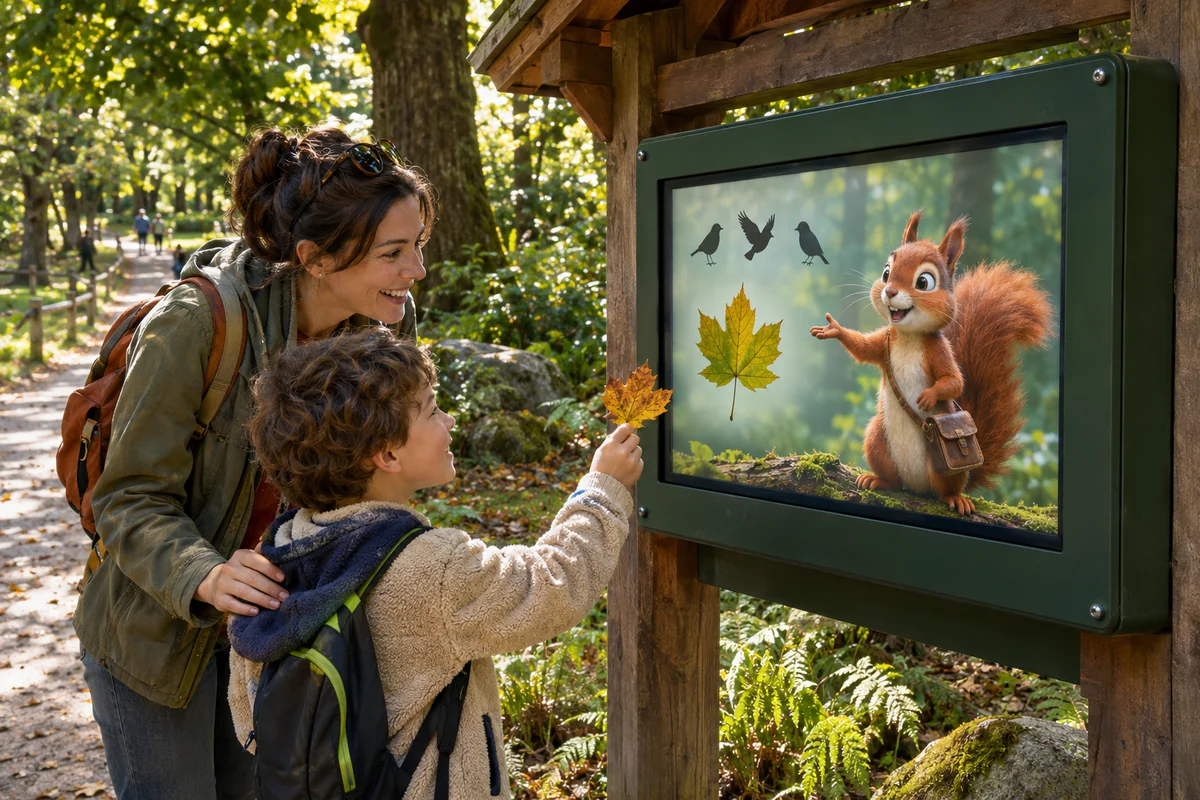
“We found this leaf. What’s our next clue?”
A character at the entrance runs a family trail game. Children recognise birdsong and look for clues at trees. The next riddle depends on what they find.
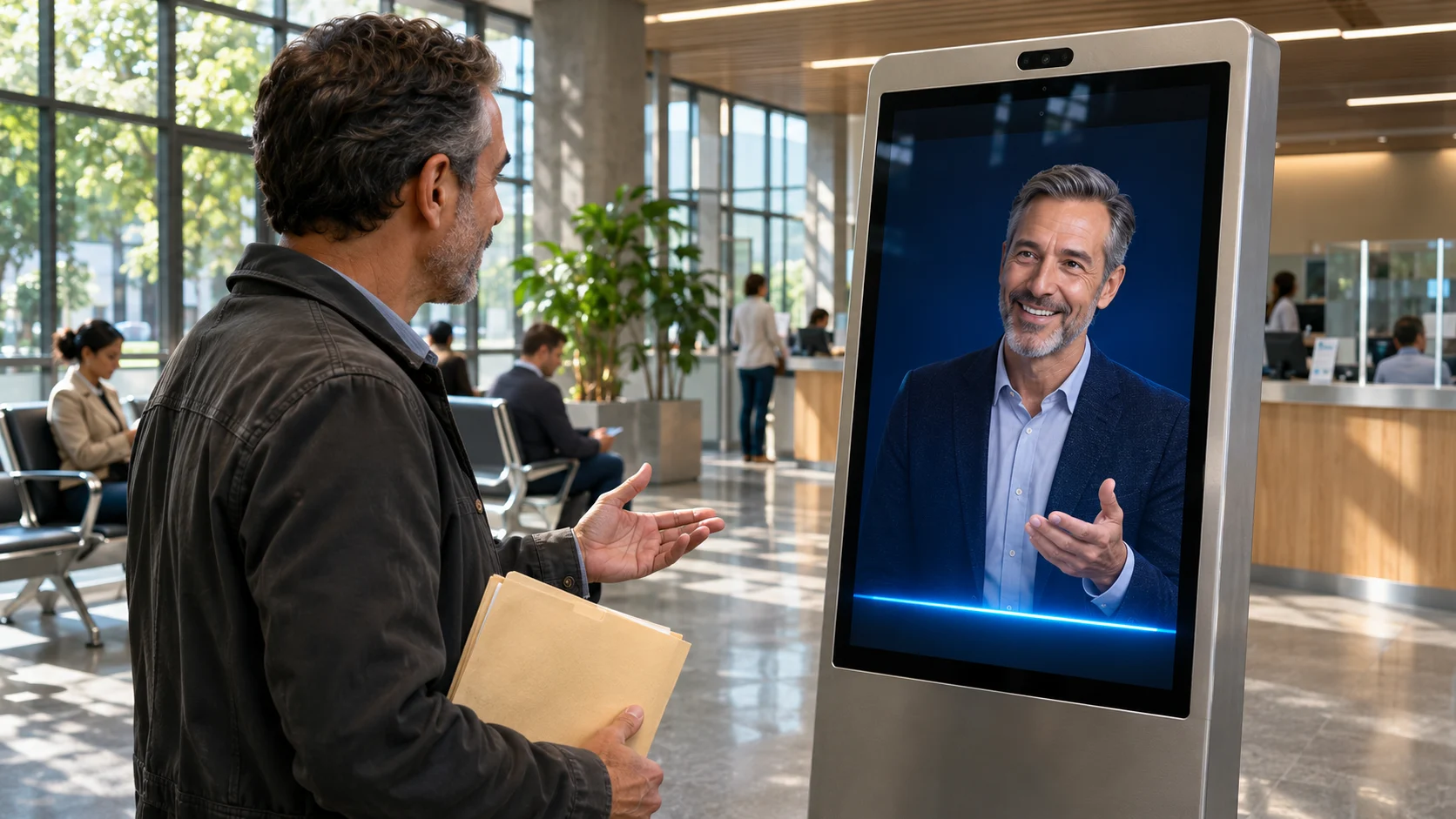
Public administration / Public-service guide
A digital assistant explains procedures in plain language and guides residents to the right service. It helps them prepare for a visit, find a form and contact the relevant department.
Residents arrive prepared. Staff can focus on resolving their cases.
“I need to handle an administrative matter. Which documents should I prepare?”
The assistant is clearly identified as AI. It does not issue administrative decisions or replace an official or legal advice.
ONE INDUSTRY. MORE POSSIBILITIES.
“I am moving to this municipality. Where should I start?”
The assistant helps find services relevant to the resident’s situation. It shows the steps, information sources, forms and right contacts.
No administrative decisions or individual legal advice. Staff resolve uncertainties.
Talk about this scenario“Where do I enter, how do I take a number and when do I go to the desk?”
The character guides users through a calm simulation of a visit with a map and photos of the building. They learn the order of steps before arriving.
Informational support, not a promise of a therapeutic effect; a text version is also available.
Talk about this scenario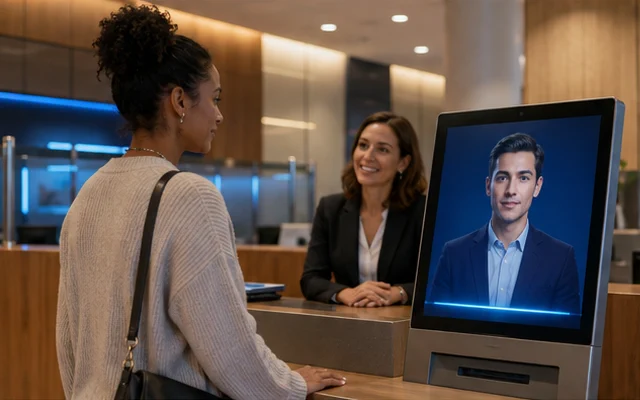
Banks / Customer-service assistant
The assistant explains banking features, helps find forms and prepares meetings with staff. In a branch or online, it guides people through approved information and hands matters requiring authorisation to a person.
Customers know where to get help. Staff receive a case with a defined topic.
“How do I start using the banking app, and where can I get help?”
No investment recommendations or credit decisions. The chat does not ask for passwords, PINs or authorisation codes and does not make transfers.
07 / Marketing and creators
Digital ambassadors, original personalities and new video formats. One recognisable character develops the story across channels, under the control of the brand and creator.
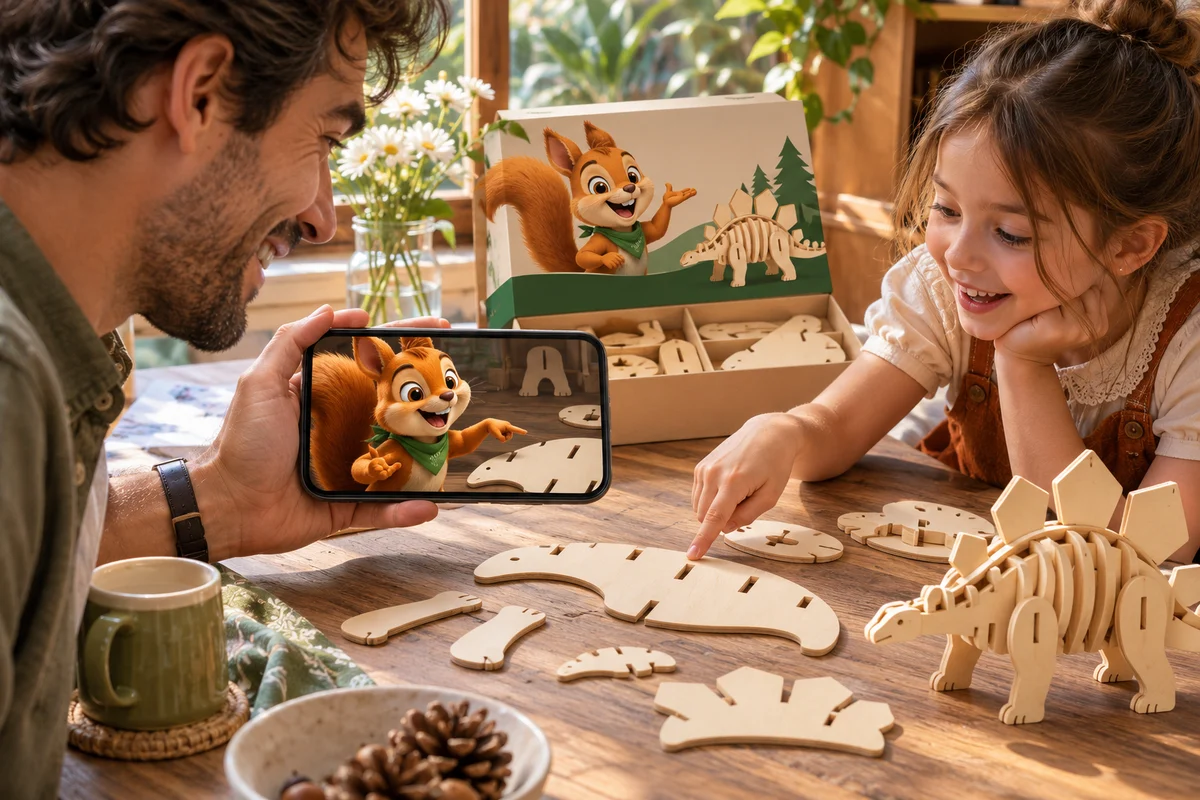
“Which piece should we start assembling first?”
After a scan, the brand mascot appears on the phone and demonstrates the first step from the kit’s guide.
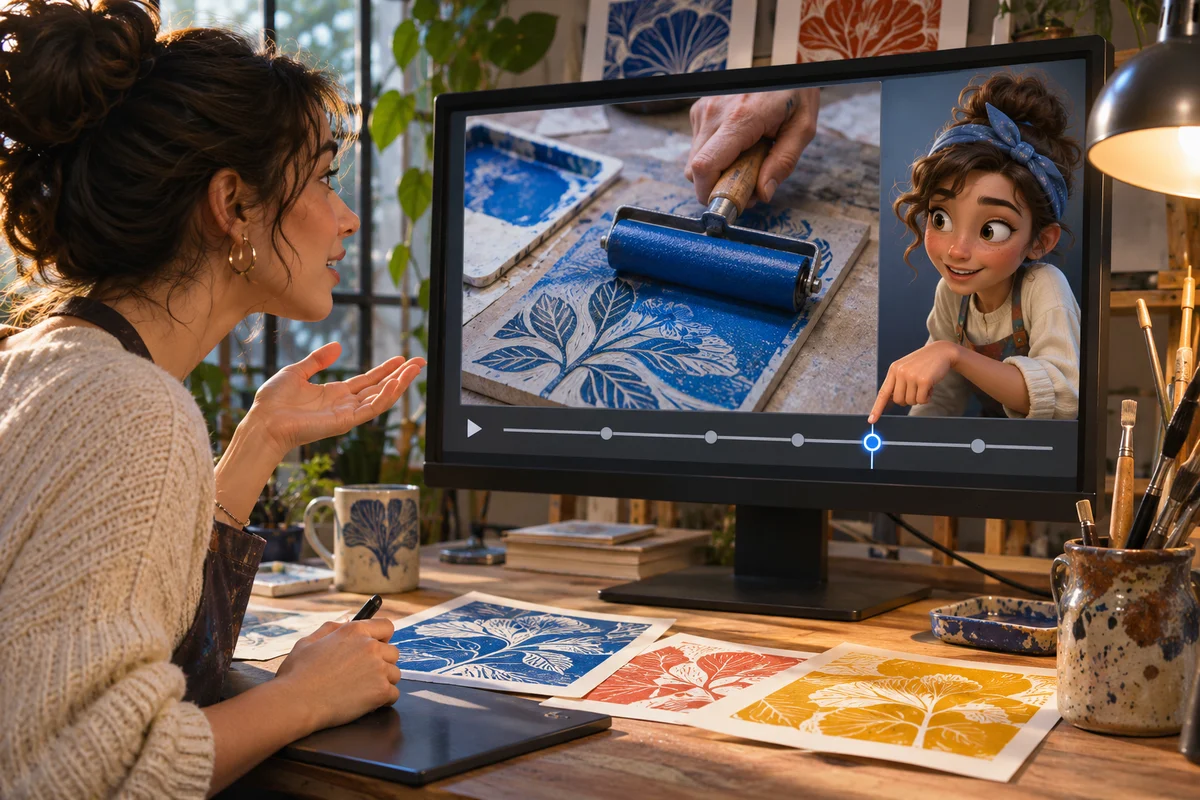
“Where in the tutorial do you show the ink going on?”
The creator’s character identifies the matching segment and provides a link that opens the video at that point.
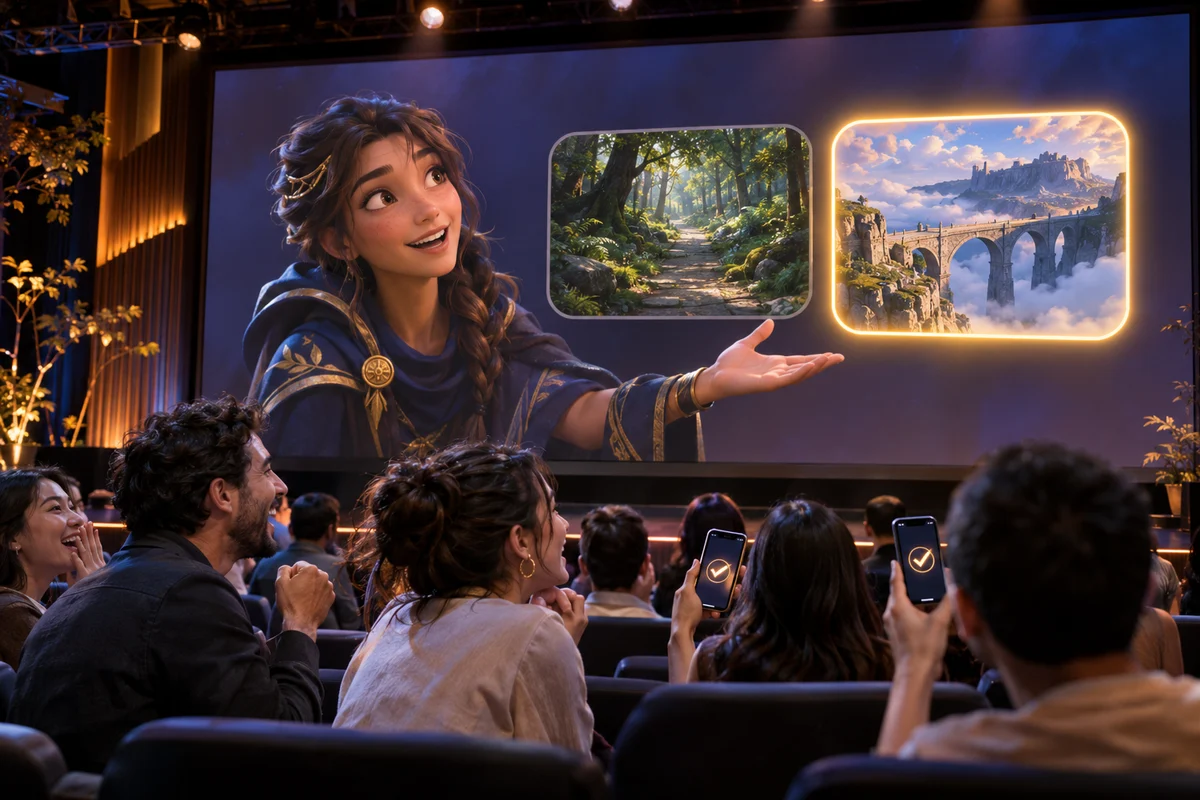
“Can we vote on the ending of this story?”
The character introduces two endings, comments on the audience’s vote and plays the selected scene.

“Can we make a postcard with a bird in my colours?”
The avatar combines approved campaign elements into a preview and sends the approved design for printing at the stand.
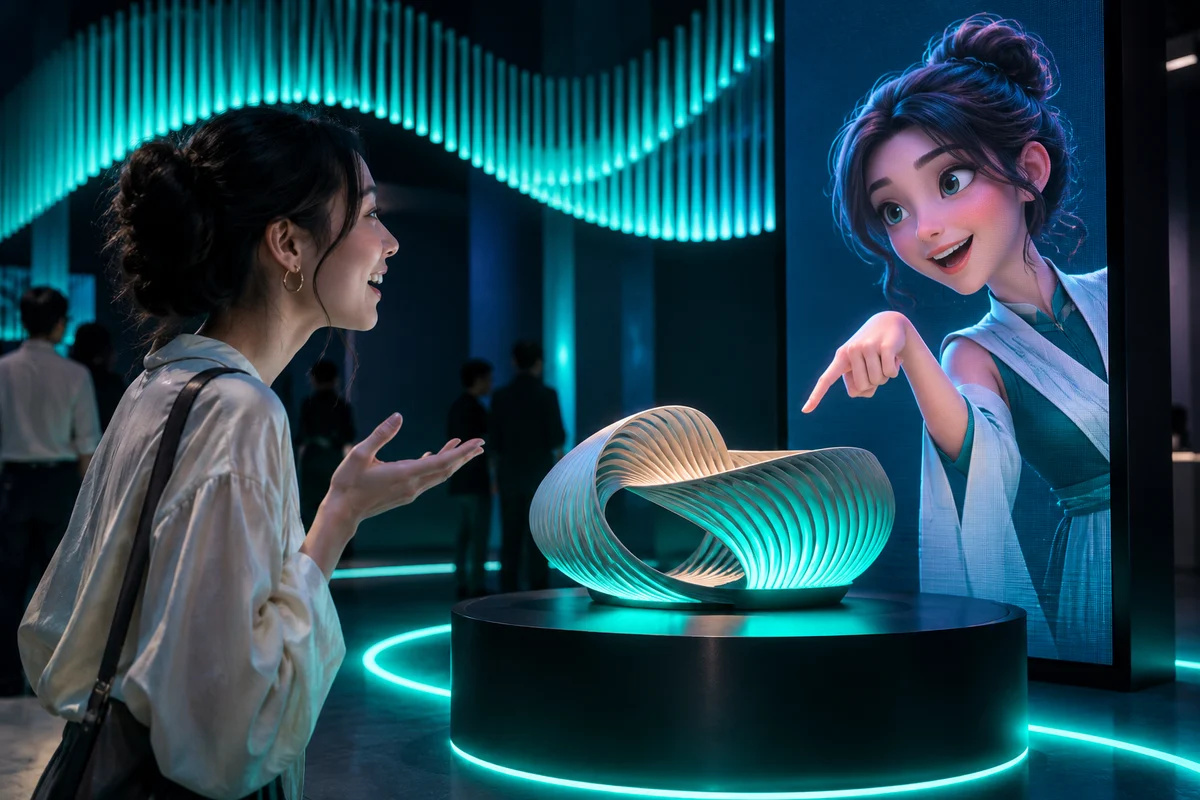
“Can you show that product in ocean-blue light?”
The character points to the object and triggers a preconfigured lighting scene through the installation’s controller.
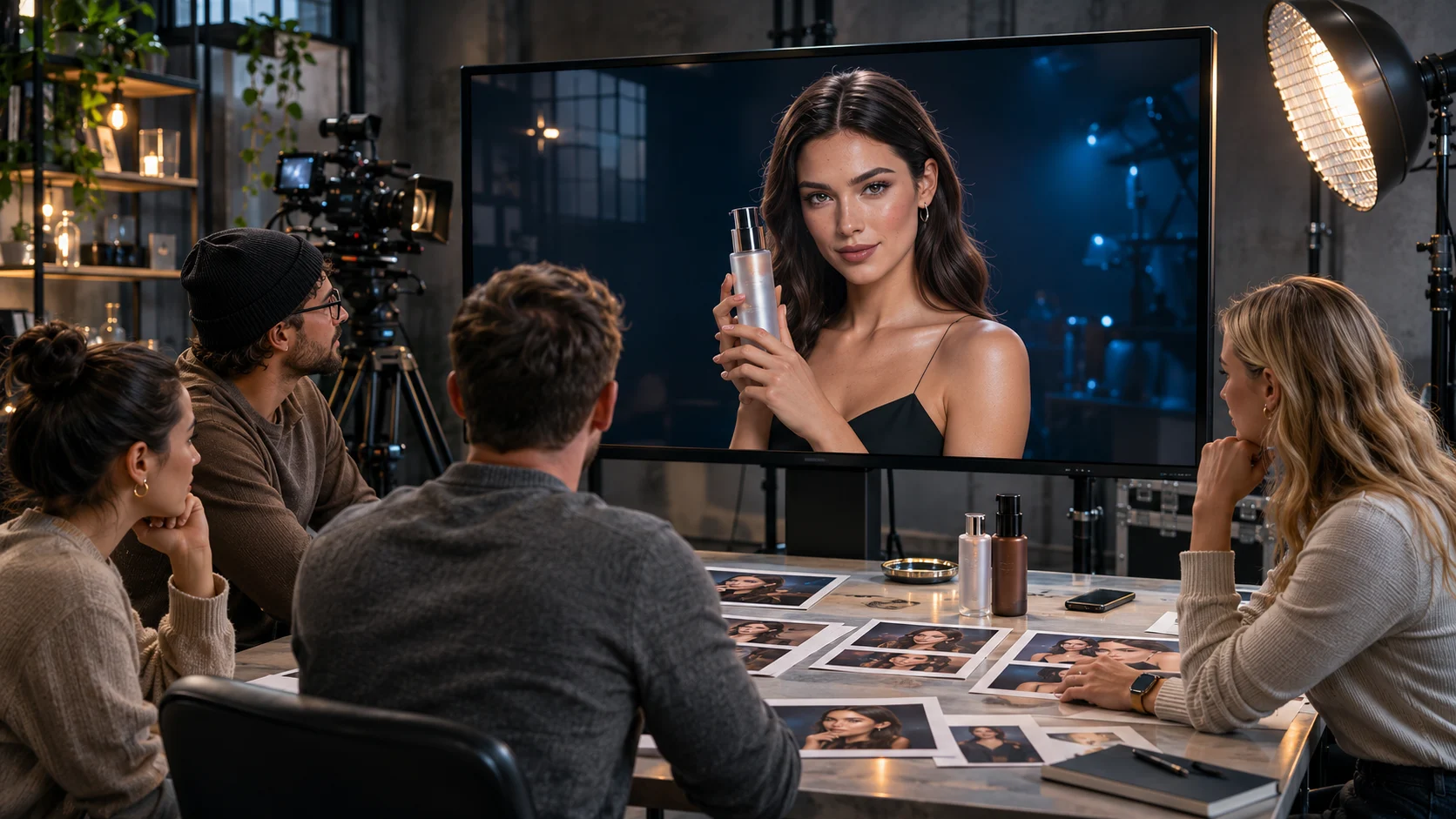
Campaigns / Digital brand ambassador
We design a character that gives a campaign a recognisable face and voice. One approved creative direction can produce product presentations, short videos and messaging variants for different audiences.
A consistent campaign identity, from short video to conversation on a product page.
“Can our ambassador present a new product in several languages?”
The AI character does not pretend to be a real customer or present invented experiences. We clearly disclose the advertising and synthetic nature of the material.
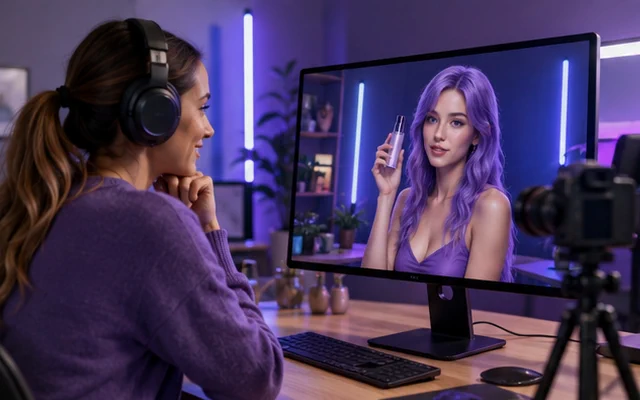
Influencers / Virtual creator
We create original virtual influencers and, with their consent, digital versions of real creators. The character can host advice series, present products and answer questions interactively.
A recognisable character and regular communication that remain under the creator’s control.
“Can I create a virtual character with its own content series?”
We use the likeness and voice of a real person only with their consent. We label AI characters and paid partnerships and do not create false recommendations.
FROM SCENARIO TO DEPLOYMENT
Who needs help, where, and what should happen after the conversation?
Agree the information sources, integrations, permissions and handover to a person.
Measure completed tasks, answer quality and the audience’s experience.